
Meesho Seller Registration 2026-2027: 9 Easy Steps for GST & Non-GST Suppliers
Meesho seller registration is the first real step for anyone who wants to sell to price-conscious buyers across India without paying a heavy commission. This guide is part of our Meesho seller hub, where we map the whole journey from signup to growth. Here we stay focused on one job: getting your supplier account created, verified and ready to list, whether you have a GSTIN or not.
At Uniqs Studio we shoot catalogues for a lot of first-time marketplace sellers, and the same story repeats: the signup itself takes under an hour, but small mismatches in names, bank details or pickup addresses delay activation for days. Satyam has seen sellers lose their first sale season to a single wrong IFSC. So this Meesho seller registration guide explains not just the clicks, but the checks that keep your application moving.
- Meesho seller registration happens on the official supplier panel with your mobile number, email, GSTIN or GST Enrolment ID, bank account and pickup address.
- Non-GST sellers can register with a free Enrolment ID from the GST portal, but they can usually ship only within their own state.
- Most delays come from name mismatches between PAN, GST or EID and the bank account, not from Meesho itself.
- Activation is only half the job — clean, original product photos decide whether your first catalogue passes QC.
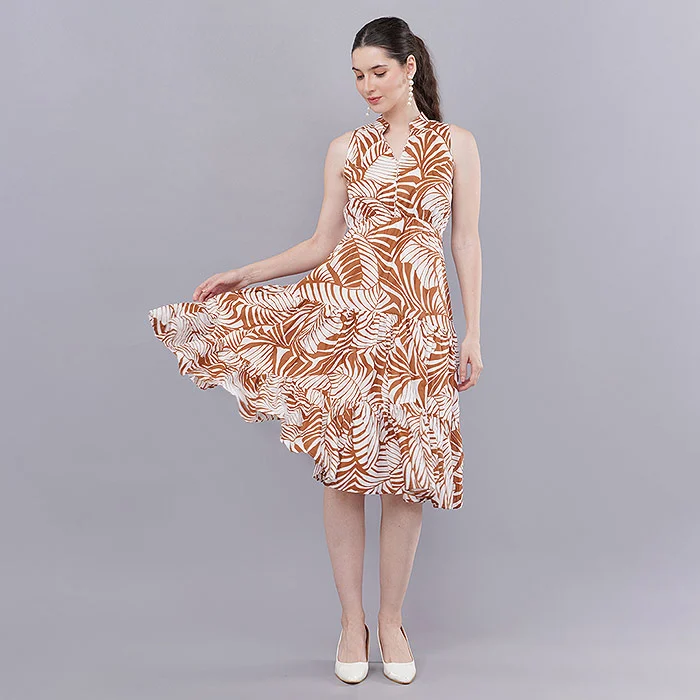
What is Meesho seller registration and who can apply?
Meesho seller registration is the process of creating a supplier account on Meesho’s supplier panel so you can list products, receive orders and get paid. Any Indian individual or business with a PAN, a working bank account, a pickup address and either a GSTIN or a GST Enrolment ID can apply.
Meesho calls its sellers suppliers, which is why you will see “Meesho supplier registration” and “Meesho seller registration” used for the same thing. The platform is built for small and mid-sized businesses: home businesses selling kurtis from a spare room, wholesalers in Surat or Jaipur moving bulk stock, manufacturers testing direct-to-buyer sales, and resellers who already sell on Amazon or Flipkart and want one more channel.
What makes Meesho different is the cost structure. Meesho openly promotes zero commission for suppliers, so your margin is mostly shaped by your selling price, shipping, returns and any ads you choose to run. That low barrier is exactly why the category pages are crowded — and why getting registration right, then listing with sharp photos, matters more here than on many other marketplaces.
Who benefits most from a Meesho seller account?
- Apparel and ethnic wear sellers — kurtis, sarees, co-ord sets, kids’ wear and nightwear are among the busiest categories.
- Home businesses and first-time entrepreneurs who want to start without a GST registration and sell within their state.
- Manufacturers and wholesalers with steady stock who can price aggressively and dispatch quickly.
- Multi-marketplace D2C brands that already have product images and want to reuse them across channels.
Which documents do you need for Meesho seller registration?
You need a mobile number and email, a PAN, either a GSTIN or a GST Enrolment ID, a bank account in the same name with a cancelled cheque or statement, and a pickup address. Keep clear scans ready before you start so the form does not time out halfway.
The single most important rule is name consistency. The legal name on your PAN, your GST certificate or Enrolment ID, and your bank account should match letter for letter. If you run a proprietorship, the bank account can be in the proprietor’s name or the firm’s name as registered with GST — but mixing a personal PAN with a relative’s bank account is the fastest way to get your Meesho seller registration paused.
| Document / detail | GST seller | Non-GST seller | Tip from the studio desk |
|---|---|---|---|
| Mobile number + email | Required | Required | Use a number you will keep; OTPs go here for every login. |
| PAN card | Required | Required | Must be linked to Aadhaar and your mobile for EID generation. |
| GSTIN certificate | Required | Not needed | The first ten characters of a GSTIN are the PAN — they must match. |
| GST Enrolment ID (EID) | Not needed | Required | Generated free on the GST portal; takes minutes when PAN is linked. |
| Bank account + cancelled cheque or statement | Required | Required | Account holder name should match PAN or GST legal name. |
| Pickup address | Required | Required (in the same state you sell in) | Use the address where the courier actually collects parcels. |
| Brand authorisation letter | Only for branded goods you don’t own | Same | Not needed for your own unbranded or private-label products. |
If you are not sure whether your PAN is linked to Aadhaar, check that first on the income tax portal. A delinked PAN is a quiet blocker: the GST portal will not issue an Enrolment ID, and without it the non-GST path of Meesho seller registration simply will not proceed.
GST or non-GST: which Meesho seller registration route fits you?
Choose the GST route if you want to sell across India, run Meesho ads or expect to cross the GST threshold soon. Choose the non-GST route with an Enrolment ID if you are a small seller testing the market within your own state and want to start without GST compliance.
Under current GST rules, suppliers of goods whose aggregate turnover stays under the threshold (40 lakh rupees in most states, 20 lakh in special category states) can sell through ecommerce operators without registering, as long as they sell intra-state. Meesho supports this through the GST Enrolment ID, and its supplier site states clearly that you can sell even without a GSTIN. The trade-off: advertising features are reserved for sellers with a regular GSTIN.
| Factor | GST route (GSTIN) | Non-GST route (Enrolment ID) |
|---|---|---|
| Where you can sell | All serviceable pincodes across India | Usually only within your pickup state |
| Meesho Ads | Available | Not available without regular GSTIN |
| Compliance effort | Monthly/quarterly GST returns | Minimal until you cross the threshold |
| Best for | Growing brands, wholesalers, manufacturers | Home businesses, first-time sellers testing demand |
| Switching later | — | Update GSTIN in the panel once you register for GST |
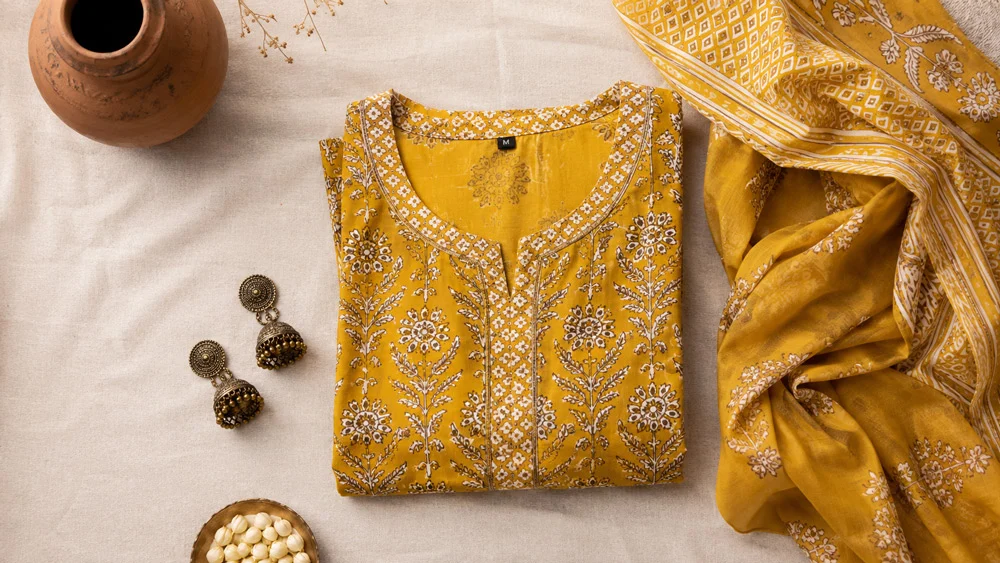
Our honest view from working with sellers: if you already have a GSTIN, use it. Selling nationally widens your buyer pool dramatically, and the Ads option helps new catalogues get their first impressions. If you don’t have one yet, the Enrolment ID route is a perfectly sensible way to validate your product before taking on GST filing. You can generate the EID from the official GST portal under the option for unregistered applicants.
How do you complete Meesho seller registration online, step by step?
Open the official Meesho supplier panel, verify your mobile and email, enter your GSTIN or Enrolment ID, add your pickup address, bank account and store name, accept the agreement and submit. With documents ready, the whole Meesho seller registration online takes about 30 to 60 minutes.
Here is the flow in the order the panel usually asks for it. Screens change from time to time, so treat the labels as a guide and always start from the official Meesho supplier panel rather than links shared on social media.
Step 1: Open the supplier panel and start signup
Go to the supplier site, tap “Start Selling” or the equivalent signup button, and enter the mobile number you want tied to the account. You will get an OTP; enter it to create your login. Use a number that will stay with the business, because order alerts and every future login depend on it.
Step 2: Verify your email address
Add a business email and confirm it through the verification link or code. This email receives payment reports, policy updates and support tickets, so avoid a personal inbox you rarely check.
Step 3: Enter your GSTIN or GST Enrolment ID
GST sellers enter the 15-character GSTIN; Meesho pulls your legal name and registered address from the GST database. Non-GST sellers choose the option that says they don’t have a GSTIN and enter their Enrolment ID instead. This is the step where most Meesho seller registration problems show up — if the name returned doesn’t match your PAN, stop and fix it before continuing.
Step 4: Add your pickup address
Enter the exact address, with pincode and landmark, where the delivery partner will collect parcels. For non-GST sellers this must be in the same state as your Enrolment ID. If you pack from a warehouse but your GST address is your office, add the warehouse as the pickup location so couriers don’t arrive at the wrong door.
Step 5: Link and verify your bank account
Enter the account number and IFSC, then upload a cancelled cheque or bank statement if asked. Meesho typically verifies the account with a small test credit. Double-check the IFSC — a single wrong character is one of the most common reasons payments fail later.
Step 6: Choose your supplier and store name
Pick a store name buyers will see on order details. Keep it short, easy to spell and free of other brands’ trademarks. If you plan to sell under your own label across marketplaces, use the same name everywhere so repeat buyers recognise you.
Step 7: Review the supplier agreement and policies
Read the return, cancellation and quality policies before you accept. Pay special attention to how wrong-product and damaged-product returns are handled, because good photos and accurate descriptions are your best defence against them later.
Step 8: Submit and track your Meesho supplier onboarding status
Submit the form and note any reference shown on screen. The dashboard shows whether your account is under verification, needs action or is active. If a document is flagged, the panel tells you which one to re-upload.
Step 9: Prepare your first catalogue while you wait
Don’t sit idle during verification. Use these hours to finalise product titles, size charts, fabric details and — most importantly — product photos. Sellers who finish Meesho seller registration with images already shot can upload their first catalogue the same day the account goes live.
What happens after you submit your Meesho seller account creation request?
Meesho checks your GSTIN or Enrolment ID, PAN, bank account and pickup address against each other. When everything matches, accounts are usually activated within a day or two; mismatches or unclear scans push it longer until you correct them.
During verification, the panel may ask you to re-upload a document, confirm your address or retry bank verification. Respond quickly — a request that sits unanswered keeps your account in limbo. Once you are active, you’ll be able to open the catalogue upload section, choose categories and start listing.
This is also the right time to set up the basics that sellers often skip: packaging material sized to your products, a simple SKU naming system, and a habit of photographing each packed order before dispatch. That last one sounds tedious, but it gives you evidence when a return arrives with a different product inside.
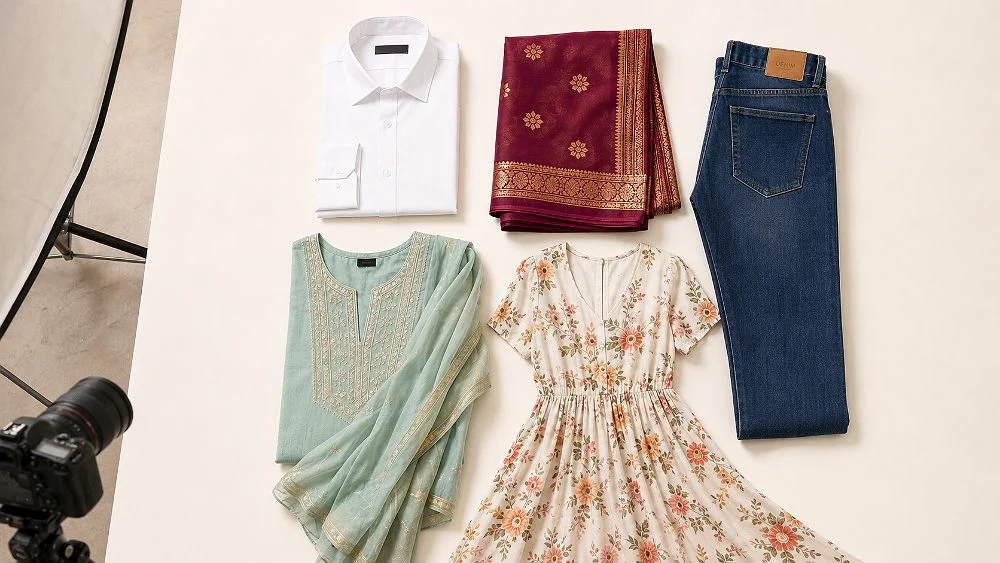
Why does Meesho seller registration get stuck or rejected?
Most stuck applications come down to mismatched names, a PAN not linked to Aadhaar, a wrong IFSC, a pickup address in a different state from the Enrolment ID, or blurry document scans. Fix the mismatch at the source document, then resubmit — repeated guesses only add delay.
- Name mismatch across PAN, GST and bank. Even “Kumar Traders” versus “Kumar Trading Co.” can trigger manual review.
- PAN not linked to Aadhaar. The GST portal won’t issue an Enrolment ID, and non-GST signup stalls at step 3.
- Wrong IFSC or closed account. Test credits bounce, and the panel asks you to re-verify.
- Pickup address in another state. For EID sellers, the pickup state must match the Enrolment ID state.
- Unclear or cropped document uploads. Shoot documents flat, in daylight, with all four corners visible.
- Borrowed or edited documents. Using someone else’s GSTIN or altering scans can lead to permanent suspension.
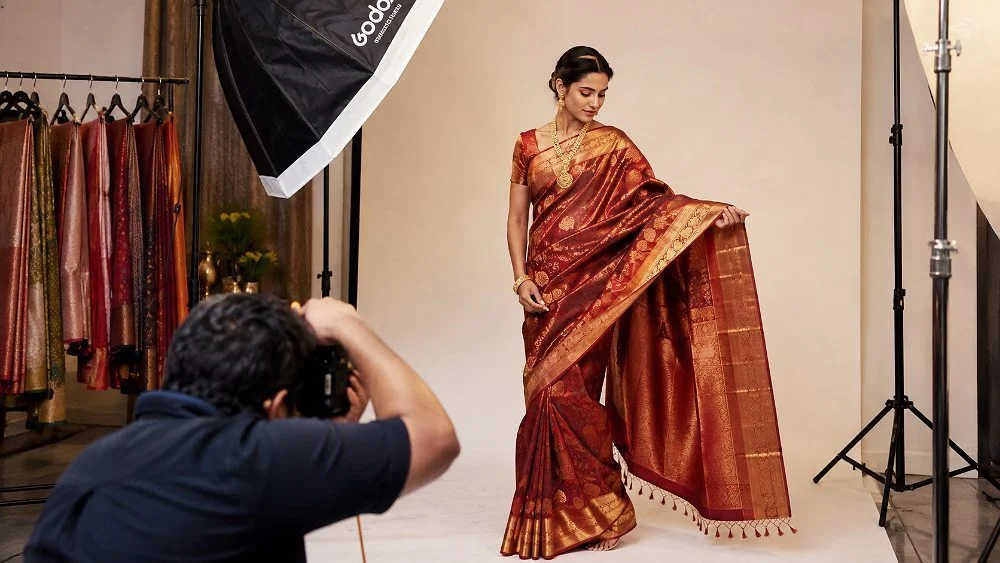
A related mistake happens just after signup: uploading supplier stock photos or images copied from another seller. Meesho runs duplicate-image checks, and listings with watermarks, text overlays or copied photos are commonly rejected. If you need help understanding which shot types to plan, our comparison of ghost mannequin, model and flat lay styles for marketplaces explains which format suits which product.
What should you do in the first 7 days after Meesho seller signup?
Use the first week to upload a focused first catalogue: a handful of your strongest products, each with original photos, complete attributes, an accurate size chart and a competitive price. A small, clean catalogue that passes QC beats a large one that gets rejected.
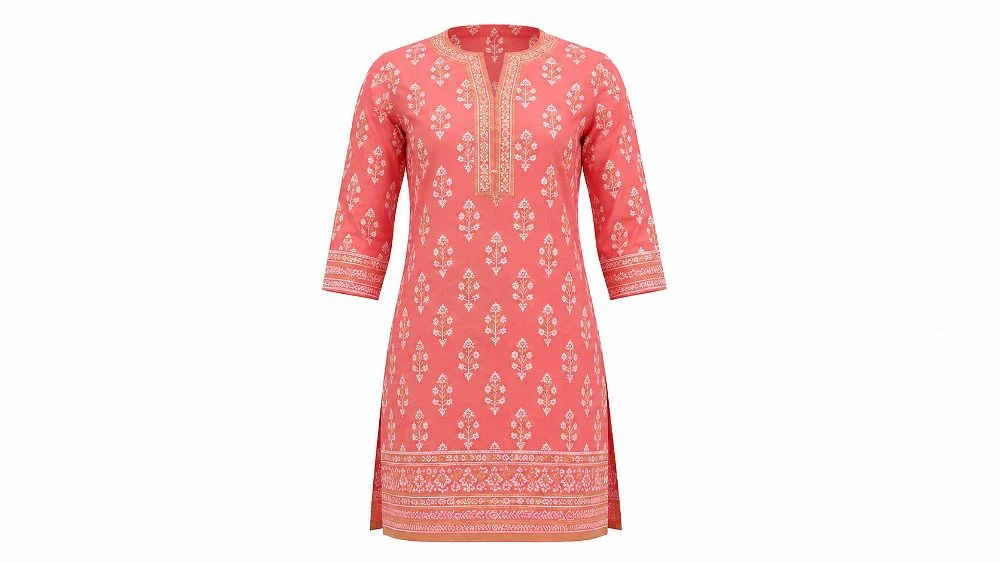
On Meesho, buyers scroll fast and compare dozens of near-identical kurtis or tops on a phone screen. The listings that win clicks show the garment clearly, in true colour, with the fabric texture visible. For apparel on a white or neutral background, ghost mannequin shots show how a kurti or shirt actually falls without the cost of a model, and they keep every colour variant consistent across the catalogue.
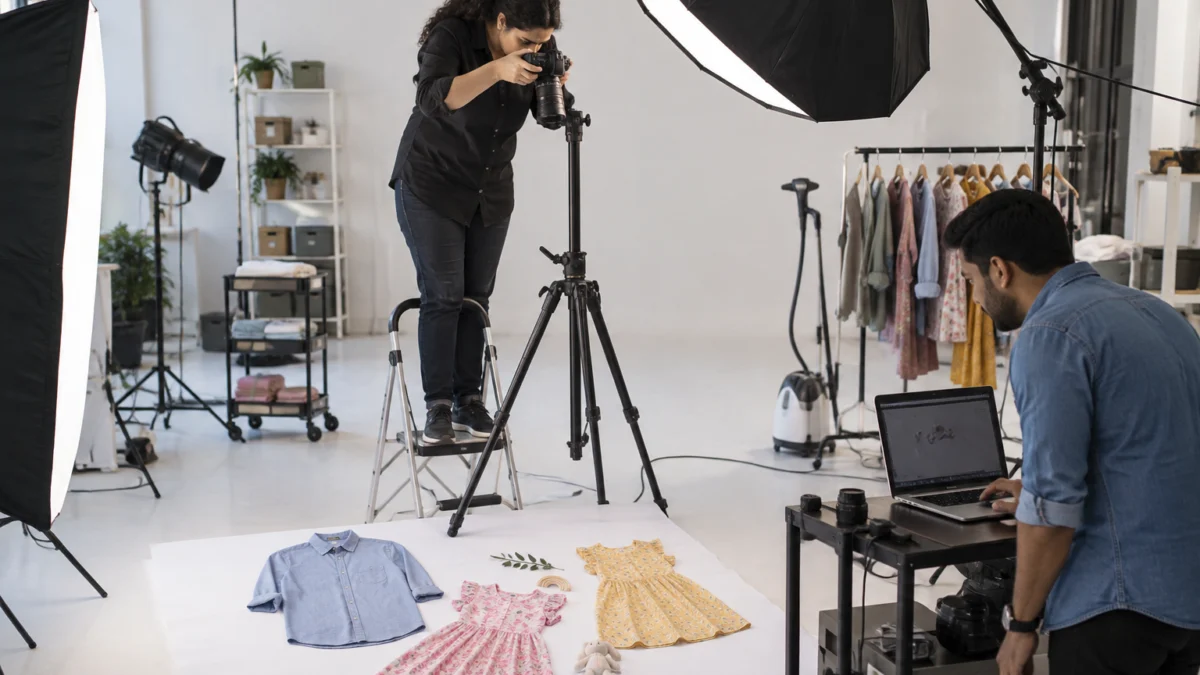
For kids’ wear, combo packs and accessories, flat lay photography work keeps the full set in one frame, which helps buyers understand exactly what arrives in the parcel. And when you sell dresses, co-ord sets or sarees where fit and drape drive the decision, on-model fashion shoots answer the buyer’s real question: “How will this look on me?”
A simple first-week plan for new Meesho suppliers
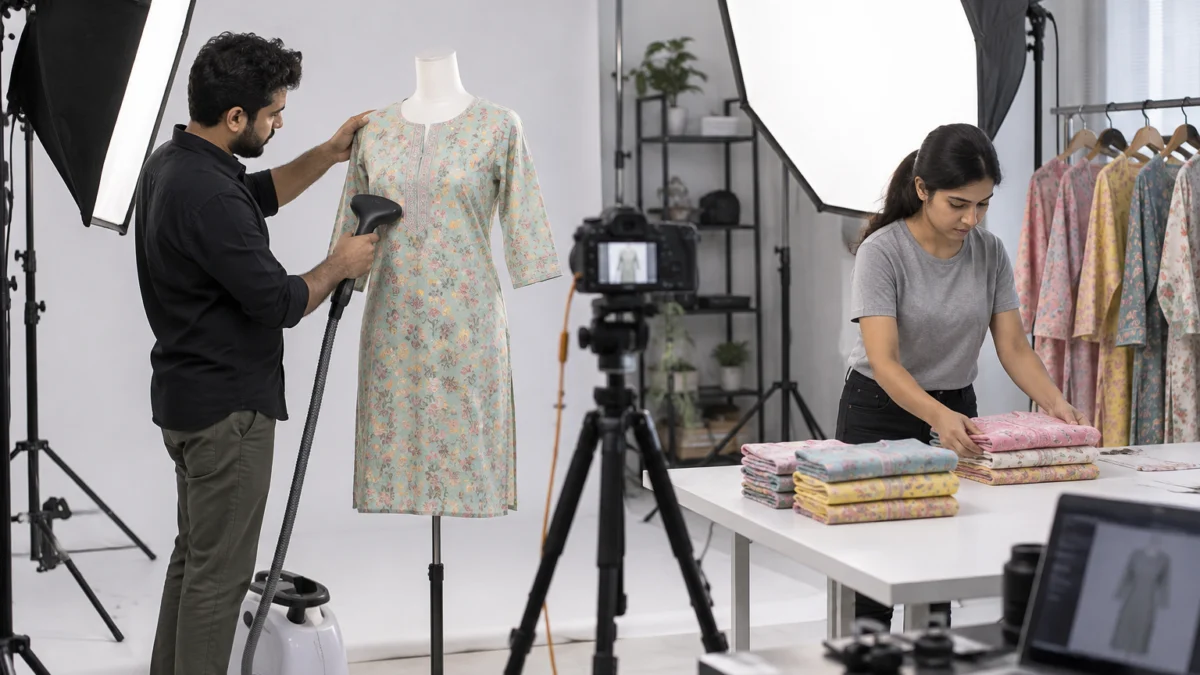
- Day 1–2: Pick 10–20 best-selling or best-margin products and steam, press and tag every piece.
- Day 2–4: Shoot front, back, side and detail angles on a clean background, plus one on-model or flat lay image per style.
- Day 4–5: Write titles with fabric, style and occasion; fill every attribute and add a size chart in inches.
- Day 5–6: Upload the catalogue, fix any QC feedback the same day, and set competitive prices.
- Day 7: Review impressions and orders, then plan the next batch of styles.
Preparing garments properly is half the work of a good shoot; our guide to garment preparation before a fashion shoot covers steaming, tagging and styling in detail. A short garment video also helps buyers see movement and fabric, as in the kurti clip below.
Planning your first Meesho catalogue? Share your product list with Uniqs Studio on WhatsApp at +91-8076745824 and we’ll suggest the right shot types for each style.
How much does it cost to shoot your first Meesho catalogue?
Meesho seller registration itself has no signup fee, so your main launch cost is product photography. At Uniqs Studio, ghost mannequin images start the list at ₹250 per image and model photography is ₹400 per product, with the full official rates below.
| Shoot type | Images | Turnaround | Price |
|---|---|---|---|
| Footwear | 4–5 angles | 5 days | ₹245 / product |
| Bags & handbags | 4–5 angles | 4–5 days | ₹295 / product |
| Jewellery (ring, earring) | 2–3 angles | 4–5 days | ₹300 / product |
| Ghost mannequin | 1 angle | 3–4 days | ₹250 / image |
| Flat lay | 2–3 angles | 6 days | ₹290 / product |
| Model Photography | 5–6 angles | 4–5 days | ₹400 / product |
| Ecommerce Reels Video | 20–25 seconds | 4–5 days | ₹900 / product |
| Garment Video with Model | 25–30 seconds | 4–5 days | ₹1,200 / garment |
Prices are per product/image as listed; call or WhatsApp +91-8076745824 for bulk catalogue quotes.
For a quote on your exact product mix, call +91-8076745824 or WhatsApp +91-8076745824. You can also email your SKU list to [email protected].
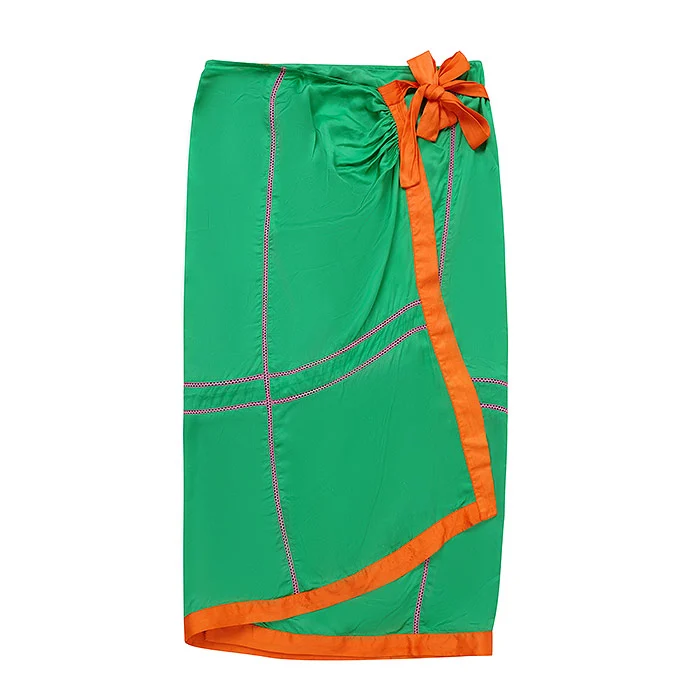
A practical budget tip: you don’t need every shoot type for every SKU. Many first-time suppliers start with ghost mannequin or flat lay images for the full range, then add model photos or a reel only for the five or six hero styles they expect to sell most. That keeps the launch cost sensible while still giving the catalogue a premium look.
Use this Meesho seller registration checklist before you click submit
Run through this checklist once before you start and once before you submit. If every line is ticked, your Meesho seller registration should move through verification without back-and-forth.
- PAN linked to Aadhaar and your mobile number.
- GSTIN certificate ready, or Enrolment ID generated on the GST portal.
- Legal name identical on PAN, GST or EID, and bank account.
- Cancelled cheque or recent bank statement scanned clearly.
- Pickup address with pincode and landmark (same state as EID for non-GST sellers).
- Business email you check daily.
- Store name chosen and checked for trademark conflicts.
- First 10–20 products steamed, tagged and ready to shoot or already photographed.
- Size charts in inches and fabric details written for every style.
If you also plan to list on Myntra later, our Myntra seller guide shows how its onboarding differs — Myntra is far stricter on brand and catalogue standards, so the same photos need to be sharper there.
Meesho seller registration FAQs
These are the questions new suppliers ask us most often while setting up their Meesho account. Each answer is short enough to act on today.
Yes. Meesho does not charge a fee to create a supplier account, and it promotes zero commission on sales. Your costs come from shipping, returns, packaging, optional ads and product photography.
Yes. Generate a free GST Enrolment ID on the GST portal and choose the non-GST option during signup. Non-GST sellers can usually ship only within their own state and cannot use Meesho Ads.
When names, bank details and addresses match, accounts are usually activated within a day or two. Mismatches or unclear document scans delay activation until you correct them in the panel.
You need a mobile number, email, PAN, GSTIN or GST Enrolment ID, a bank account with a cancelled cheque or statement, and a pickup address. Branded goods you don’t own also need a brand authorisation letter.
Yes, both can be updated from the supplier panel settings, though changes go through verification again. Non-GST sellers must keep the pickup address in the same state as their Enrolment ID.
You need original, clear photos without watermarks or text overlays, on a clean background. Professional images are not mandatory, but they reduce QC rejections and wrong-expectation returns, which makes them worth it for your hero products.
What is your next step after Meesho seller registration?
Once your account is active, your next job is making your listings stand out. Good images are what turn a new supplier account into orders.
Uniqs Studio is an in-house ecommerce, fashion and product photography and video studio in Delhi that has worked with 500+ D2C brands and marketplace sellers over 9+ years. Satyam and the team shoot for sellers across Delhi, Gurgaon, Noida, Faridabad and Ghaziabad. Call +91-8076745824 or email [email protected] to plan your first shoot.
Next step: now that your account is ready, read our Meesho product photography guide to learn the image rules, angles and backgrounds that help a new catalogue pass QC and win its first orders.
Uniqs Studio shoots ghost mannequin, flat lay, model photos and garment videos for marketplace sellers from our Kalkaji studio in New Delhi. Call Satyam on +91-8076745824 (Mon–Sat, 10 am–7 pm).