
A Myntra PMR hold is one of the most frustrating problems a fashion seller can face: the style clears the first catalogue check, shows Active in your dashboard, and then quietly stays invisible to shoppers. If you have been working through our Myntra seller resource hub, you already know that Myntra judges a listing by its images first. This guide focuses on the step after approval, where most sellers lose days of sales without knowing why.
At Uniqs Studio we photograph apparel for Myntra sellers every week, and a large share of the reshoot requests we receive start with the same message: “Myntra approved it, but it is not showing.” In this guide, Satyam explains what a Myntra PMR hold actually means, how to find the exact reason in your Listing Report, the nine image and catalogue errors that cause most holds, and a clear resubmission workflow so your styles go live and start earning.
What Are the Key Takeaways?
If you only have two minutes, these five points will help you clear most holds faster.
- A Myntra PMR hold is a post-approval review flag; the style can look Active while staying hidden from search and browse.
- The QC status and PMR reason columns in your Listing Report tell you exactly what to fix, so always start there.
- Missing angles, an off-white background and images that contradict your attributes are the most common image triggers.
- Size chart, measurement and manufacturer or packer details are the most common data triggers.
- Fix every listed reason in one go, resubmit through catalogue correction, and verify visibility with a logged-out search.
What Is a Myntra PMR Hold and Why Does an Approved Listing Stay Invisible?
A Myntra PMR hold is a flag raised during the Product Management Review, a quality check that many sellers see after the first catalogue approval. While the hold is active, the style can show Active in your panel but will not appear in customer search or category pages until the flagged issues are corrected.
Think of Myntra’s listing journey as two gates. The first gate checks that your catalogue sheet is complete and the images upload correctly. The second gate, the review sellers call PMR, looks more closely at whether the images, attributes and compliance data are accurate and consistent with Myntra’s style guide. A style can pass the first gate and still be held at the second, which is why “approved but not live” is such a common complaint in seller forums.
The review exists to protect the shopper experience. Myntra is a fashion-first marketplace, and buyers decide on fit, fabric and colour mostly from photos. When the front image is off-white, the back view is missing or the colour field says “navy” while the photo looks black, the platform expects more returns. So the review holds the style back until the seller fixes it. Understanding this logic helps you fix a Myntra PMR hold correctly instead of guessing.
How Is a Myntra PMR Hold Different From a Rejection?
A rejection usually happens at upload, when the catalogue sheet has missing mandatory fields or the file fails validation. You see the error immediately and the style never goes Active. A hold happens later, after the style is Active, and it comes with a specific reason that a reviewer has logged. Rejections are mostly spreadsheet problems; holds are mostly quality and accuracy problems, and many of them can only be solved with better images.
How Do You Confirm Your Listing Is on Myntra PMR Hold?
Download the Listing Report from your Myntra partner panel and check the QC status and PMR reason columns for every style ID. If the status reads On Hold, PMR Hold, QC Pending or QC Failed, the style is not visible to customers, and the reason column tells you what to fix.
Do not rely on the dashboard status alone. Many sellers keep refreshing an Active style for days before they realise it is held. Log in to the Myntra partner portal, export the listing report for the affected brand, and filter by style ID. Note the exact wording in the reason column, because each reason maps to a specific correction.
A quick cross-check is a logged-out search. Open Myntra in a private browser window, search the exact product name or style ID and browse the category. If a style has been Active for more than two days and still does not appear anywhere, treat it as a likely hold even if the report has not refreshed yet. This simple habit is part of the Myntra catalogue QC checklist we recommend to every new seller.
| Status you see | What it usually means | What to do |
|---|---|---|
| Pending | Upload is still being processed | Wait 24–48 hours before acting |
| Rejected | Catalogue sheet or file error at upload | Fix the sheet fields and re-upload |
| Active but not visible | Possible post-approval review | Check the QC status and PMR reason columns |
| On Hold / PMR Hold | Reviewer has flagged a specific issue | Fix every listed reason, then resubmit |
| QC Failed | Images or data failed the quality check | Correct or reshoot, then resubmit |
Which Image Errors Trigger a Myntra PMR Hold Most Often?
Five image problems cause most holds: missing angles, a background that is not pure white, a poorly cropped or low-resolution product, images that contradict your attributes, and props, text or extra products in the frame. Most can be fixed with re-editing, but missing angles always need a reshoot.
Fix 1: Add the Myntra Image Angles Required for Your Category
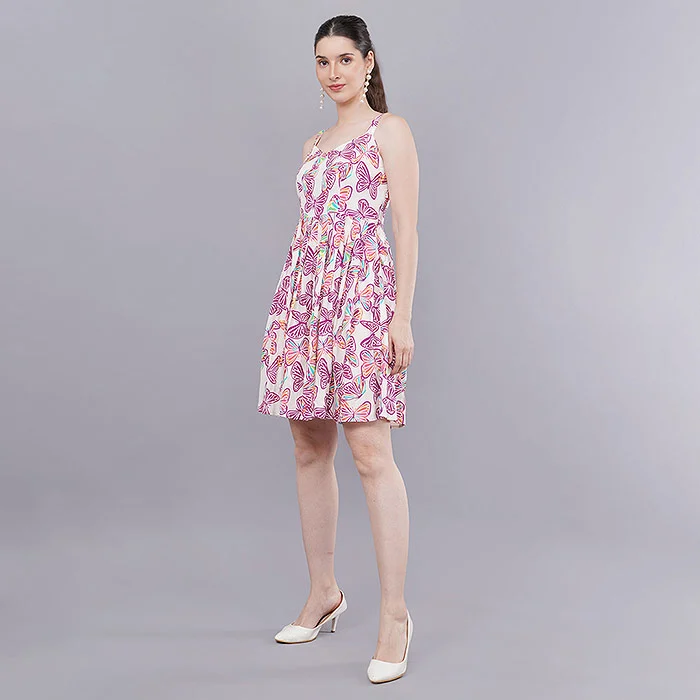
The most common reason we see on held apparel is an incomplete image set. For a kurti, top or dress, Myntra expects a front view, a back view, a side view that shows sleeve length and fall, a close-up of fabric or print, and a styled or full-look image. Sellers who shoot only the front and one close-up are the ones who meet a Myntra PMR hold again and again. Footwear needs side, top, sole, back and detail views; bags need front, back, inside and strap details.
If the garment is already sold out at the warehouse, keep one sample back for reshoots. Without the physical product you cannot add a missing back view, and no amount of editing can create an honest one. Our team at Uniqs Studio plans every apparel shoot with a fixed angle list so that the side and back views are never forgotten.
Fix 2: Make the Myntra White Background Rule Truly White
Many held listings use a background that looks white on a phone but measures light grey or cream. Shadows at the edges and a gradient behind the model make it worse. The safe target is pure white (RGB 255, 255, 255) for the main product images, unless your category style guide allows a studio grey or lifestyle background for secondary images.
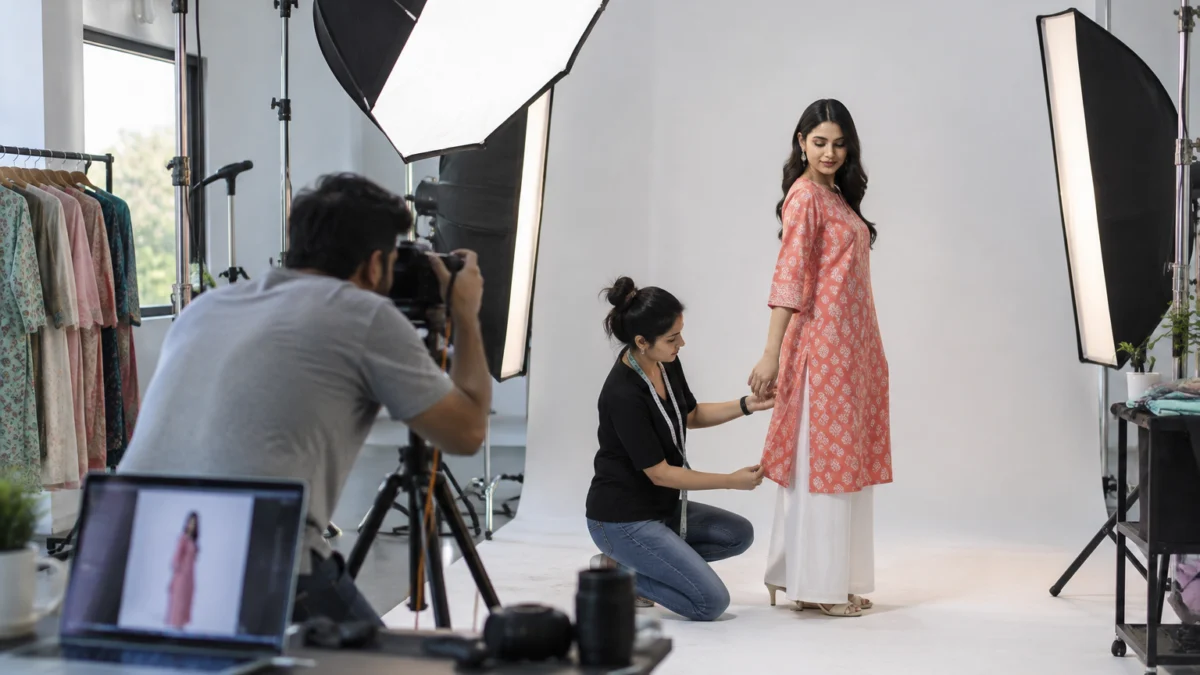
The fix is usually a careful re-edit: clean the background to pure white, keep a soft natural shadow under the feet if your category allows it, and batch the same settings across the whole style so the colour of the garment does not shift. If the original photos were shot on a coloured wall or with uneven light, a reshoot on a lit white cyclorama is faster than trying to rescue every frame.
Fix 3: Correct Crop, Frame Fill and Resolution
Reviewers flag images where the product is tiny, cut off, blurred or pixelated when zoomed. Myntra uses a portrait frame, so shoot and export in a 3:4 ratio at a high resolution (sellers commonly work at 1,080 × 1,440 pixels or larger) and let the garment fill most of the frame without cropping the head, hem or shoes in a full-look image. Always confirm the current numbers in your category style guide, because requirements can change between seasons.
Fix 4: Match Images to Attributes Like Sleeve, Neck and Colour
This is the silent reason behind many holds. If the dropdown says three-quarter sleeves but the photo shows full sleeves, or the colour field says maroon while the image reads brown, the reviewer cannot approve the style. Recheck sleeve length, neck type, pattern, fit, length and colour against the actual photos, and calibrate your editing so the on-screen colour matches the fabric in daylight.
Fix 5: Remove Props, Text, Watermarks and Extra Products
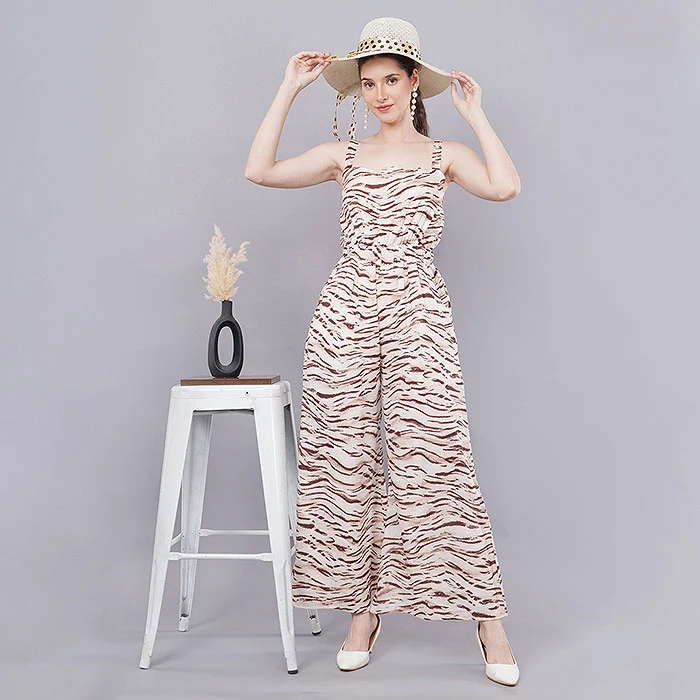
Main product images should show one product, clearly, without logos printed over the image, price stickers, promotional text, collages or additional items that are not part of the sale. A hat or stool can work in a styled image, but if the buyer could think the prop is included, keep it out of the main frame. Combo packs should show exactly the pieces included in the pack, nothing more.
Which Catalogue Data Errors Cause a Myntra PMR Hold?
Four data problems account for most non-image holds: a missing or unclear size chart, measurements that are not in centimetres or not taken from the real product, incomplete manufacturer, packer and origin details, and inconsistent style data across colour variants. These are spreadsheet fixes, but they still need the physical sample.
Fix 6: Repair the Myntra Size Chart Error
A size chart error is one of the most common reasons sellers report. Use Indian size labels consistently, give body or garment measurements for every size you list, and make sure the chart in the image matches the numbers in the catalogue sheet. If you list XS to 3XL, the chart must cover XS to 3XL; partial charts invite a hold and later, size-related returns.
Fix 7: Take Measurements in Centimetres From the Actual Product
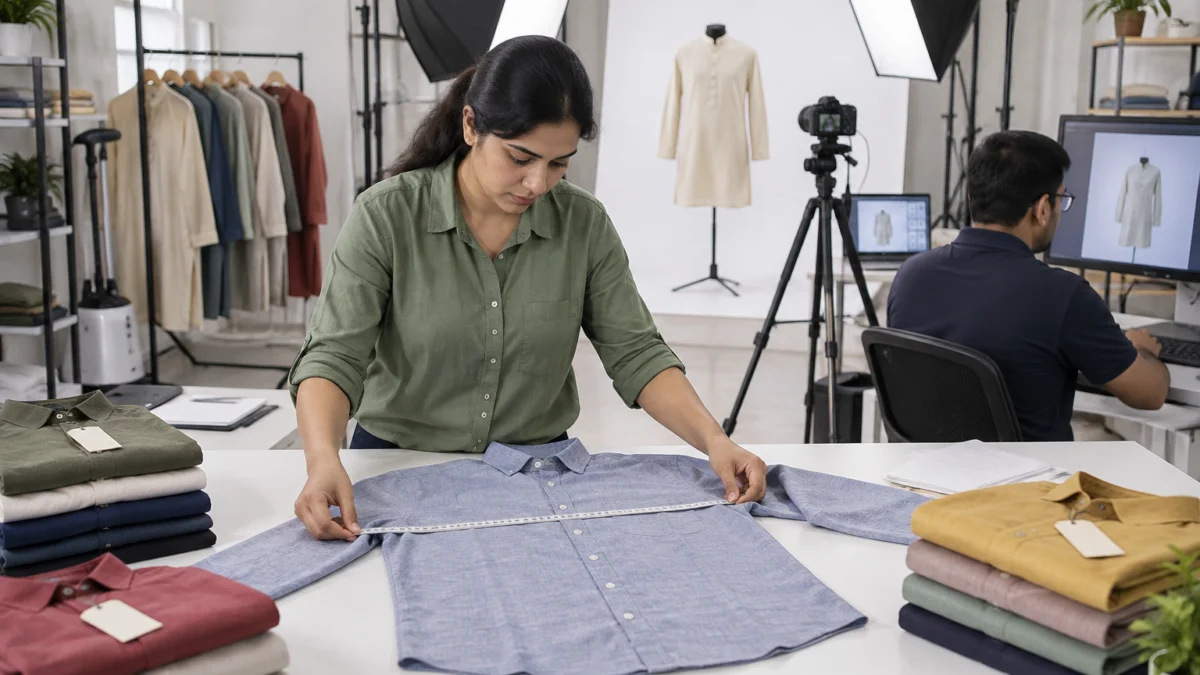
Supplier spec sheets often disagree with the finished garment by a few centimetres, and reviewers notice when the length in the sheet does not match what the model photo shows. Lay the garment flat, measure chest, waist, length and sleeve in centimetres, and record them per size. For footwear, add the insole length in centimetres rather than relying on the shoe size alone.
Fix 8: Complete Manufacturer, Packer and Origin Details
Packaged goods sold in India need clear declarations under the Legal Metrology packaged commodities rules. Give the full manufacturer name and address with PIN code, packer or importer details if different, the country of origin and a customer care contact. A vague line such as “Made in India” with no address is a common reason for a hold.
Fix 9: Keep Style Data Consistent Across Colour Variants
When one design comes in four colours, each colour needs its own correct images, its own colour attribute and its own style ID folder. Reusing the navy photos for the black variant, or naming image folders inconsistently, confuses the reviewer and can hold the whole style group. Name each folder exactly by style ID before you resubmit.
How Do You Fix a Myntra PMR Hold Step by Step?
Fix every reason listed for the style in one round, then resubmit through the catalogue correction option with corrected images and an updated sheet. Partial fixes usually lead to a second hold, which costs more time than doing it properly once.
- Export the Listing Report. Filter held styles and copy each PMR reason into a simple tracker with style ID, reason, fix needed and owner.
- Group the reasons. Separate image fixes (angles, background, crop, colour) from data fixes (size chart, measurements, address) so the studio and the catalogue team can work in parallel.
- Pull the physical samples. Keep one piece of every held style; you will need it for measurements and any reshoot.
- Re-edit or reshoot images. Re-edit when the angles exist but the background or colour is wrong; reshoot when angles are missing or quality is poor.
- Update the catalogue sheet. Correct attributes, size chart, measurements in centimetres and manufacturer or packer details.
- Resubmit through catalogue correction. Upload the corrected sheet and image folders named by style ID. If the portal fails, raise a support ticket with brand, seller ID, style ID, the reason and the corrections made.
- Verify visibility. Track the status for a few business days, then confirm with a logged-out search and a category browse before you plan ads or sale participation.
Sellers usually report a review window of a few business days after resubmission, though it varies by category and season. If nothing changes after a week, follow up through a ticket rather than resubmitting again, because duplicate submissions can reset the queue. If a held style also generates customer complaints, our Myntra SPF and returns guide explains how to protect your margins while the fix is in progress.
How Should You Reshoot Images So They Pass PMR the First Time?
Plan the reshoot around a fixed angle list, a pure white background and colour-accurate editing, and shoot every colour variant in the same session. A reshoot done to Myntra’s style guide removes the most common image reasons in one go.
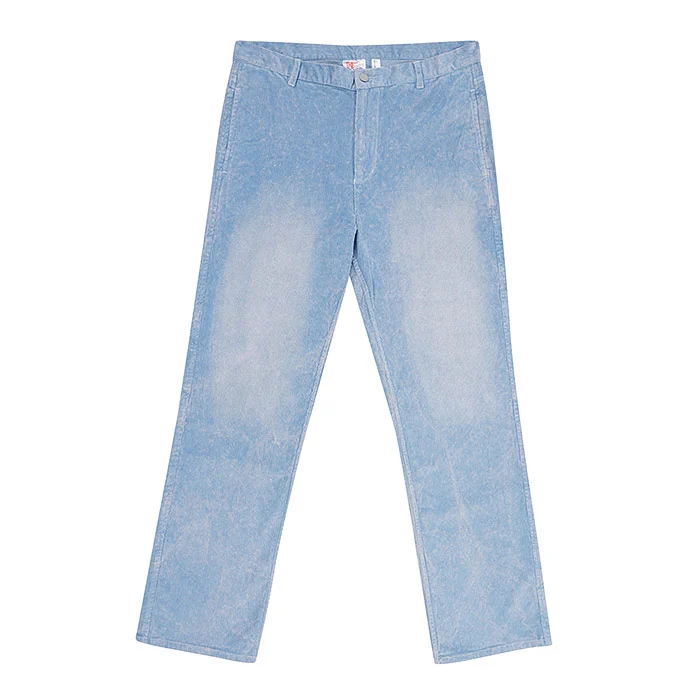
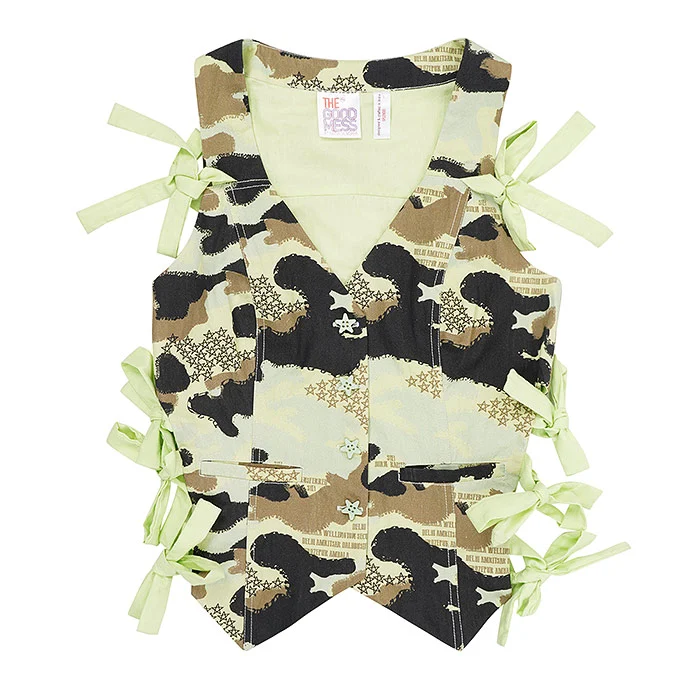
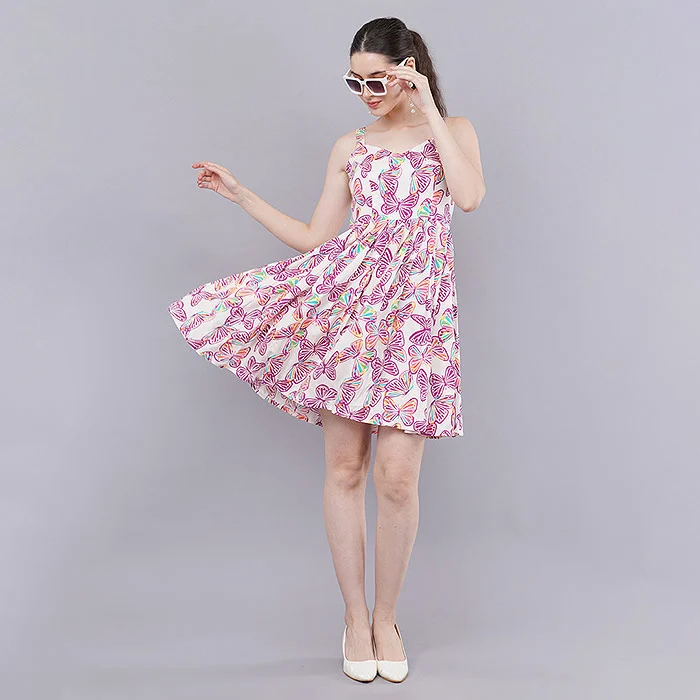
For western wear and kurtis, on-model fashion shoots give reviewers and buyers the fit and fall information they need. For styles that you also sell on other marketplaces, ghost mannequin shots keep the garment shape consistent without a model. Kids’ wear, denim and accessories often work best as flat lay shots on a clean white surface, which also double as size reference images.
| Category | Minimum angle set to plan | Best shoot type |
|---|---|---|
| Kurtis, kurta sets, dresses | Front, back, side, fabric close-up, full look | On-model |
| Shirts, t-shirts, hoodies | Front, back, side, collar or print detail | On-model or ghost mannequin |
| Jeans and trousers | Front, back, side, waistband and pocket detail | On-model or flat lay |
| Kids’ wear | Front, back, print detail, set layout | Flat lay |
| Footwear | Side, top, sole, back, detail | Product on white |
Video does not replace still images for PMR, but a short model video helps buyers judge fit once the style is live, which protects you from the size-related returns that follow a rushed fix. Here is an example of the kind of short kurti video we shoot alongside catalogue stills at Uniqs Studio.
What Should a Myntra PMR Hold Reshoot Brief Include?
Send the studio the held style IDs, the exact PMR reasons, the colour variants, the size you want on the model and any category style guide notes. At Uniqs Studio, Satyam’s team turns that list into a shot plan so that every missing angle is covered and every frame is exported in the right ratio and naming format. You can share your list on WhatsApp at +91-8076745824 or email it to [email protected].
How Much Does a Reshoot Cost and How Fast Is It Delivered?
Reshoot cost depends on the shoot type and the number of styles, and Uniqs Studio prices apparel work per image or per product. The rates below are our standard list; bulk catalogue quotes are shared on call or WhatsApp.
| Shoot type | Images | Turnaround | Price |
|---|---|---|---|
| Footwear | 4–5 angles | 5 days | ₹245 / product |
| Ghost mannequin | 1 angle | 3–4 days | ₹250 / image |
| Flat lay | 2–3 angles | 6 days | ₹290 / product |
| Model Photography | 5–6 angles | 4–5 days | ₹400 / product |
| Ecommerce Reels Video | 20–25 seconds | 4–5 days | ₹900 / product |
| Garment Video with Model | 25–30 seconds | 4–5 days | ₹1,200 / garment |
Prices are per product/image as listed; call or WhatsApp +91-8076745824 for bulk catalogue quotes.
Have a list of held style IDs? Call +91-8076745824 or WhatsApp +91-8076745824 and we will tell you which styles need a reshoot and which only need a re-edit.
What Mistakes Keep Styles Stuck on Myntra PMR Hold?
The biggest mistakes are fixing only one reason, resubmitting repeatedly without changes, and editing images in ways that misrepresent the product. Each of these can turn a short hold into weeks of lost visibility.
- Fixing only the first reason. If the report lists background and size chart, fixing only the background leads to a second Myntra PMR hold.
- Resubmitting the same files. Uploading unchanged images because “they looked fine” rarely clears a hold.
- Over-editing colour. Making a maroon kurti look brighter for the thumbnail creates an attribute mismatch and later, colour-related returns.
- Using AI-generated or stock models. Generated try-on images may not show the real fit and fabric, which risks a review flag and buyer distrust; real garment photos are the safer choice.
- Ignoring the sale calendar. Fixing holds the week before a big sale leaves no buffer for a second review, so clear them early.
How Can You Prevent a Myntra PMR Hold on Your Next Upload?
Run a pre-upload check on every style: complete angle set, pure white background, correct crop and resolution, attributes that match the images, a full size chart and complete compliance details. Ten minutes of checking saves days of hidden listings.
- Front, back, side, close-up and full-look images for every colour variant
- Main images on pure white, portrait 3:4 frame, garment filling most of the frame
- Sleeve, neck, pattern, fit, length and colour attributes checked against the photos
- Size chart covering every listed size, with measurements in centimetres from the real sample
- Manufacturer, packer, country of origin and customer care details complete with PIN code
- Image folders named exactly by style ID
- No props, watermarks, text or extra products in main images
For a deeper look at shot order and image specs, read our Myntra product photography guide, which covers the recommended image sequence in detail. Menswear sellers can see the same discipline in action in this short ethnic wear video from our studio.
Satyam’s Insight on Myntra PMR Hold Prevention
“In nine years of ecommerce production, the pattern I see most is not bad photography; it is incomplete photography,” says Satyam, founder of Uniqs Studio. “Sellers shoot the hero image beautifully and skip the side and back views because they feel like extra work. That shortcut is exactly what the review catches. When we plan a Myntra shoot, the angle list is fixed before the first garment is steamed, so nothing is left for the reviewer to question.”
What Do Sellers Ask Most About Myntra PMR Hold?
These are the questions Myntra sellers ask us most often about held listings, answered briefly.
PMR is the name sellers use for Myntra’s Product Management Review, a quality check that can happen after a style is approved. A Myntra PMR hold means the reviewer has flagged an issue and the style stays hidden until it is fixed.
The most common reason is a post-approval hold. Check the QC status and PMR reason columns in your Listing Report; missing angles, an off-white background, attribute mismatches and size chart errors are the usual causes.
After you fix every reason and resubmit through catalogue correction, sellers usually report a review window of a few business days. If the status does not change after a week, raise a support ticket with your style IDs instead of resubmitting again.
Yes, if the required angles already exist and only the background, crop or colour needs correction, a careful re-edit is enough. If angles are missing or the images are low quality, a reshoot is the only reliable fix.
Plan a front view, back view, side view, fabric or print close-up and a full-look image for every colour. Always confirm the latest list for your category in the Myntra partner portal style guide.
Yes. Uniqs Studio shoots model, ghost mannequin and flat lay images to Myntra specs at our Delhi studio. Share your held style IDs on +91-8076745824 or [email protected] for a reshoot plan.
What Should You Do Next After Clearing a Myntra PMR Hold?
Once your styles are visible again, shift from fixing to upgrading: build an image set that converts, not just one that passes review. That is the difference between a listing that is live and a listing that sells.
Clearing a Myntra PMR hold gets you back to zero; better images move you forward. When you are ready to plan the next season’s catalogue, read our guide on fashion photography for Myntra to see how model, pose and styling choices lift click-through and reduce returns. If you would rather talk it through, call Satyam on +91-8076745824 or write to [email protected].
Need Myntra-Ready Images Without Another Hold?
Uniqs Studio is an in-house ecommerce, fashion and product photography and video studio in Delhi, trusted by 500+ D2C brands and marketplace sellers. We shoot in Delhi, Gurgaon, Noida, Faridabad and Ghaziabad, Mon–Sat, 10 am–7 pm.
Related Posts Coming Soon
- Myntra Image Attribute Mismatch: How to Match Colour, Sleeve and Neck Data
- Myntra Size Chart Guide for Kurtis, Dresses and Menswear
- Myntra Catalogue Correction Resubmission: A Seller’s Walkthrough
- Myntra Colour Variant Photography: Shooting Every Shade Consistently