

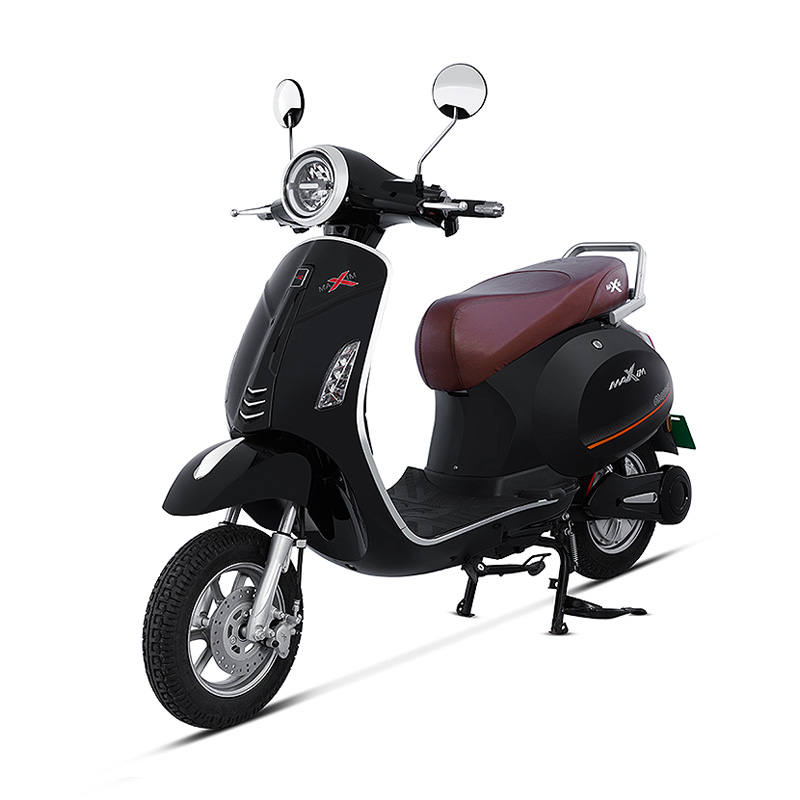
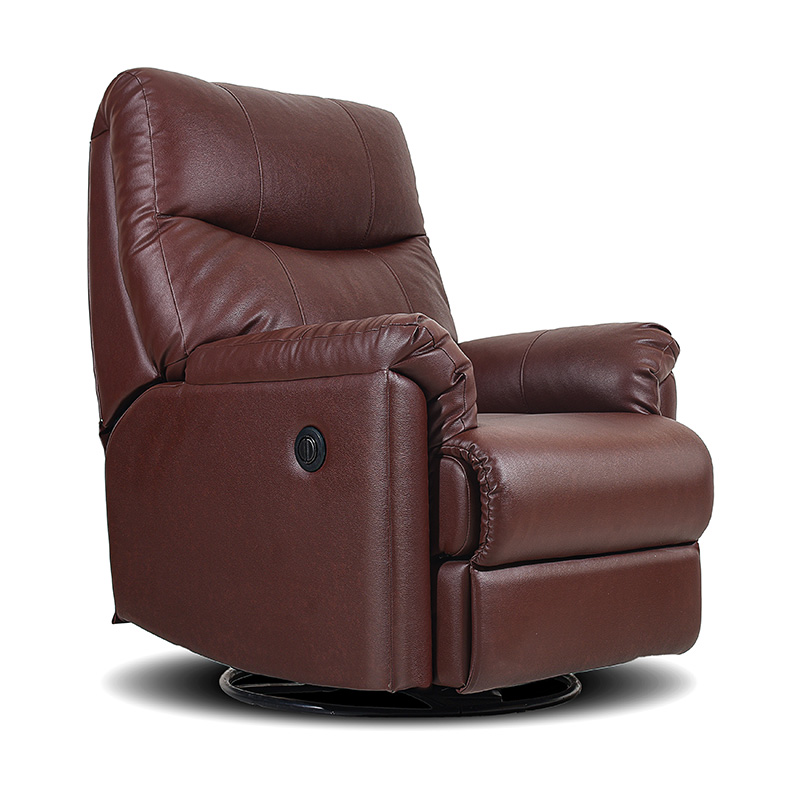
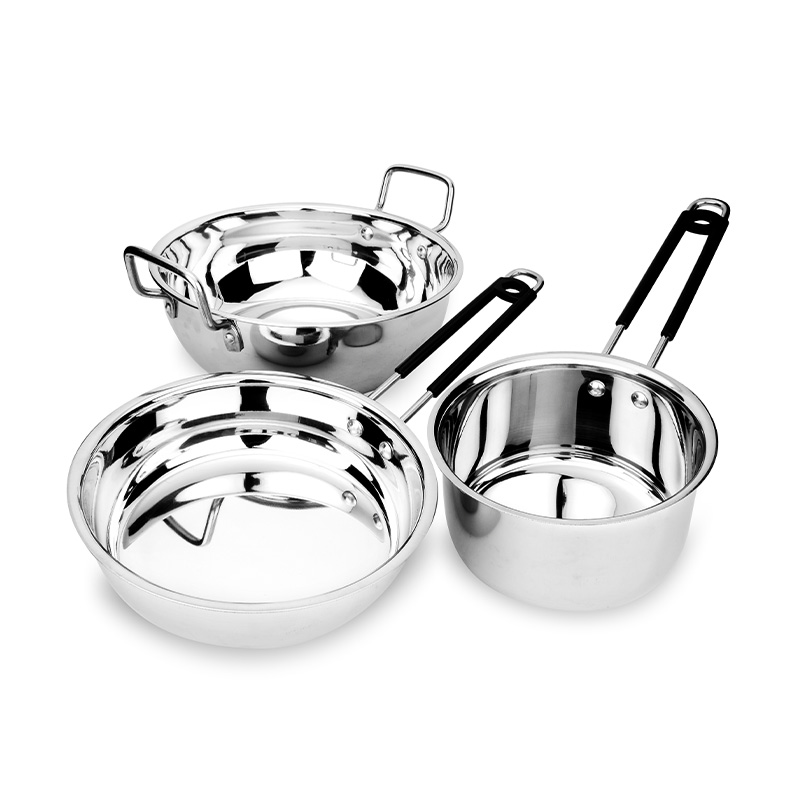
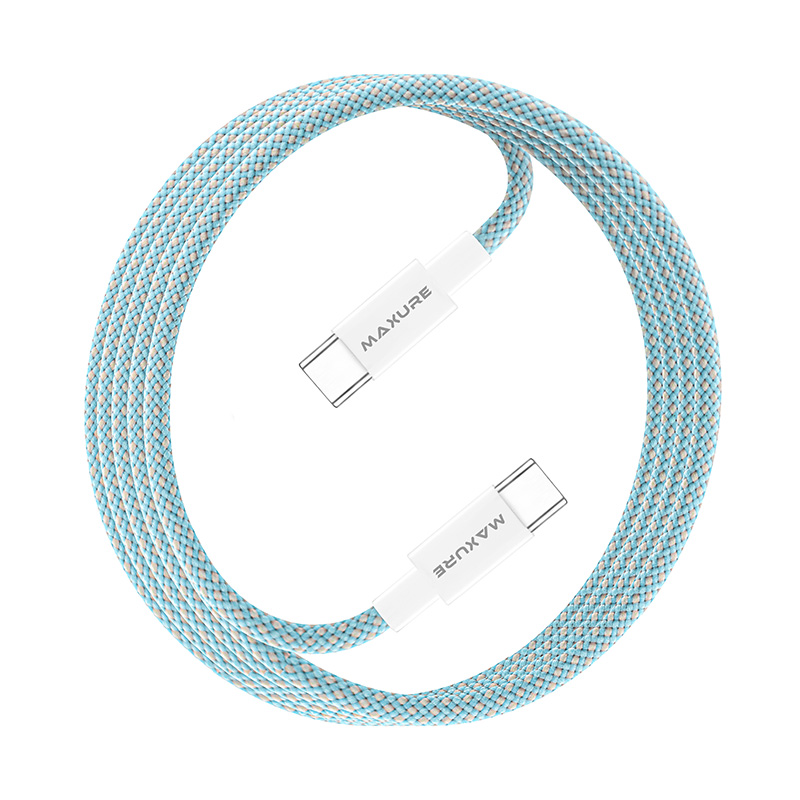























What is an Amazon seller?
An Amazon seller is a business that lists and sells products on Amazon’s marketplace through a Seller Central account. On Amazon.in, the seller sets price and stock, and chooses who stores and ships each order — Amazon (FBA), Amazon’s delivery network (Easy Ship) or the seller (Self Ship). Every listing’s images and content must follow Amazon’s product detail page rules.
Why sell on Amazon.in in 2026?
Amazon.in is a search-led, all-category marketplace. Shoppers type what they need, scan a grid of thumbnails and decide in seconds — so your main image, price and reviews do most of the selling. The 2026 fee revision also made low and mid-priced catalogues far easier to run at a profit.
Sources: Amazon India Press Center, Sept 2026 and About Amazon India, Mar 2026.
How to start selling on Amazon.in: 7 steps
Registration is fully online. Most delays come from mismatched documents, a missing trademark or images that fail the main image check — handle them in this order.
- 1
Keep your documents ready
You need a PAN, an active bank account, ID and address proof, and a GSTIN unless you sell only GST-exempt products. Check your GSTIN details on the GST portal so they match your Seller Central entries exactly.
- 2
Register on Seller Central
Sign up on sell.amazon.in with your business email and mobile number, then complete tax, identity and bank verification.
- 3
Enrol in Amazon Brand Registry
Apply through Amazon Brand Registry with your trademark. Registry unlocks A+ Content, Brand Story, listing video, Sponsored Brands and brand protection tools.
- 4
Choose a fulfilment method
FBA, Easy Ship or Self Ship — each changes your fees, delivery speed and Prime eligibility. Compare the three before you create shipments.
- 5
Price with the 2026 fee stack
Referral, closing, shipping or FBA, storage, returns, GST and ads. The zero referral fee under ₹1,000 changes the maths for most fashion and home SKUs.
- 6
Shoot the full image stack in one day
Main image, 6–8 secondary images and A+ assets planned together cost less and look consistent. Our guide to ecommerce fashion photography for Amazon, Myntra and Flipkart shows how to plan it.
- 7
List, launch and optimise
Upload with complete attributes and variations, then track sessions, conversion and returns weekly. Start ads only on ASINs that already convert.
Amazon product image requirements 2026
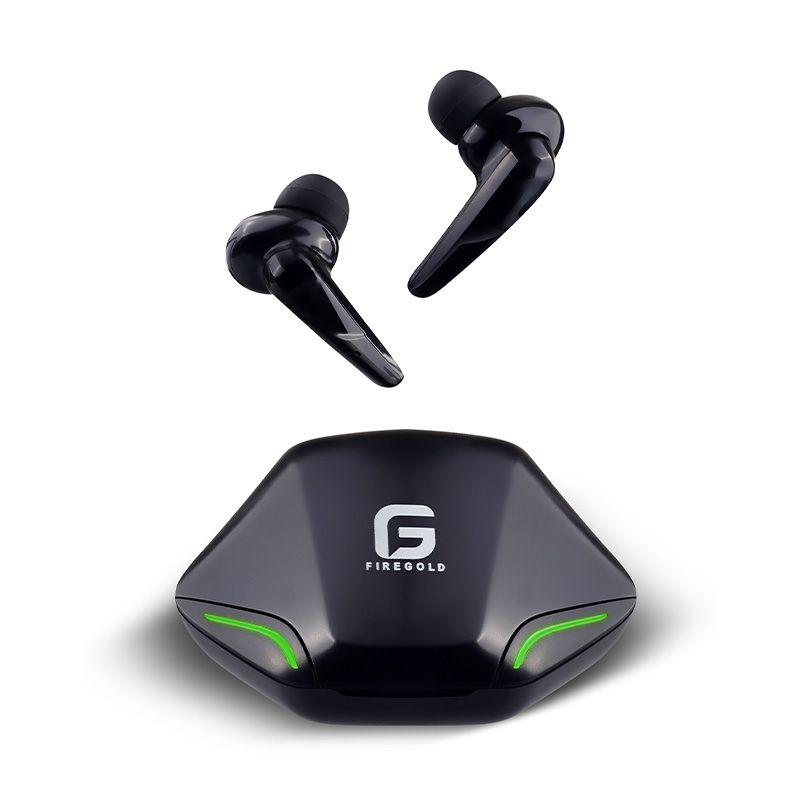
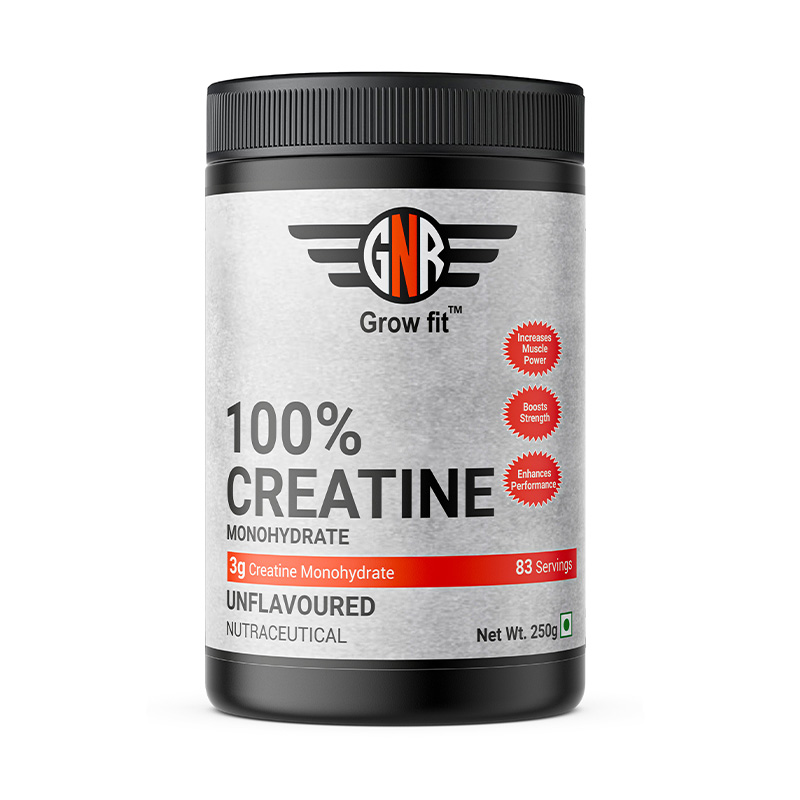
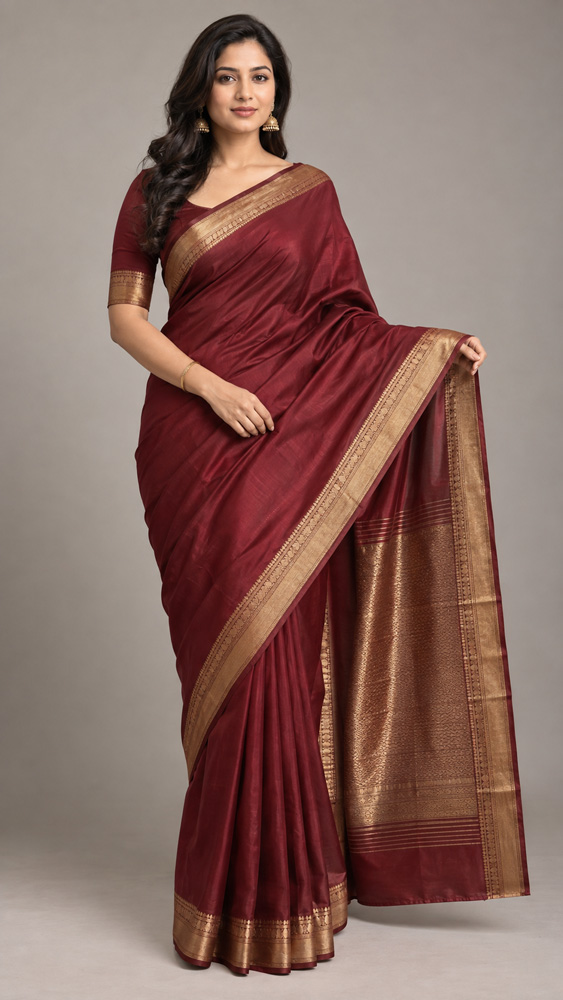
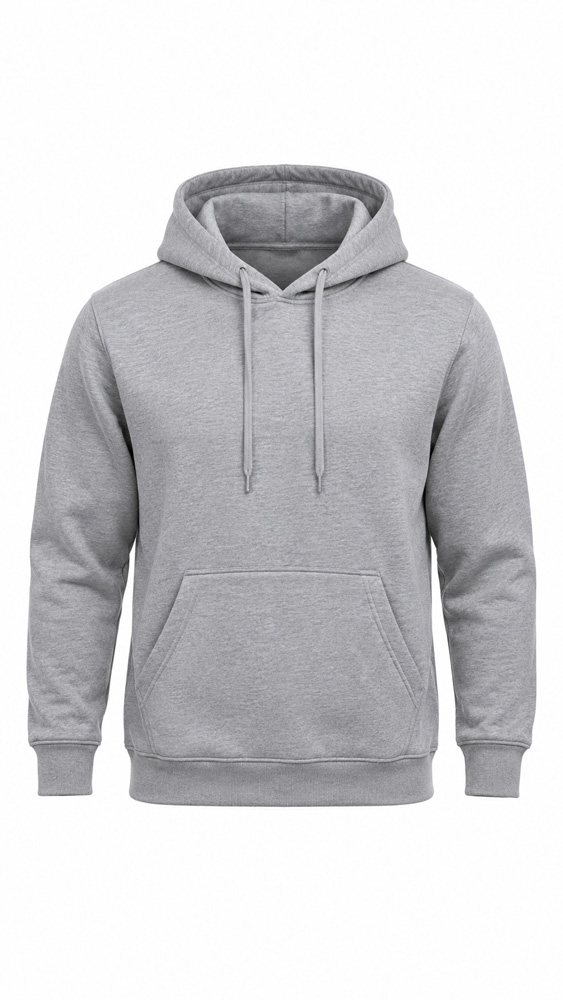
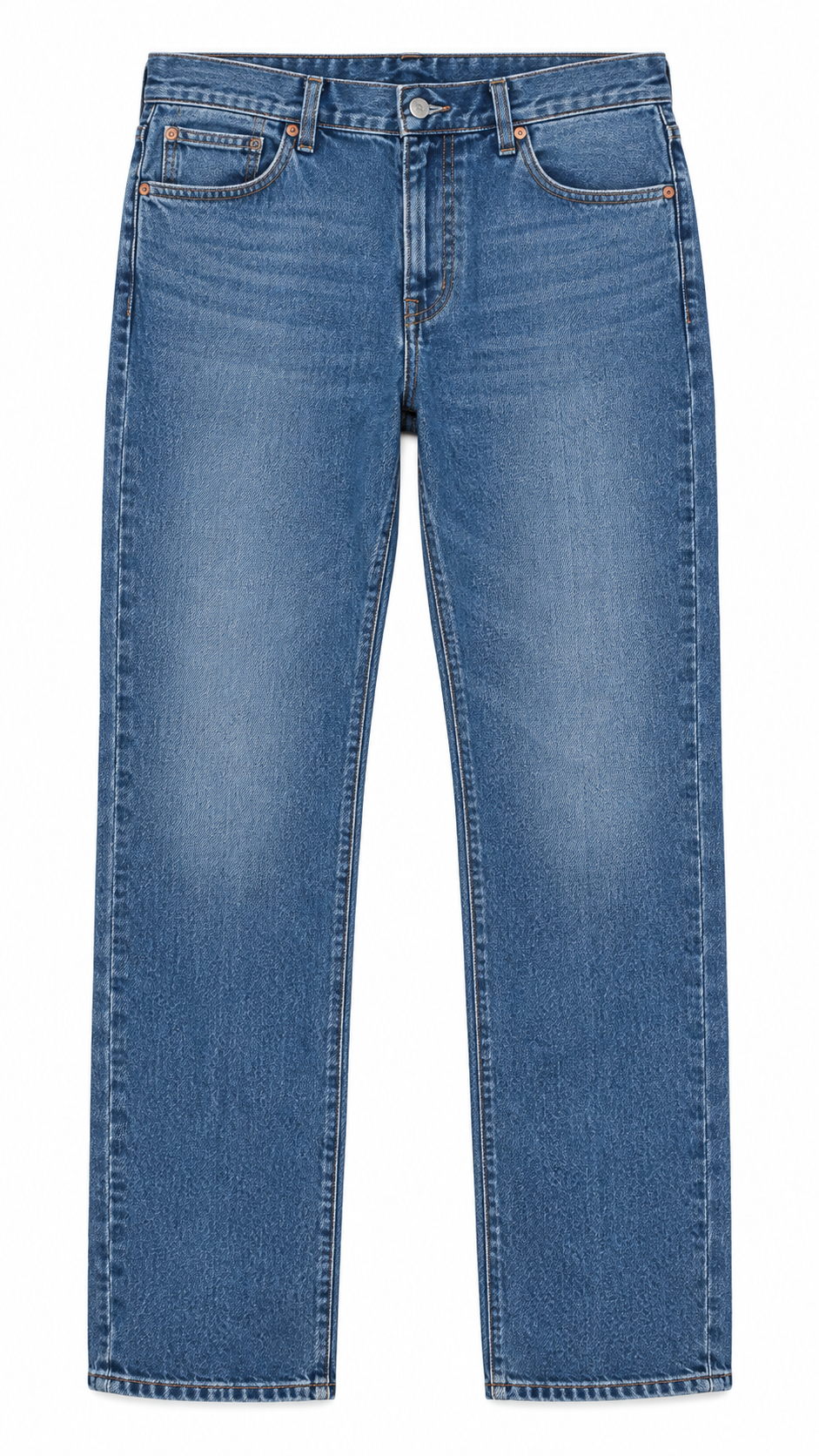
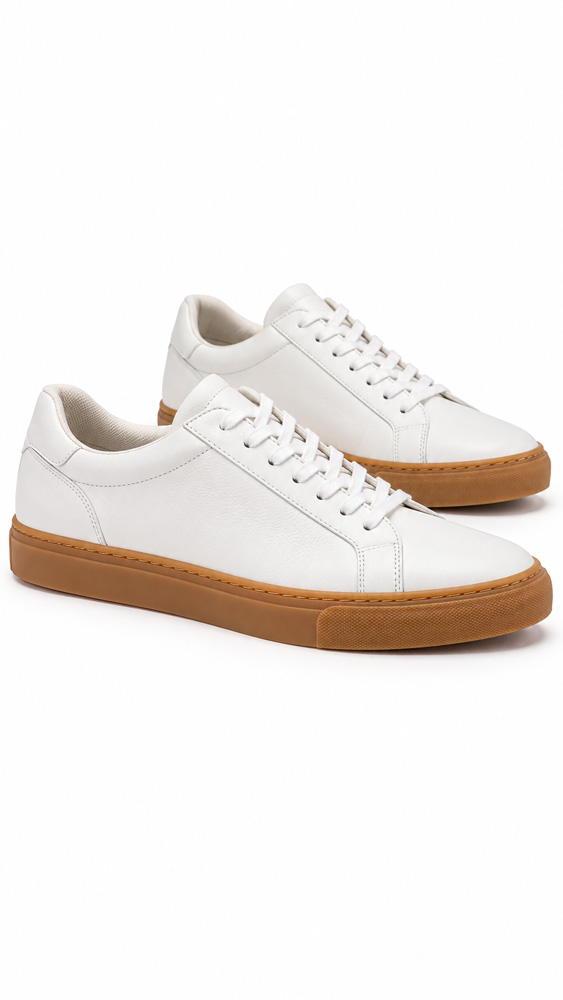
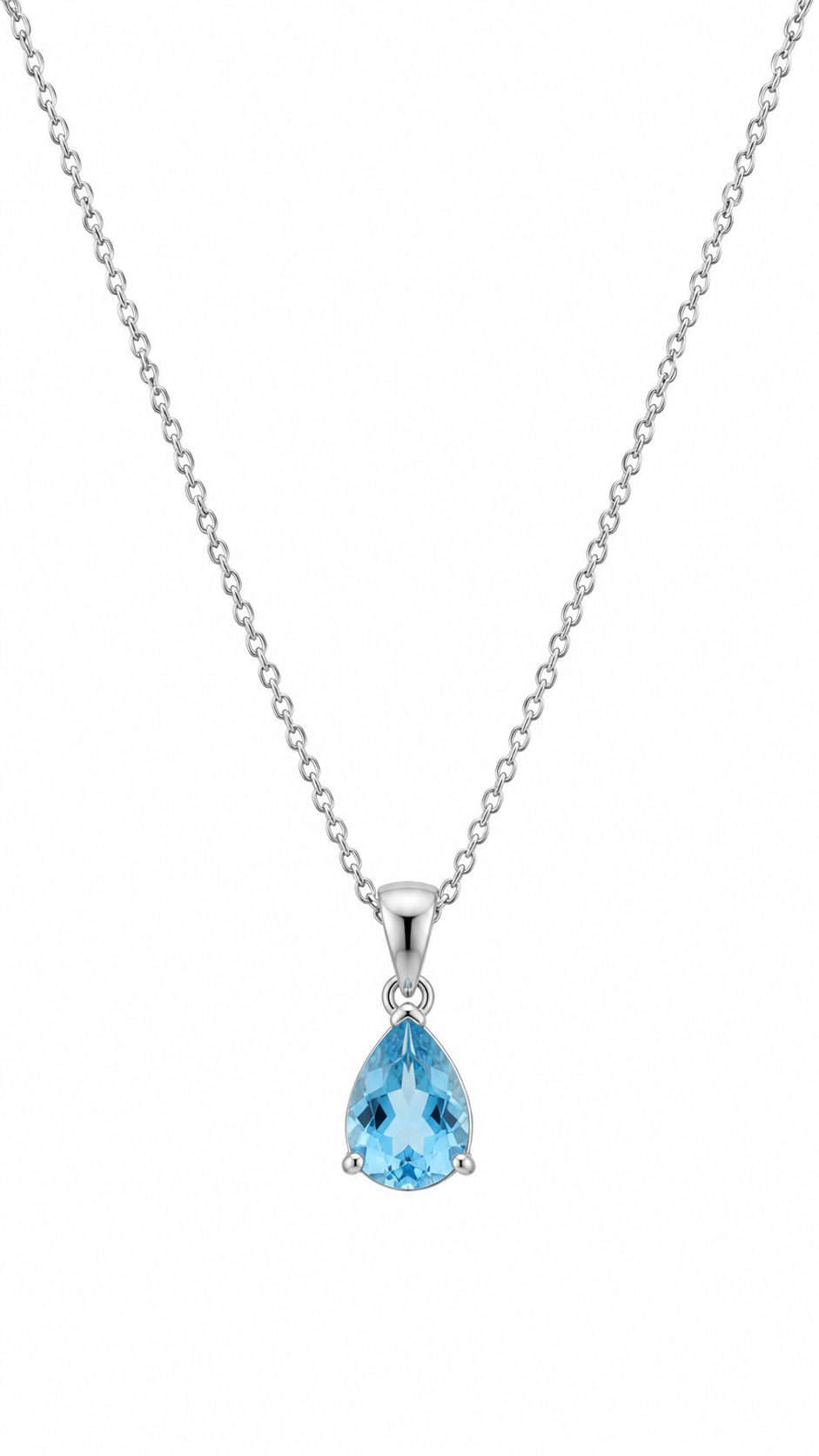
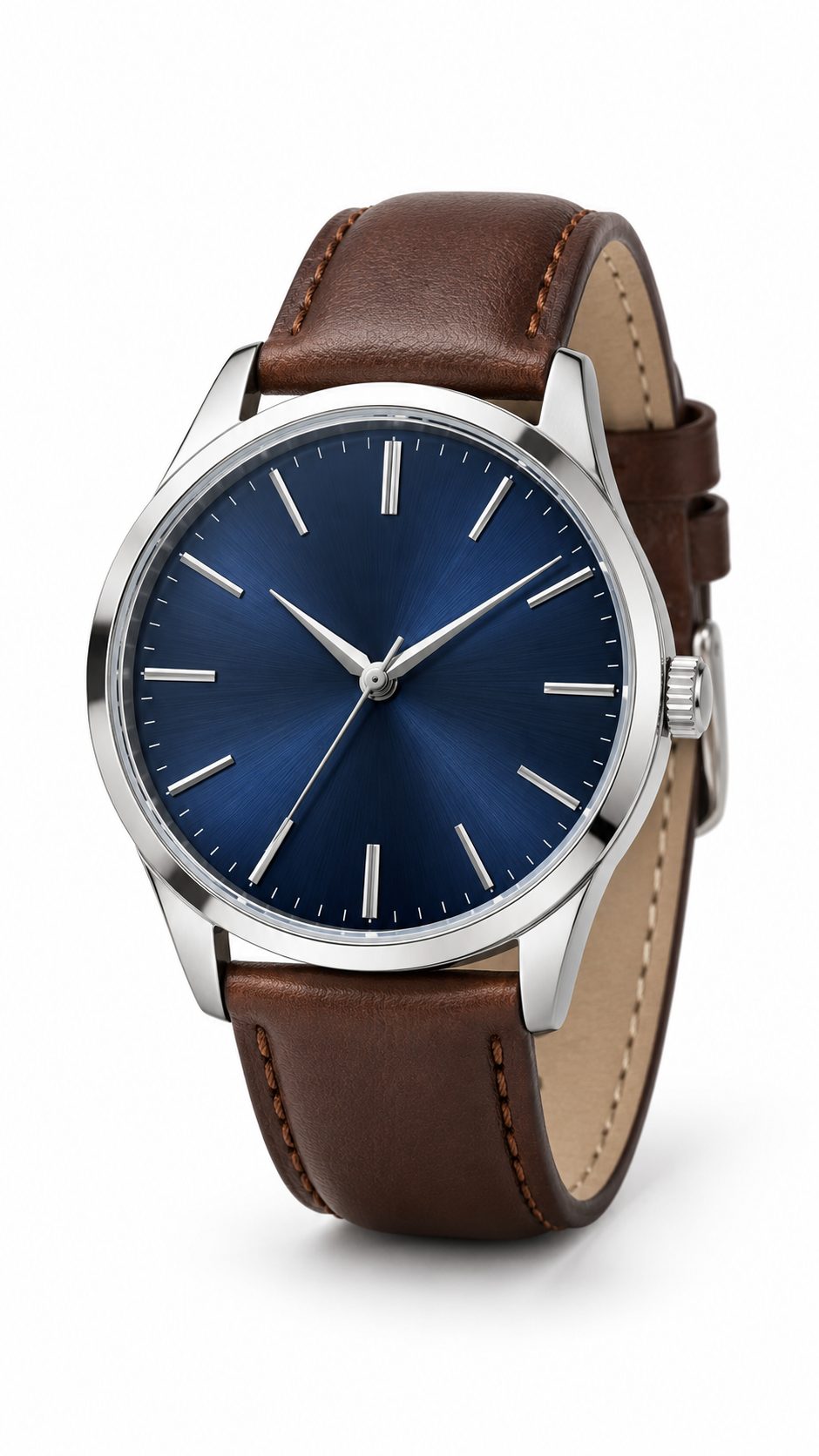
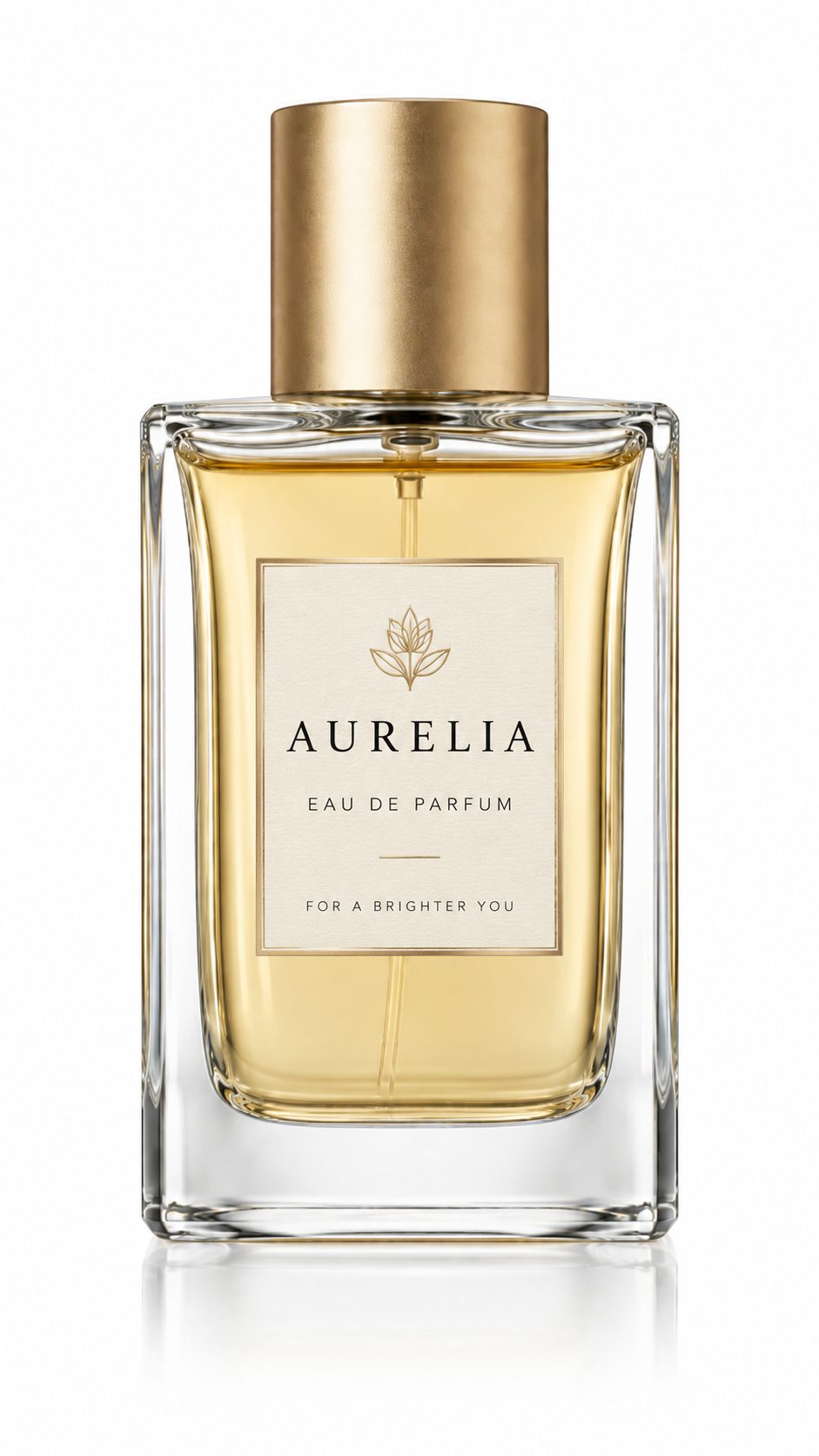
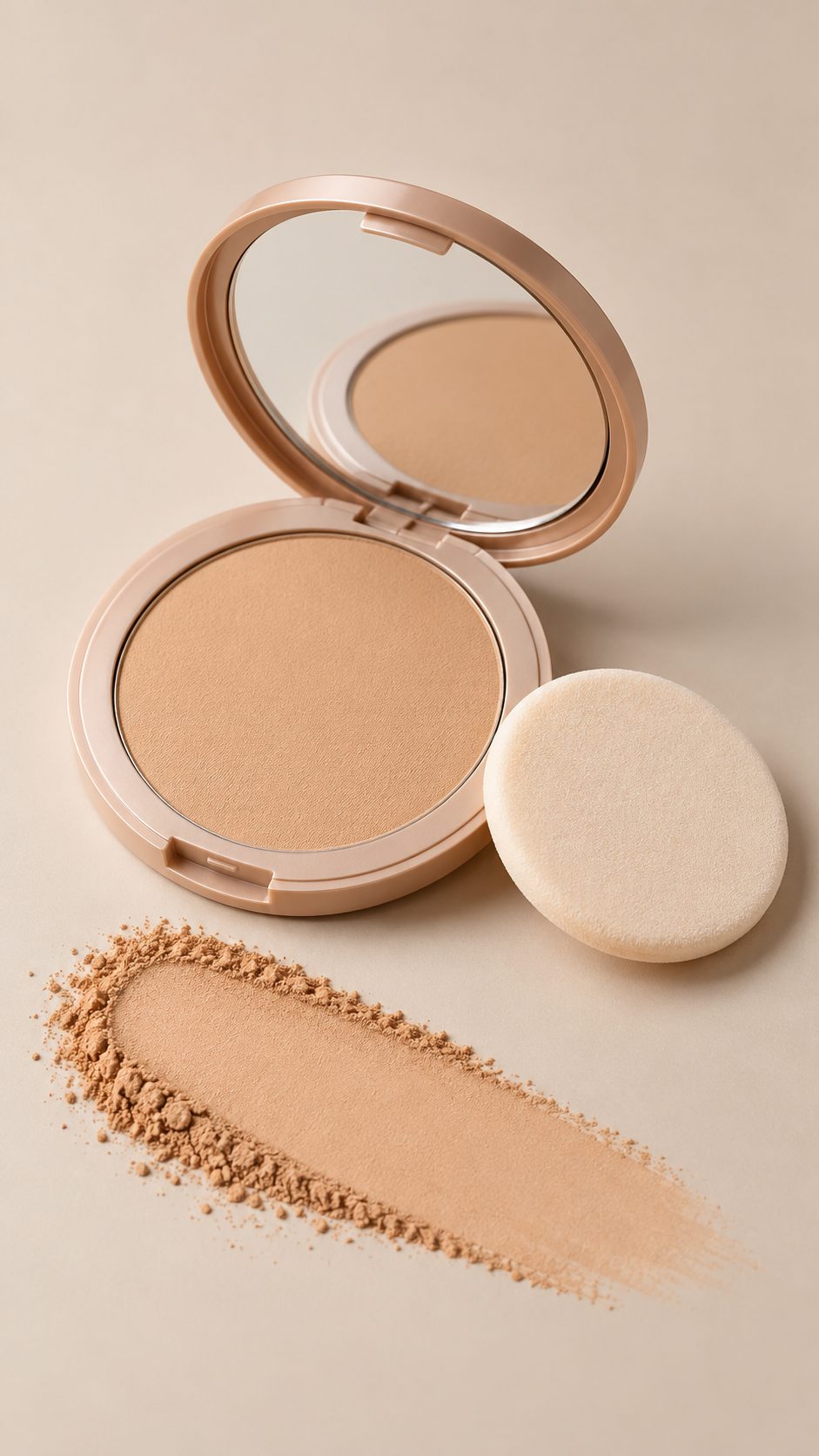
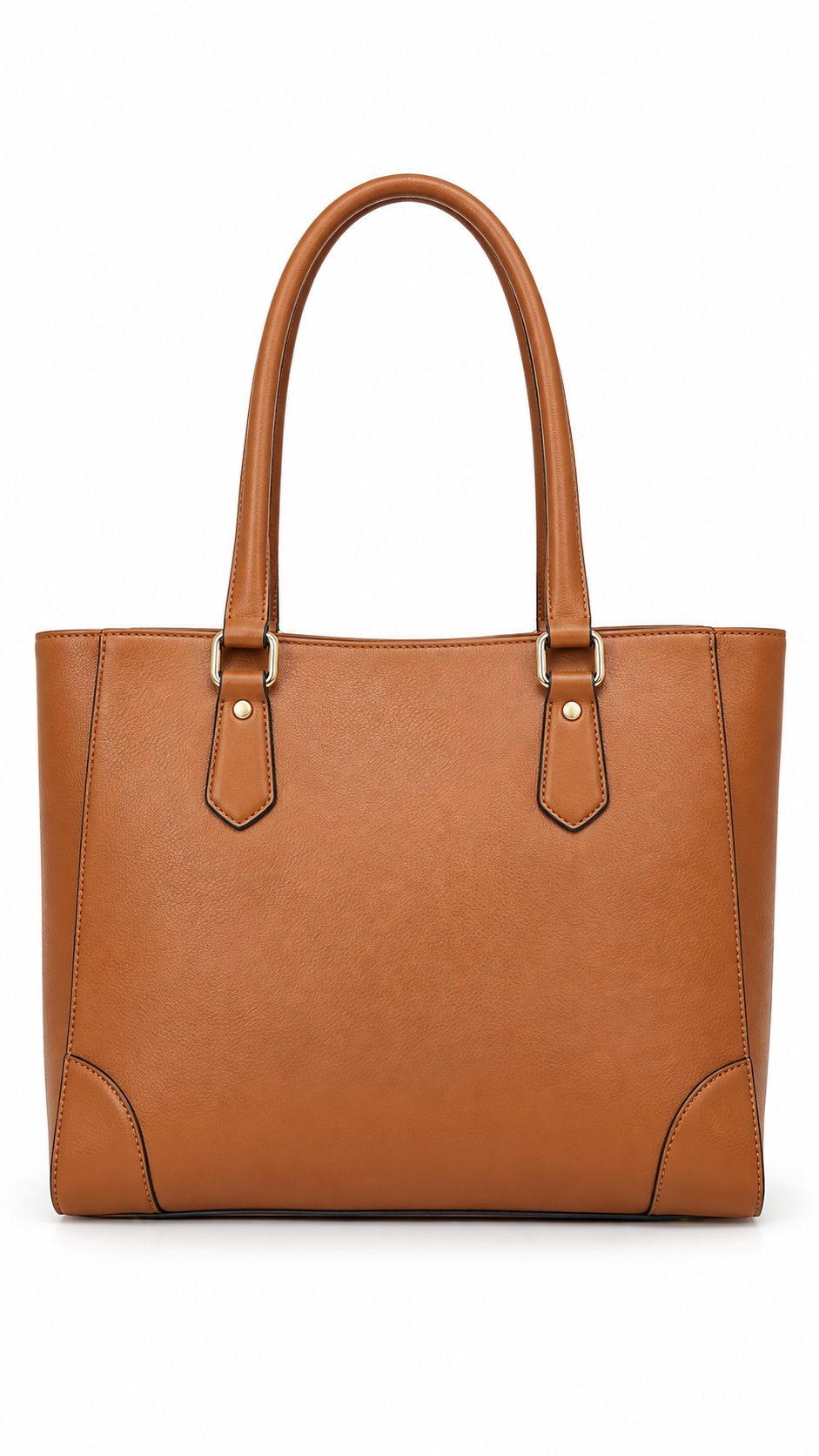
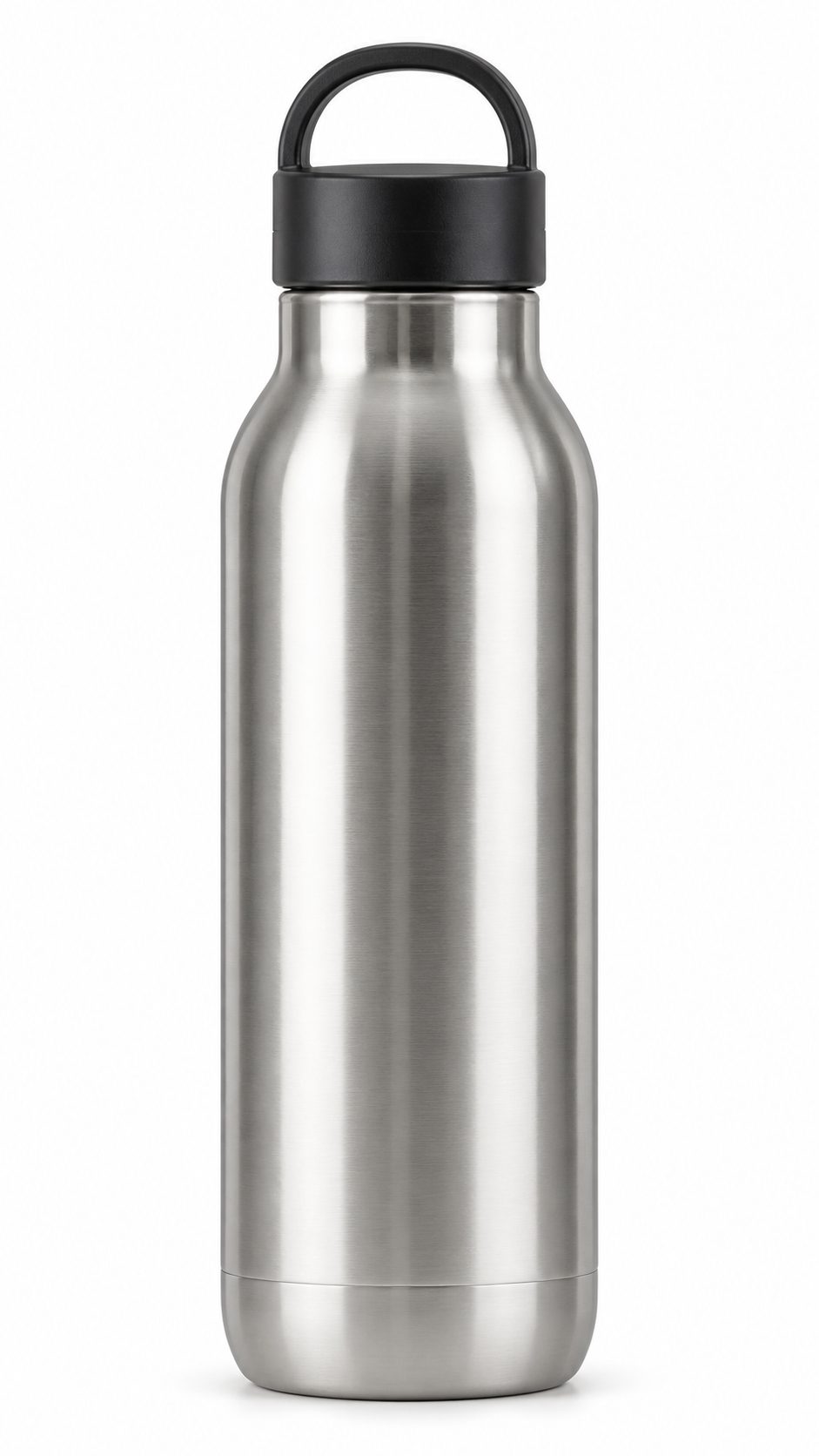
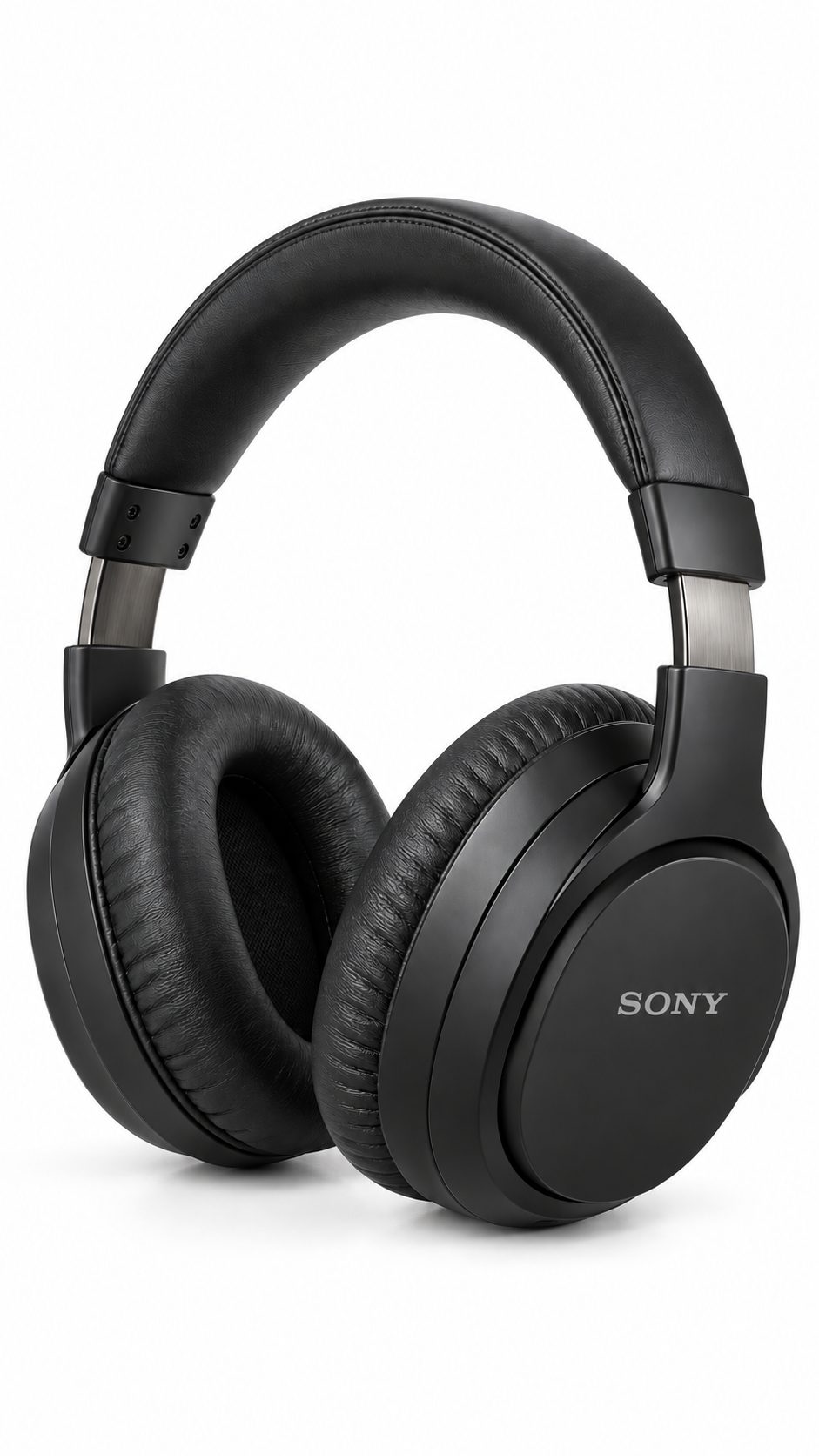
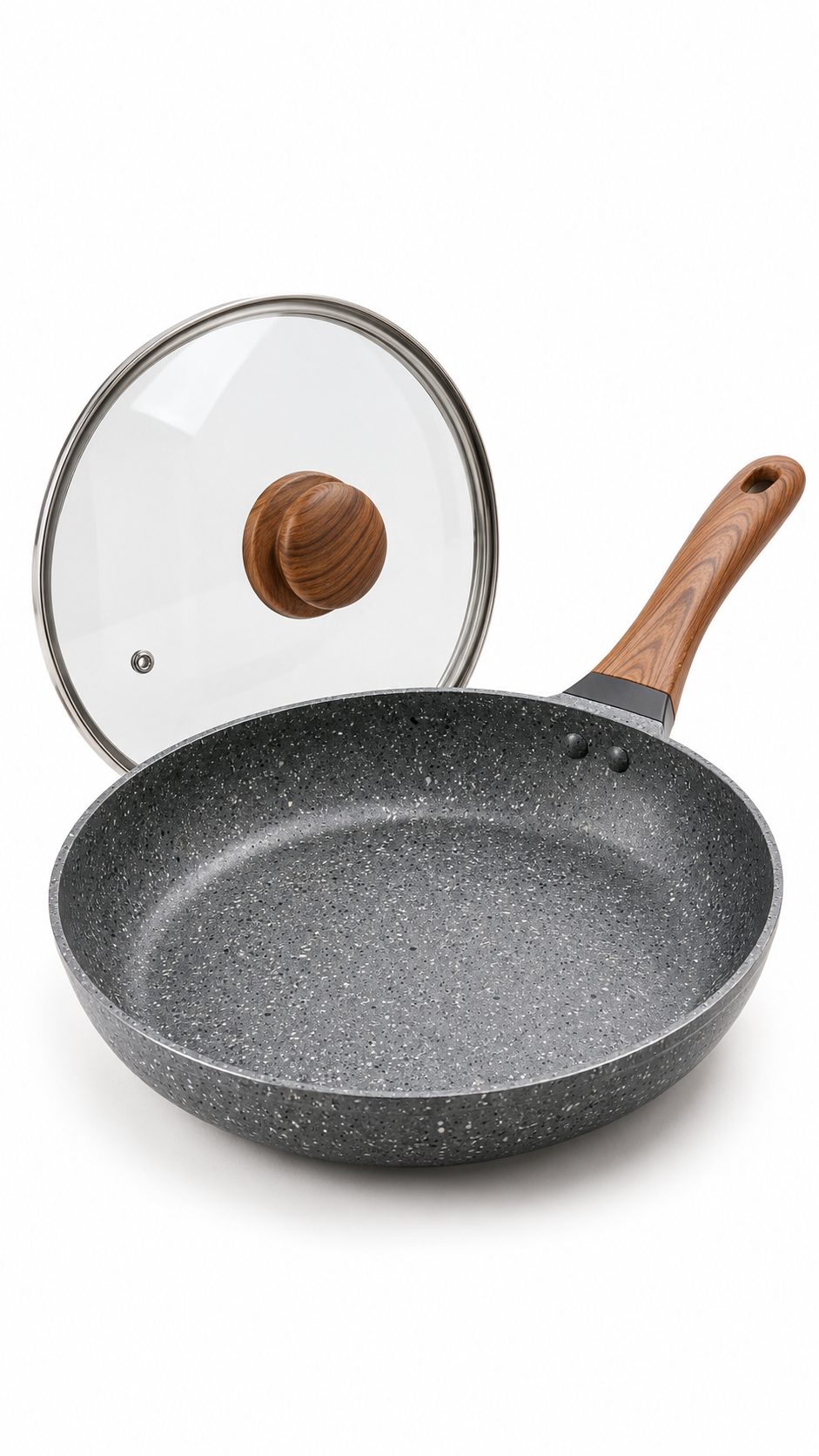
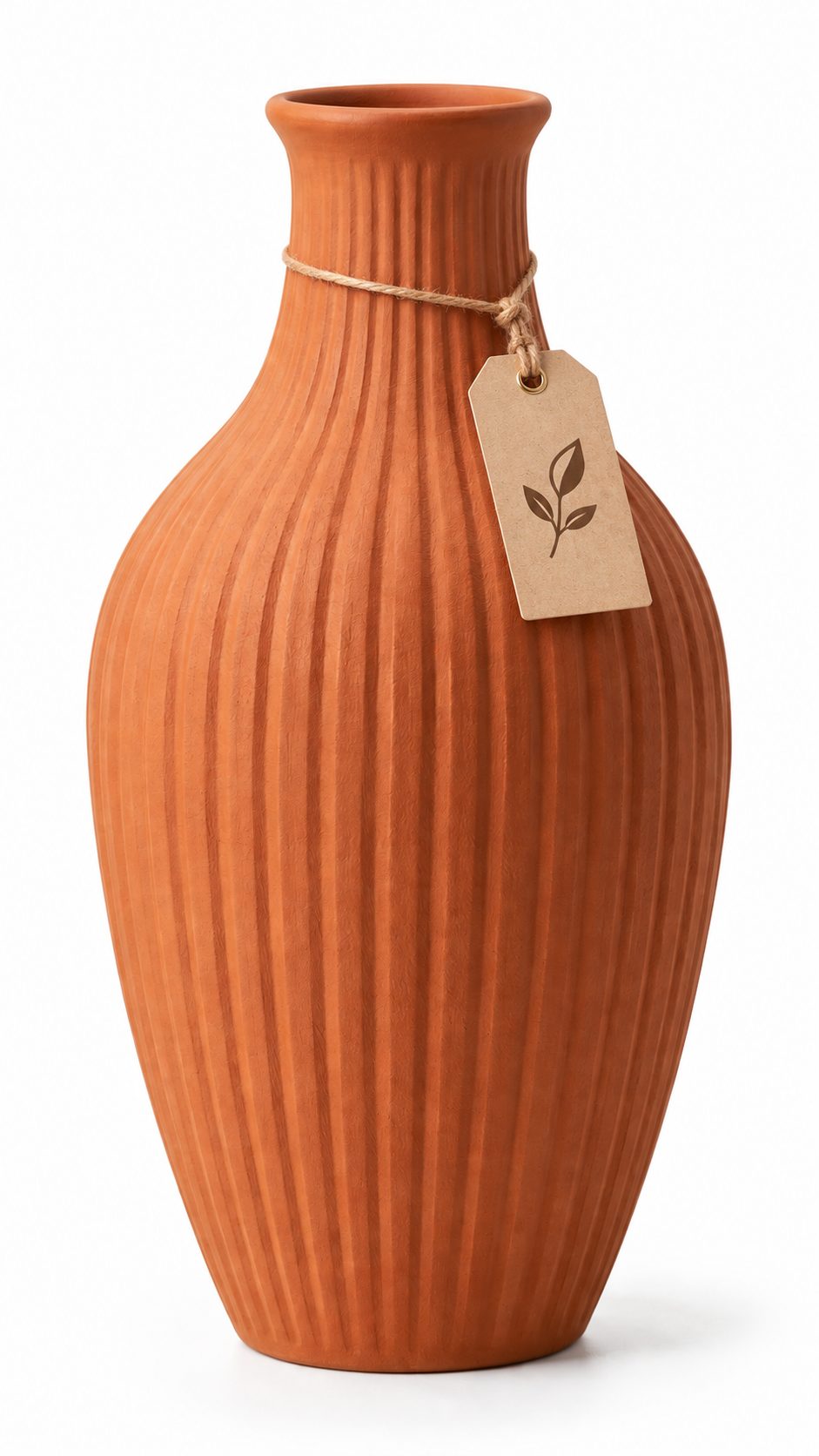
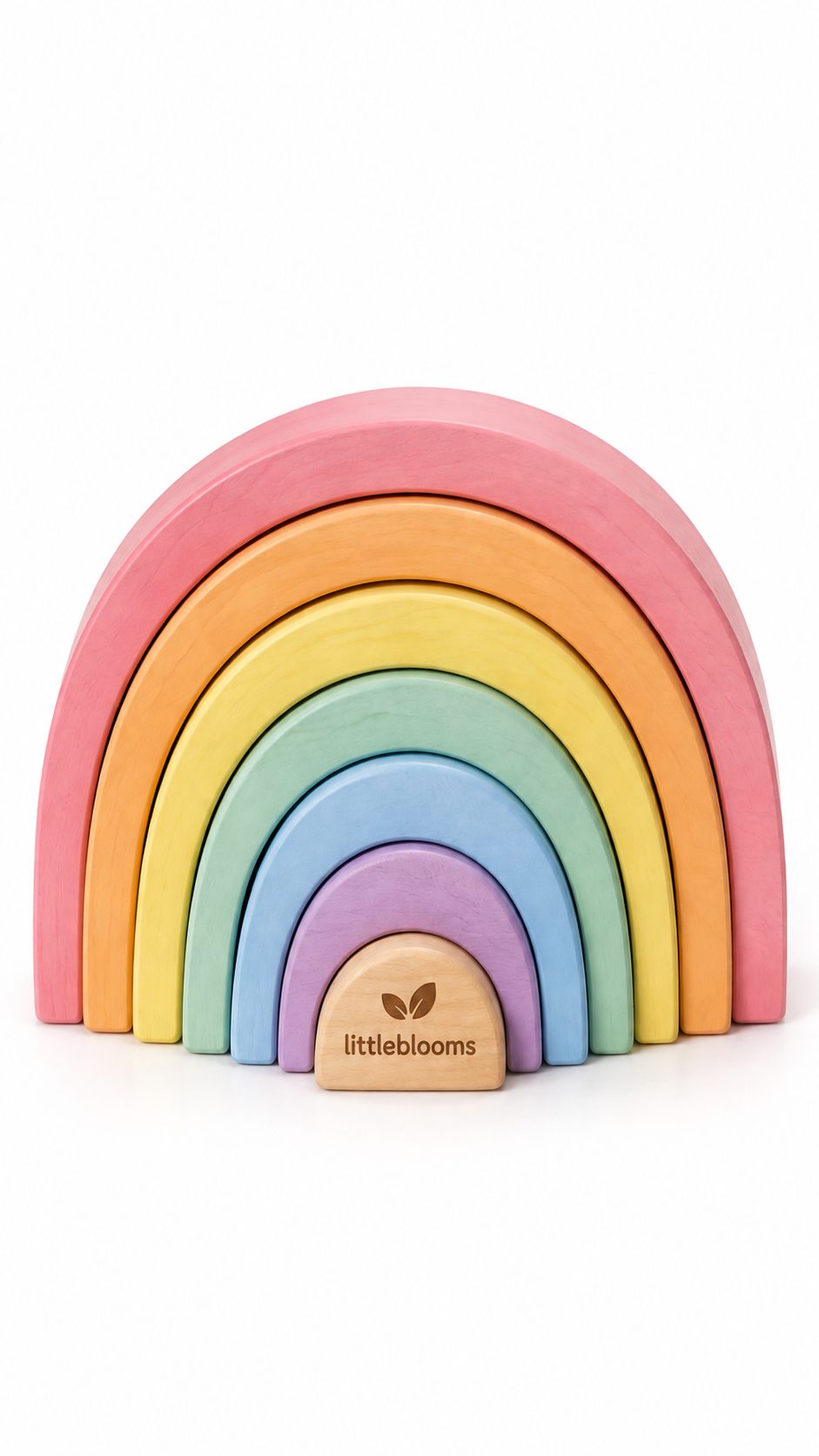
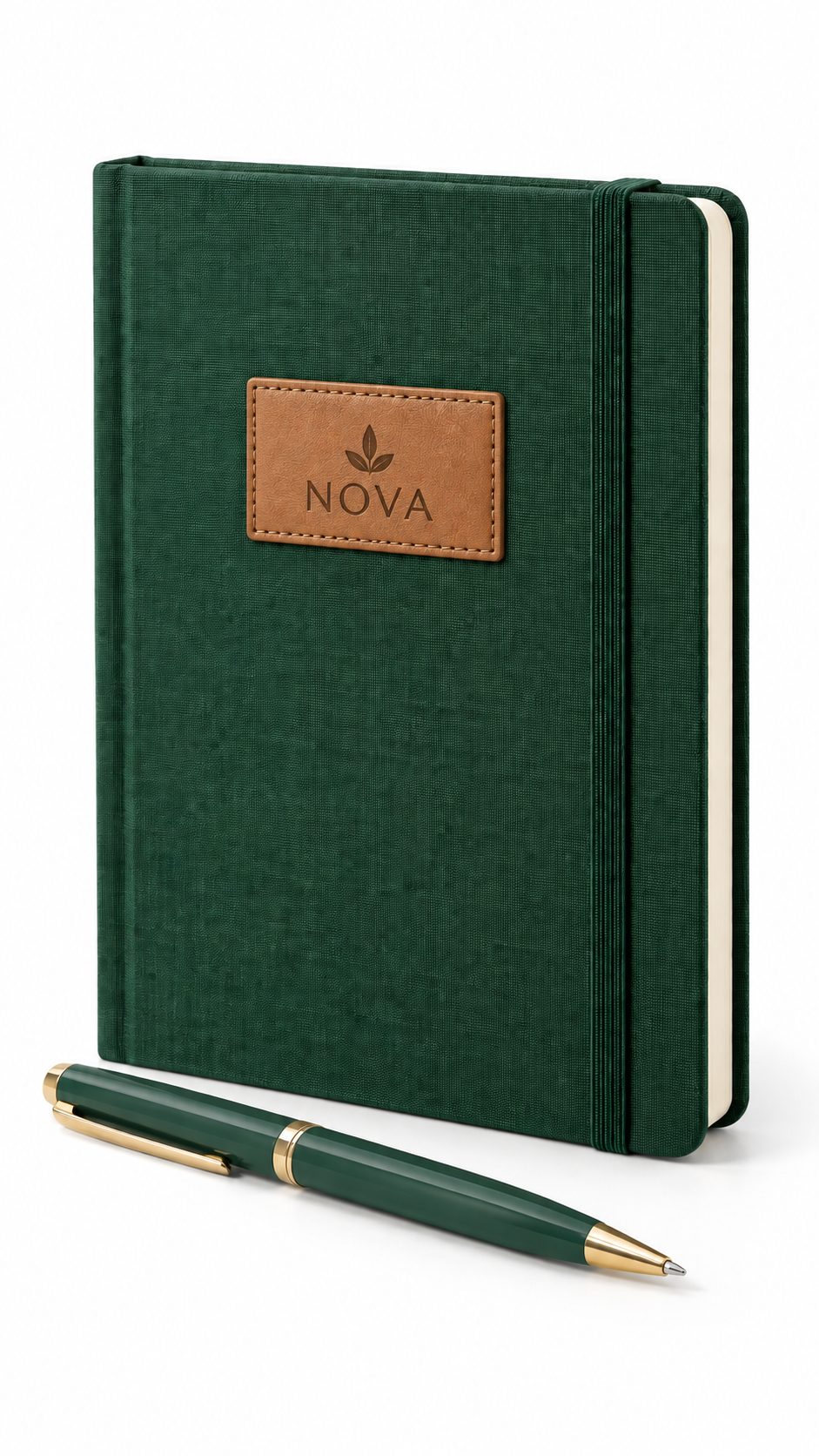
Amazon checks the main image automatically. An off-white background or a product that sits too small in the frame can suppress a listing before a single shopper sees it. Secondary images carry the actual selling — benefits, scale, fit and detail.
| Rule | Main image | Secondary images |
|---|---|---|
| Background | Pure white, RGB 255, 255, 255 | Any — studio colour, lifestyle or infographic |
| Product fill | 85% of the frame or more | As the composition needs |
| Resolution | 1,000 px minimum on the longest side for zoom; 1,600 px+ recommended; no side above 10,000 px | Same |
| File | JPEG preferred; PNG, TIFF or non-animated GIF; sRGB; under 10 MB | Same |
| Text, logos, badges | Not allowed, including watermarks | Allowed when accurate |
| Props | Only what the customer receives | Props and models allowed |
| Apparel | Follow the category style guide; kids’ clothing is shown off-model | Model, flat lay or ghost mannequin |
The 9-slot image stack we plan for every ASIN
In bulk uploads Amazon names image slots MAIN and PT01 to PT08. This is the order we recommend for most categories — adjust it to your category style guide.
- MAINMain imageProduct only on RGB 255 white, 85% fill.
- PT01Key benefitsThree or four callouts, readable on a phone.
- PT02In useA lifestyle scene that shows who it’s for.
- PT03Size & scaleDimensions or size chart, measured — not estimated.
- PT04Detail close-upTexture, stitching, finish or ingredients.
- PT05On-modelFit and drape, or a hand shot for scale.
- PT06What’s in the boxEvery item the customer receives.
- PT07VariantsColours, sizes or pack options side by side.
- PT08TrustCare instructions, certifications or material facts.
- VIDEOListing videoDemo, fit or unboxing for brand-registered sellers.
New in July 2026: label AI-generated people
Amazon now asks sellers to tag images, videos and A+ Content showing photorealistic AI-generated people by adding the keyword contains-synthetic-performer to the file’s XMP dc:subject field before upload. Real model shoots and AI backgrounds without people don’t need the tag. Source: CNBC, Jul 2026.
For apparel, the format decides how many slots you can fill well. Compare ghost mannequin vs model vs flat lay photography for Amazon, or see our model photography in Delhi NCR and jewellery photography work.
“On Amazon, the main image is judged as a thumbnail first. We shoot at 2,000 px or more, then check the RGB 255 background and 85% fill on every file before it leaves the studio — that’s what keeps listings live.”
Amazon A+ Content guidelines 2026
A+ Content replaces the plain product description with image and text modules. It needs Brand Registry, and every submission is reviewed before it goes live — usually within a few days, longer during festive peaks.
May 2026 update: Premium A+ opened to brand owners
Amazon opened Premium A+ to Seller Central brand owners and added a Content Quality Analysis beta that scores pages and flags gaps. Look for the banner in A+ Content Manager for your marketplace. Source: EcomCrew.
| Feature | Basic A+ | Premium A+ |
|---|---|---|
| Access | Brand Registry | Brand Registry; opened to Seller Central brand owners in May 2026 |
| Modules per page | Up to 5 | Up to 7 |
| Content width | 970 px | 1,464 px, full width |
| Video | No | Yes |
| Hotspots, carousels, Q&A | No | Yes |
| Comparison chart | Standard table | Interactive |
A+ module image sizes
| Module | Size (px) | Tier |
|---|---|---|
| Header image | 970 × 600 | Basic |
| Full-width banner | 970 × 300 | Basic |
| Image & text | 300 × 300 | Basic |
| Comparison chart image | 150 × 300 | Basic |
| Company logo | 600 × 180 | Basic |
| Brand Story hero | 1464 × 625 | Brand Story |
| Full-width image | 1464 × 600 | Premium |
| Video | 1280 × 720 minimum | Premium |
Sizes are planning references. The upload field in A+ Content Manager is the final word for each module.
What gets A+ Content rejected
- Prices, discounts, “best seller” or time-bound offers.
- Shipping, delivery or warranty claims.
- Competitor names or comparisons with other brands — compare your own products instead.
- Claims you can’t prove, such as “No. 1” or medical results.
- Low-resolution images or body copy baked into images — keep key copy in the text fields.
Listing video and product reels on Amazon
Brand-registered sellers can add video to the image block, and Premium A+ adds video inside A+ Content. Short clips that show fit, movement, texture or how a product works answer the questions still photos can’t — and they reuse well as ads and social reels.
We shoot listing videos in the same session as stills, so colour and styling match. See our ecommerce video production work. The AI-people tagging rule above applies to video files too.
Amazon seller fees in 2026
From 16 March 2026, Amazon.in charges a 0% referral fee on products priced under ₹1,000 across 1,800+ categories, and Easy Ship fees dropped by more than 20% for items under ₹300 (About Amazon India). Referral is only one line of the stack, though.
- Referral fee — 0% under ₹1,000 in eligible categories; your category rate above that.
- Closing fee — a fixed amount per unit sold.
- Shipping — Easy Ship or Self Ship charges, or FBA pick, pack and weight handling.
- Storage — for stock kept in Amazon fulfilment centres.
- Returns — accurate colour, true scale and a clear size chart are the cheapest way to cut avoidable returns.
- GST and ads — GST applies on fees, and ad spend belongs in your unit cost.
Check your ASIN’s fee category in Seller Central — the browse category shoppers see is not always the one you are charged under.
FBA vs Easy Ship vs Self Ship
Your fulfilment choice decides who holds stock, who delivers and how fast. Many sellers run FBA for fast movers and Easy Ship for the long tail.
| Factor | FBA | Easy Ship | Self Ship |
|---|---|---|---|
| Where stock sits | Amazon fulfilment centre | Your warehouse | Your warehouse |
| Picks & packs | Amazon | You | You |
| Delivers | Amazon | Amazon picks up and delivers | You or your courier |
| Prime badge | Eligible | Limited | Limited |
| Best fit for | Fast movers and Prime shoppers | New sellers with their own space | Bulky, fragile or made-to-order items |
Selling fashion on more than one marketplace? Our Myntra seller hub covers the fashion-first rules, and one planned shoot can cover both.
Growth checklist for Amazon sellers
- Run Sponsored Products on ASINs that already convert organically.
- Test main images and titles with Manage Your Experiments where it’s available to your brand.
- Price sub-₹1,000 SKUs to use the 0% referral fee where your margins allow.
- Offer bundles and multi-packs — a second unit in the same box costs far less in fees.
- Fix the gaps Content Quality Analysis flags in your A+ pages.
- Refresh hero images before the Great Indian Festival and Prime Day.
- Review return reasons monthly and fix the listing, not just the stock.
Frequently asked questions
How do I become a seller on Amazon India?
Register on Seller Central at sell.amazon.in, complete tax, identity and bank verification, list your products and choose FBA, Easy Ship or Self Ship. Enrol in Brand Registry if you own a trademark to unlock A+ Content and video.
What documents do I need to sell on Amazon.in?
A PAN, an active bank account, ID and address proof, and a GSTIN unless you sell only GST-exempt products. Brand Registry also needs a trademark.
What are Amazon’s main image requirements in 2026?
A real photo of the product on pure white (RGB 255, 255, 255), filling at least 85% of the frame, at least 1,000 px on the longest side (1,600 px or more recommended), with no text, logos, watermarks or props that are not included with the product.
Do I need Brand Registry for A+ Content?
Yes. A+ Content, Brand Story and listing video are available to brand owners enrolled in Amazon Brand Registry.
What is Premium A+ Content and who can use it?
Premium A+ adds video, hotspots, carousels, interactive comparison charts and 1,464 px full-width modules. In May 2026 Amazon opened it to Seller Central brand owners; check A+ Content Manager for access in your marketplace.
Do I need to label AI-generated models in Amazon images?
Yes, since July 2026. Images, videos and A+ Content with photorealistic AI-generated people must carry the keyword contains-synthetic-performer in the file’s XMP dc:subject field before upload. Real model shoots do not need it.
What are Amazon India seller fees in 2026?
From 16 March 2026, the referral fee is 0% on products under ₹1,000 across 1,800+ categories. Closing fees, shipping or FBA fees, storage, returns, GST and ads still apply.
Can Uniqs Studio shoot Amazon-ready images and A+ Content in Delhi NCR?
Yes. Uniqs Studio shoots main images, secondary images, model and jewellery shoots, listing videos and A+ Content assets in Delhi NCR, delivered ASIN-wise and ready for upload.
Planning an Amazon launch?
Share your SKU count and category. We’ll suggest the image stack, A+ layout and a shoot timeline.
Chat on WhatsApp +91 80767 45824