
Following the Myntra jewellery photo guidelines is the difference between a catalogue that goes live on the first upload and one that bounces between QC and your team for a week. Jewellery is small, reflective and easy to misread on a phone screen, so the rules that work for kurtas and denim do not carry over neatly. If you are still setting up your account and understanding how the platform works, start with our Myntra seller hub, then come back here to plan the shoot.
This guide is written for Myntra brand partners, D2C jewellery labels, catalogue managers and ecommerce executives who need clear answers before booking a shoot. At Uniqs Studio, Satyam and the team have spent 9+ years producing catalogue images for 500+ D2C brands and marketplace sellers, and jewellery is where we see the most avoidable rejections. Below you will find when to use on-body versus packshot images, how to handle shadows and backgrounds, the angle shots each category needs and the rejection reasons we fix most often.
Key takeaways
- Treat the current style guide in the Myntra Partner Portal as the final word on pixel size, ratio and image count; shoot masters with enough resolution and crop room to meet any template change.
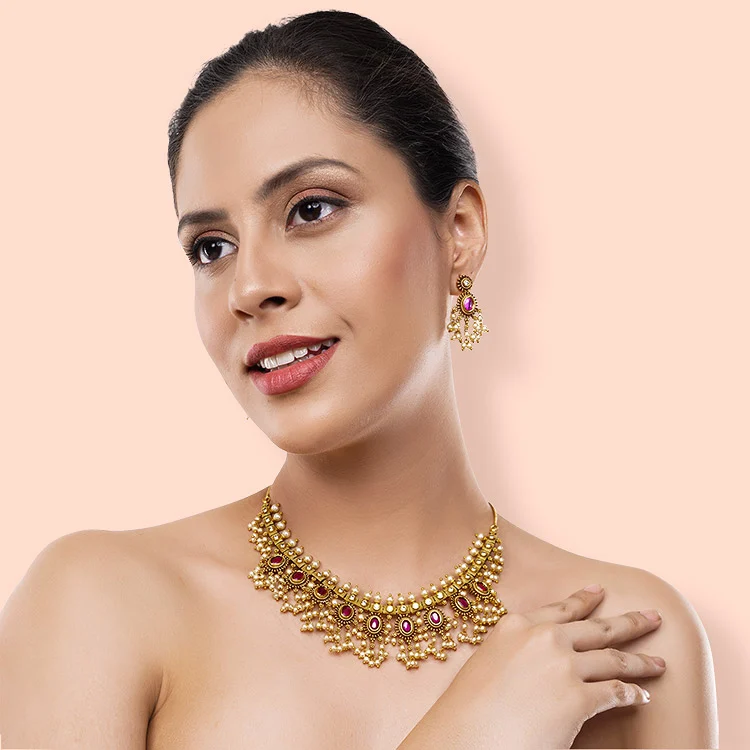
- Use a clean product-only packshot to explain the design and an on-body image to explain scale — strong listings need both.
- Most rejections come from colour cast, blown-out highlights on metal, dust, heavy shadows, watermarks or props that hide the product.
- Plan angle shots per category: earrings need a pair and a single-side profile, rings need a top view and a side profile, necklaces need a full layout and a clasp detail.
- Add one short jewellery video where the listing allows it; sparkle and movement are hard to show in stills.
What are the Myntra jewellery photo guidelines in 2026-2027?
The Myntra jewellery photo guidelines are the category-level image rules a brand partner must meet before a jewellery style goes live: a clean, consistent background, true-to-life colour, sharp focus on the product, a set sequence of views and no text, watermarks or distracting props. Exact pixel sizes, ratios and image counts live in the style guide inside the Partner Portal and can change, so always check it before export.
In practice, the Myntra product image rules for jewellery sit on top of the general catalogue rules. Your images must show the actual product you will ship, in the actual colour and finish, with nothing added that the buyer will not receive. The official source is the Myntra Partner Portal, where the current style guide and catalogue templates are shared with registered brand partners. Our broader Myntra product photography guide covers apparel; this post focuses only on jewellery.
Because templates do change, Uniqs Studio works to a recommended production standard rather than a single fixed number. We shoot high-resolution, colour-managed master files and export the size the portal asks for at the time of upload. The table below is that working standard — use it to plan, then confirm each value against the live style guide.
| Element | Uniqs Studio recommended standard | Verify in Partner Portal |
|---|---|---|
| Frame / ratio | Portrait masters with crop room; many brand partners export a 3:4 frame such as 1080×1440 px or larger | Current ratio and minimum pixel size |
| Background | Plain white or very light neutral, identical across the whole catalogue | Allowed background colour per category |
| Product fill | Product fills most of the frame on packshots; no tiny jewellery floating in empty space | Any fill or margin rule |
| Image count | A packshot, on-body view, detail macro and scale or side view as a minimum set | Minimum and maximum images per style |
| Text and graphics | None on the image — no logos, watermarks, price badges or collage borders | Rules for brand logos and size charts |
| Colour | Calibrated white balance; gold, silver and rose gold must match the shipped piece | Colour-variant image requirements |
Why do jewellery images need different rules from apparel on Myntra?
Jewellery is tiny, reflective and judged almost entirely on close detail, so problems that are invisible in a garment photo become obvious in a jewellery photo. A slight colour cast turns yellow gold into brass, and a single hotspot on a stone can hide the setting. That is why apparel-centric checklists miss most jewellery rejection causes.
Clothing photography is about fit, fabric and drape. Jewellery photography is about finish, scale and sparkle, and every one of those is affected by light. Polished metal works like a curved mirror — it reflects the softbox, the camera, the photographer and the ceiling. Stones need a controlled highlight to look alive but lose detail if the highlight is too strong. A sharp, glare-free photo that also looks luminous is a lighting job, not an editing job.
Scale is the other big difference. A buyer scrolling the Myntra app on a phone cannot tell whether a pendant is 1 cm or 4 cm tall from a packshot alone. This is where on-body images, hand shots and side profiles earn their place in your catalogue photos for jewellery. Getting this right before upload is far cheaper than dealing with “product looks smaller than shown” returns later.
On-body vs packshot: which jewellery images should you use on Myntra?
Use both. A product-only packshot on a clean background explains the design, metal colour and stone setting, while an on-body image explains size, drape and how the piece looks when worn. Lead with whichever view your category guide specifies for the first image, then complete the set with the other.
When on-body shots win under Myntra jewellery photo guidelines
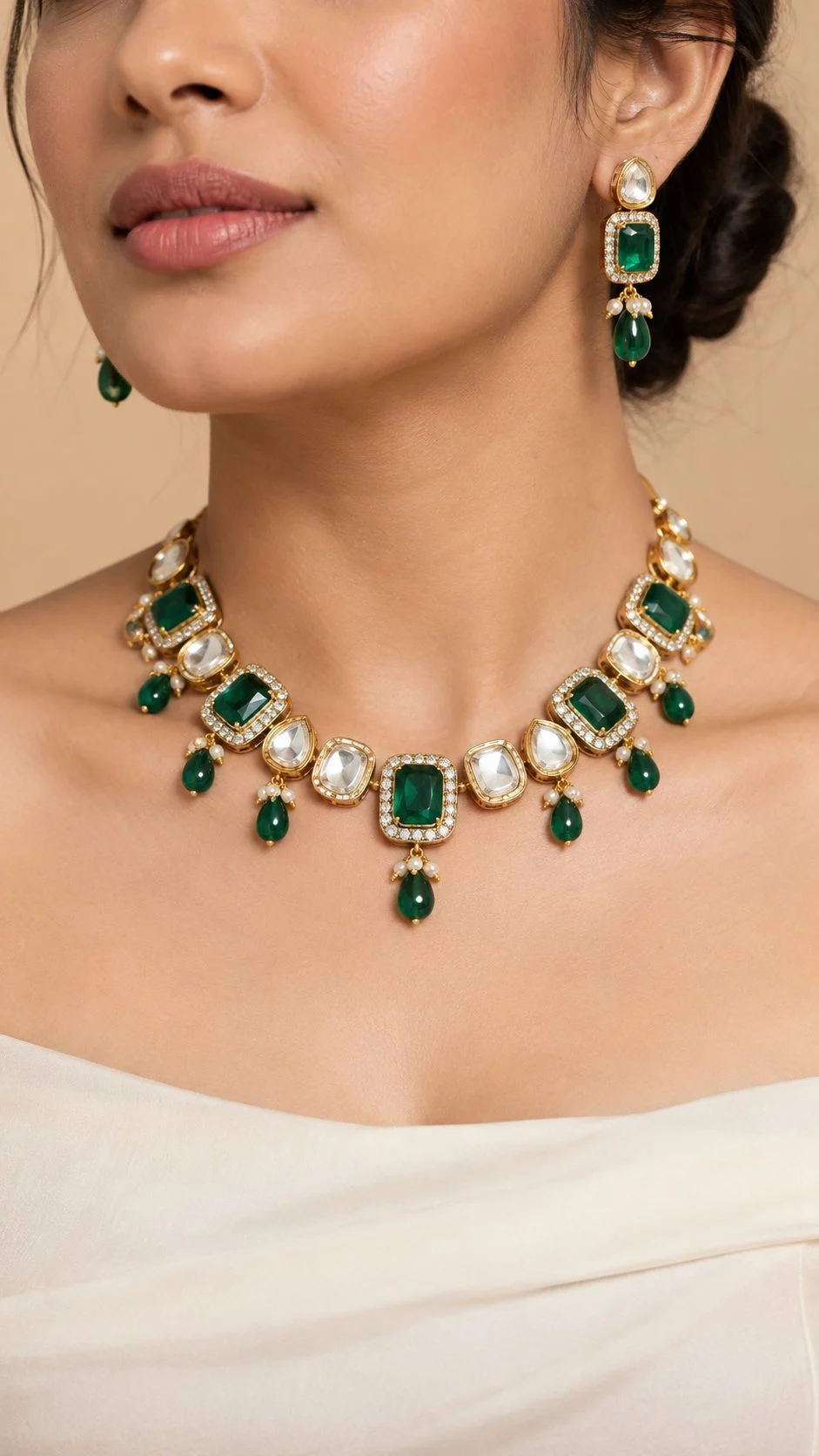
On-body images work best for statement earrings, chokers, long necklaces, maang tikkas, anklets and layered sets — pieces where length, drop and proportion decide the purchase. They also help fashion jewellery labels show styling, for example pairing oxidised earrings with a cotton kurta. Keep the model’s outfit plain and in a neutral colour so the jewellery stays the hero, and keep the crop tight enough that the piece is clearly visible on a small screen.
When the product-only packshot wins
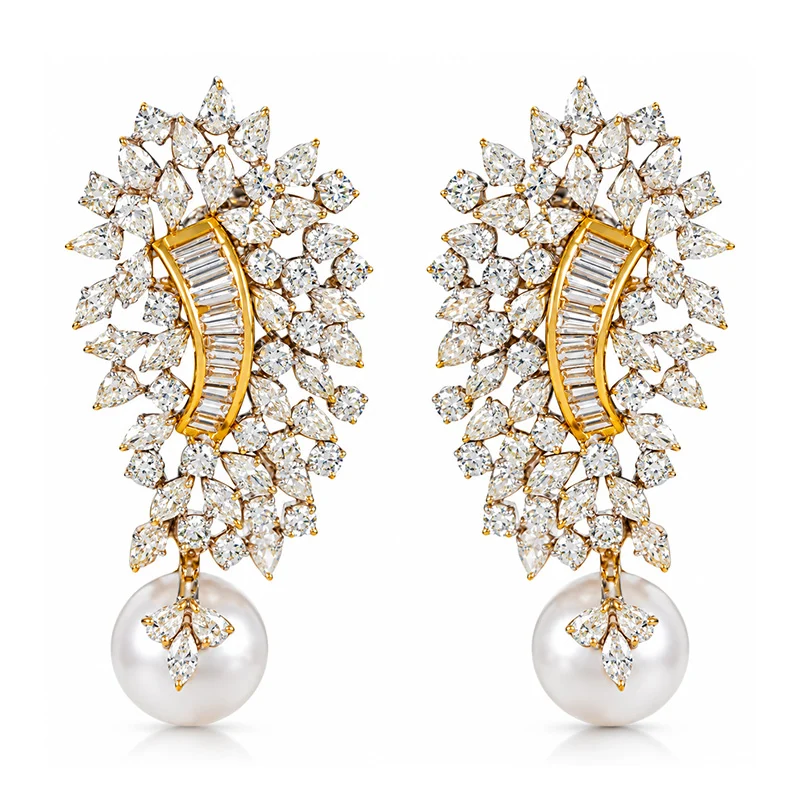
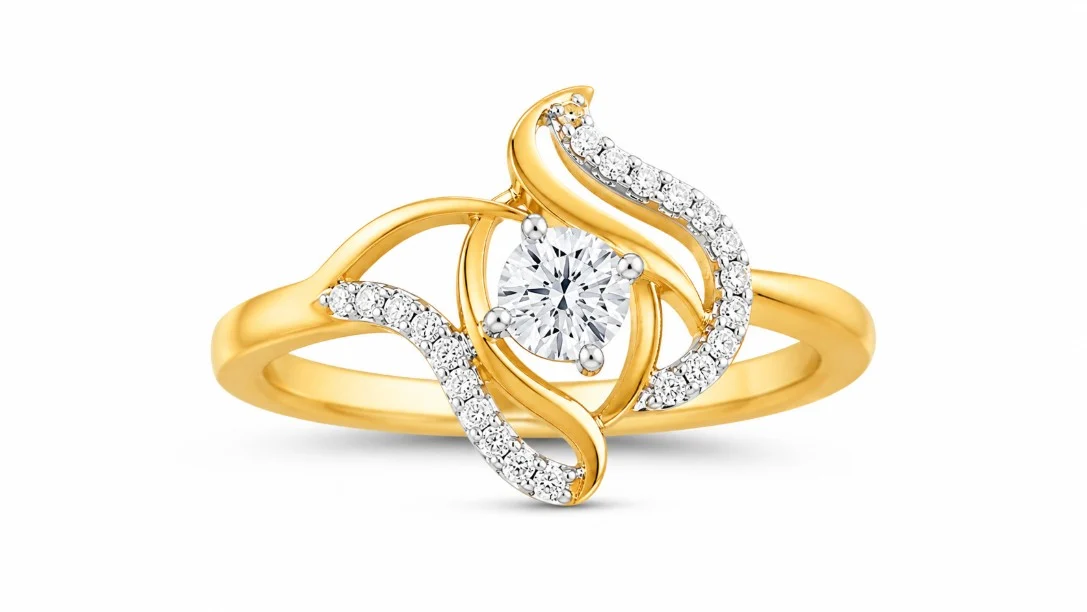
Packshots are essential for rings, studs, pendants, bracelets and fine jewellery where buyers want to inspect the setting, the stone shape and the metal finish. A packshot is also the image that keeps your catalogue consistent across hundreds of styles, which matters on a fashion platform where buyers compare several listings side by side. At Uniqs Studio we treat the packshot as the technical record of the piece and the on-body image as the emotional one.
The hybrid image set we recommend
For most styles, a five- or six-image set covers every buyer question. If your team does not have the lighting control for glare-free metal, this is exactly where reflection-controlled jewellery photography pays for itself, because every image in the set has to match in colour and background.
| Factor | On-body image | Packshot (product-only) |
|---|---|---|
| Main job | Shows scale, drape and styling | Shows design, metal finish and stone setting |
| Best for | Earrings, necklaces, chokers, anklets, sets | Rings, studs, pendants, bracelets, fine jewellery |
| Common risk | Outfit or hair hides the piece; skin tone cast on metal | Flat, lifeless metal; floating product with no sense of size |
| Fix | Plain neutral outfit, hair tied back, tight crop | Controlled highlights plus a side or scale view |
| Position in set | As your category guide specifies — often image 1 or 2 | Usually the first or second image |
How many jewellery angle shots does a Myntra listing need?
Plan for four to six images per style: one hero view, one alternate angle, one close-up detail, one on-body or hand shot for scale and, where relevant, a back or clasp view. The exact angles change by category, so build a shot list per jewellery type before the shoot day instead of improvising on set.
The most common mistake we see in jewellery angle shots for Myntra is shooting every category the same way. A ring photographed only from the top looks like a flat circle; an earring photographed only as a pair hides its depth. Use the table below as a starting shot list and adjust it to the image count your style guide allows.
| Category | Must-have angles | Scale / on-body view |
|---|---|---|
| Earrings (studs, drops, jhumkas) | Front pair, single-side 45° profile, back post or hook detail | Model ear crop with hair tied back |
| Necklaces and chokers | Full layout front, pendant or centre detail, clasp and length view | Neckline crop on plain outfit |
| Rings | Top view, side profile, inner band or hallmark macro | Hand shot on index or ring finger |
| Bangles and bracelets | Front, standing side view, closure detail | Wrist shot showing fit |
| Anklets and toe rings | Full layout, charm or bead detail | Ankle crop on plain floor |
| Jewellery sets | All pieces together, each piece alone, key detail | Model wearing the full set |
For fine and hallmarked gold pieces, a clear macro of the hallmark builds trust; the Bureau of Indian Standards explains how hallmarking works in India. Detail shots like this need a true macro lens and focus stacking — our guide to macro photography for rings, gemstones and engravings explains the technique.
How should you control shadows and background in Myntra jewellery photos?
Keep the background plain and identical across the catalogue, and keep shadows soft, short and consistent — or remove them cleanly if your category guide asks for a shadow-free cut-out. Harsh, long or uneven shadows are one of the quickest ways to get a jewellery image flagged.
Shadow guidelines for Myntra jewellery
A small, soft contact shadow under a ring or bangle grounds the product and makes it look real. Problems start when the shadow is darker than the product, falls in a different direction on each image, or is a messy edit left over from background removal. Our rule of thumb: decide on one shadow style for the whole catalogue — natural soft shadow or clean no-shadow — and apply it to every style, every colour variant and every reshoot.
Background requirements for Myntra jewellery photos
Plain white or a very light neutral works for most jewellery. Avoid textured fabric, velvet boxes, marble tiles or flowers in the main images; they look premium in a lookbook but distract on a marketplace grid and can be read as props. The background requirements on Myntra are about consistency as much as colour — a catalogue where half the images are pure white and half are off-white looks careless to buyers.
Reflections on metal and stones
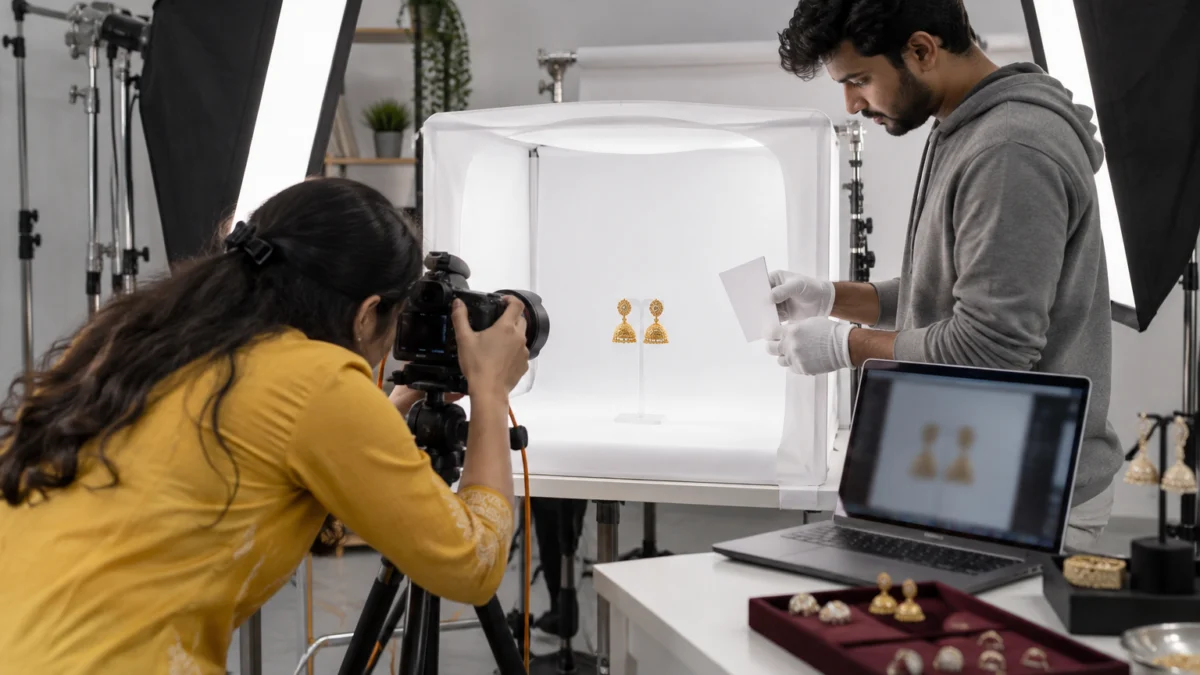
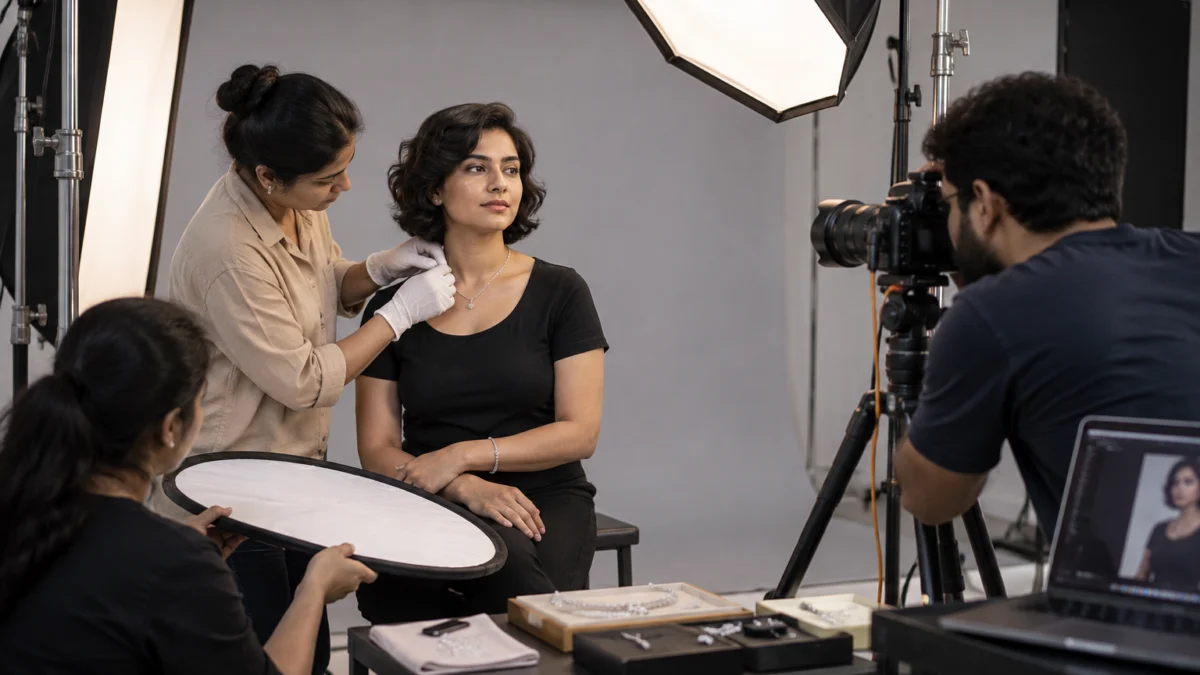
Glare control starts at capture. We surround polished pieces with large diffused sources or a light tent, use white and black cards to shape the reflections along the edges of the metal, and keep the camera, stand and people out of the mirror-like surfaces. Stones get a small, controlled highlight so they sparkle without burning out. Fixing heavy glare in post rarely looks natural, which is why lighting is planned before the first frame.
How do you shoot model hand shots and close crops without errors?
Prepare the hands like you would prepare a garment: clean, moisturised skin, neat short nails with a nude or clear polish and no other rings or watches in frame. Then light the hand softly from the front, keep the pose relaxed and crop tight enough that the jewellery is the clear subject.
Model hand shots for Myntra listings fail for small reasons: chipped nail polish, visible veins from a tense pose, a second ring that is not part of the product, or a crop so wide that the ring becomes a dot. We brief hand models in advance, keep cotton gloves on set to avoid fingerprints, and shoot each ring on the finger that best shows its scale. For bracelets and bangles, a slightly turned wrist shows the closure and the fit at the same time.
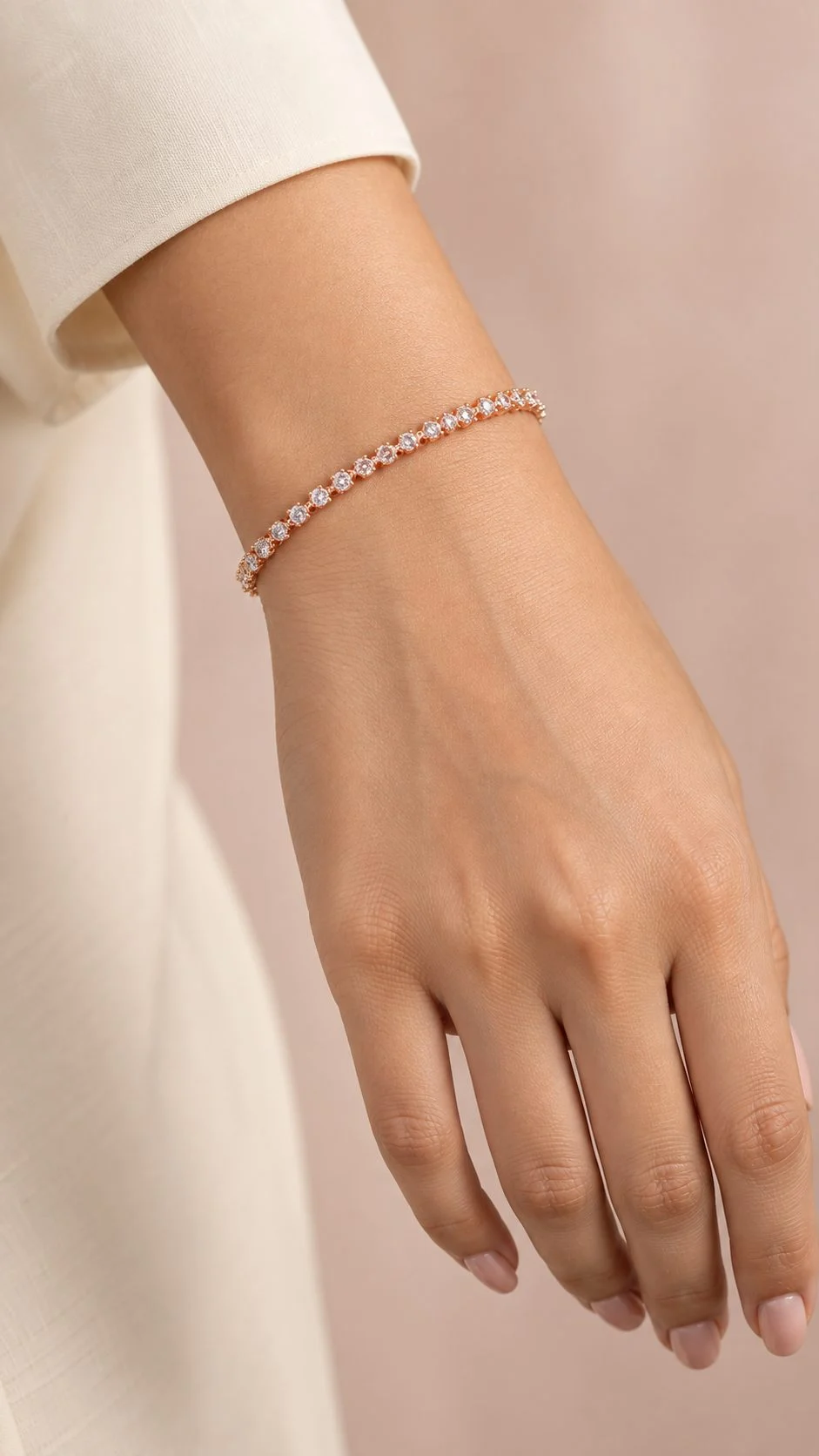
For on-body shoots, the stylist matters as much as the photographer. Hair is tied back for earrings, necklines are kept plain and neutral for necklaces, and every piece is checked for tangles, twisted chains and fingerprints between frames. Skin tones are matched across the catalogue so a gold piece does not look warmer on one model than another.
Why do Myntra jewellery images get rejected?
Most rejections come down to image quality and accuracy: colour that does not match the product, blown-out highlights, soft focus, dust and scratches, inconsistent backgrounds, or extra elements such as text, watermarks and props. Each of these is preventable at the shoot or retouching stage.
When a catalogue comes back with image quality rejection on Myntra, the QC remark usually points to one of the patterns below. We keep this table on set as a final check for every jewellery shoot at Uniqs Studio.
| Rejection reason | What it looks like | How to fix it |
|---|---|---|
| Colour mismatch | Gold looks brassy or silver looks blue | Shoot with a grey card, calibrate the monitor, match every variant to the physical piece |
| Blown highlights | White patches on metal or stones with no detail | Larger diffused light, flags and cards; expose for the highlights |
| Soft focus | Stones and engravings look blurry when zoomed | Macro lens, small aperture, focus stacking for depth |
| Dust and scratches | Specks, fibres, fingerprints visible on zoom | Gloves and blower on set, careful dust cleanup in retouching |
| Inconsistent background | Different whites or greys across one style | Fixed light setup and one background value for the catalogue |
| Harsh or messy shadows | Dark, long or badly cut-out shadows | One shadow style, applied cleanly to every image |
| Text, logos or watermarks | Brand stamp, price badge, collage border | Keep main images clean; follow portal rules for any brand assets |
| Props or extra items | Flowers, boxes or a second ring in frame | Show only what ships; save styling for lookbooks |
| Wrong crop or size | Tiny product in empty frame, or cut-off edges | Export to the current portal ratio with consistent product fill |
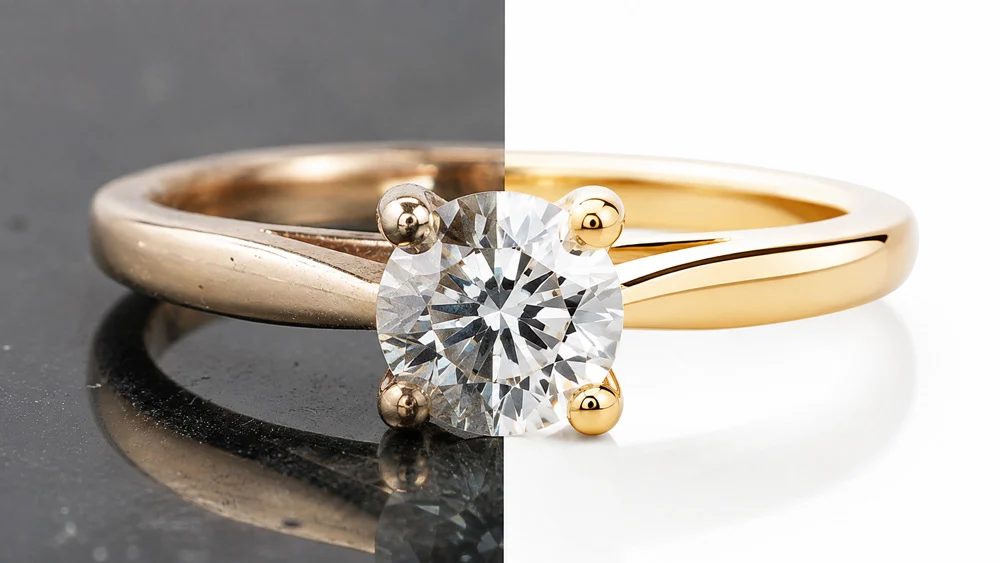
Retouching should clean the piece, not redesign it. Removing dust, polishing scratches and balancing tones is expected; changing stone colour, adding sparkle that is not there or reshaping the metal is not, because it leads to “product not as shown” returns. Our walkthrough of jewellery post-production after the shoot shows where that line sits.
How do you prepare jewellery files: image size, colour and naming?
Export every image at the ratio and minimum size listed in the current Myntra style guide, in sRGB colour, with consistent product fill across the style. Name files so the catalogue team can map them to the right SKU and image position without guessing.
The Myntra jewellery image size question comes up on almost every enquiry. Our answer is to shoot large and export to the portal template, so a future change does not force a reshoot. Many partners work with a portrait 3:4 frame, but confirm the live value before export. Keep compression moderate — over-compressed files show banding on gold gradients and blocky noise around stones, which looks like poor quality on zoom.
- Colour space: convert to sRGB so colours look the same on phones and laptops.
- Consistent fill: keep the product at a similar size in the frame across every style in a collection.
- Naming: use a pattern such as SKU_colour_01, SKU_colour_02 so image order is never mixed up.
- Variants: shoot each metal colour separately — never recolour gold into rose gold in software.
- Alt-ready descriptions: note metal, stone and style for each file; it also helps with image best practices on Google for your own website.
Where does video fit in a Myntra jewellery listing?
A short video shows what stills cannot: how stones catch light, how a pair of earrings moves and how a necklace sits when the wearer turns. Where your listing or brand store allows video, add a 15–30 second clip; use the same clip for Instagram reels and ads.
For jewellery, simple works best — a slow turn on a stand, a mirror-box shot for earrings, or a model turning her head under soft light. Our ecommerce video production team shoots these alongside the stills, so lighting and colour stay consistent across the whole listing.
How much does a Myntra jewellery shoot cost at Uniqs Studio?
Jewellery packshots at Uniqs Studio are ₹300 per product for 2–3 angles with a 4–5 day turnaround. On-body model photography and short reels are priced separately, as listed in the table below.
| Shoot type | Images | Turnaround | Price |
|---|---|---|---|
| Jewellery (ring, earring) | 2–3 angles | 4–5 days | ₹300 / product |
| Model Photography | 5–6 angles | 4–5 days | ₹400 / product |
| Ecommerce Reels Video | 20–25 seconds | 4–5 days | ₹900 / product |
Prices are per product/image as listed; call or WhatsApp +91-8076745824 for bulk catalogue quotes.
Planning a jewellery catalogue for Myntra? Call Satyam on +91-8076745824 or send your SKU list on WhatsApp at +91-8076745824 for a shot plan.
Pre-upload QC: how to check jewellery catalogue photos before submitting
Run every style through a short QC pass before upload: colour, focus, cleanliness, background, crop and image order. Ten minutes of checking saves days of rejection loops.
Use this as your final pass against the Myntra jewellery photo guidelines. If you also need the broader listing side — titles, attributes and size data — our Myntra listing and catalogue QC checklist covers it.
- Metal colour and stone colour match the physical piece on a calibrated screen.
- Stones and engravings are sharp at 100% zoom.
- No dust, fibres, fingerprints or scratches remain.
- Background value is identical across all images of the style.
- Shadow style is consistent — soft contact shadow or clean no-shadow, not both.
- No text, watermark, collage border or prop in the main images.
- At least one image shows scale: on-body, hand or side view.
- Files are exported at the current portal ratio and size, in sRGB, named by SKU and position.
- Each colour variant has its own photographed set.
FAQs on Myntra jewellery photo guidelines
Quick answers to the questions Myntra brand partners ask us most before a jewellery shoot.
Use a plain white or very light neutral background that stays identical across your catalogue, with no textures, props or text. Confirm the allowed colour for your category in the Myntra Partner Portal style guide.
Both. A packshot shows design and finish, while an on-body or hand image shows scale and styling. Most strong listings combine them in a four- to six-image set.
The exact ratio and minimum pixel size are set in the current Myntra style guide. Many brand partners export a portrait 3:4 frame such as 1080×1440 px or larger; shoot high-resolution masters so you can meet any update.
The usual causes are colour mismatch, blown highlights on metal, soft focus, dust, inconsistent backgrounds, harsh shadows, and text, watermarks or props in the image.
A soft, short contact shadow is generally acceptable and makes jewellery look real, but heavy, long or messy shadows are not. Pick one shadow style and apply it to the whole catalogue.
Jewellery packshots are ₹300 per product for 2–3 angles with a 4–5 day turnaround. Model photography is ₹400 per product for 5–6 angles, and reels videos are ₹900 per product.
What is the next step after fixing your jewellery photos?
Once your images pass QC, the next risk is returns and claims after orders start. Accurate photos reduce “not as shown” returns, but you still need to know how to protect your margins when a return does happen.
Uniqs Studio shoots jewellery catalogues in-house in Delhi for brands across Delhi, Gurgaon, Noida, Faridabad and Ghaziabad. For your next step, read our guide to Myntra SPF claims and returns so you know how seller protection works before your first returns arrive. To plan a shoot, call Satyam on +91-8076745824 or email [email protected].
Get Myntra-ready jewellery photos from Uniqs Studio
Packshots, on-body shots, hand shots and short videos — lit for metal and stones, colour-matched and exported to the current template.
Email [email protected] · Phone +91-8076745824 · Mon–Sat, 10 am–7 pm · 1800/9, Kalkaji Extension, New Delhi 110019