
Amazon Jewellery Image Requirements 2026-2027: 11 Proven Rules for Main Image, A+ Gallery & Model Hands
A jewellery listing on Amazon.in can be perfectly priced and still disappear from search because one photo breaks a rule. Understanding amazon jewellery image requirements is the fastest way to stop suppressions, win the buy box click and cut “looks different from the picture” returns. This guide sits inside our Amazon seller hub, where we map every step from registration to growth for Indian sellers.
At Uniqs Studio, Satyam and the team have shot rings, jhumkas, pendants and bridal sets for more than 9 years, and the same questions come up every week: why was my main image rejected, how big should the photo be, and can I show the ring on a hand? Below you will find the exact Amazon jewellery image requirements, a ready gallery plan, model-hand rules, A+ specs and a pre-upload checklist you can hand to your catalogue team today.
- The main image must show only the jewellery on a pure white background (RGB 255, 255, 255), filling about 85% of the frame.
- Keep the longest side at 1,600 px or more so zoom works; DPI does not matter, pixels do.
- Model hands, ears and necklines belong in gallery images 2–7, never in the main image.
- Most rejections come from off-white backgrounds, text overlays, props and colour that does not match the real metal.
- A planned 7-image gallery plus one short video answers size, sparkle and scale questions before the buyer asks.
What are Amazon jewellery image requirements in 2026-2027?
Amazon jewellery image requirements are the photo rules a ring, earring, necklace or bracelet listing must pass on Amazon.in: a pure white main image with the product alone, a minimum pixel size for zoom, accepted file formats, and no text, logos or props. Jewellery adds stricter rules than most categories, because the main image cannot use a model or bust and must show sets and pairs exactly as sold.
Amazon’s general rules live in the product image requirements in Seller Central, and the jewellery category adds its own style guide on top. Because Amazon updates these pages without notice, treat this article as a working checklist and confirm the latest category style guide inside your Seller Central account before a big launch.
From a shooting point of view, jewellery is the hardest category to get right. Metal works like a mirror, gemstones change colour under different lights, and pieces are so small that a 2 mm scratch looks like a crack at full zoom. That is why amazon jewellery image requirements feel strict: Amazon wants buyers to see the real piece, not a styled guess.
What does Amazon allow in a jewellery main image?
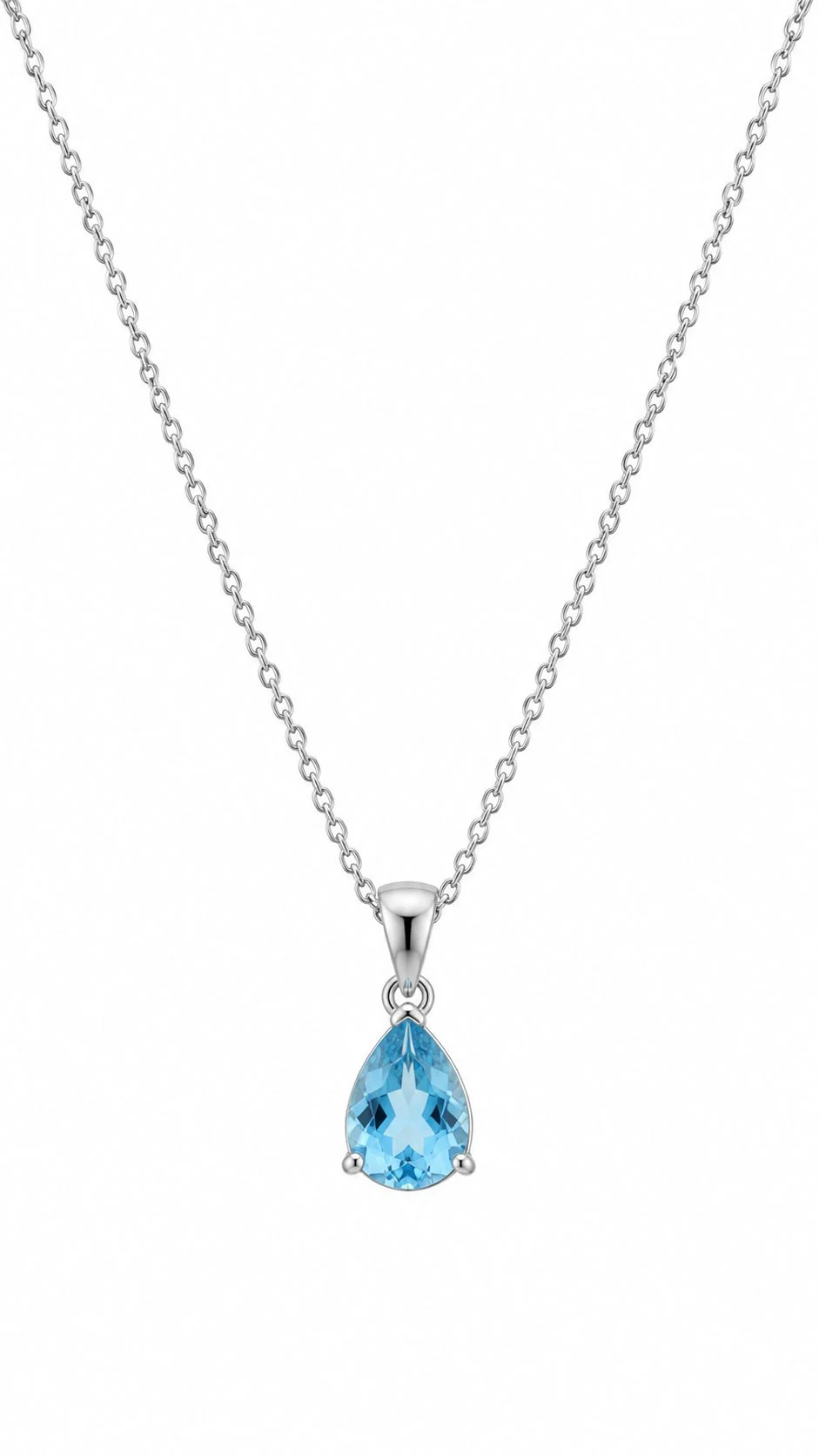
The jewellery main image must show only the product you sell, on a pure white background, in sharp focus, with the piece filling around 85% of the frame. No model, no bust, no mannequin, no packaging, no text and no extra items are allowed in the first image.
Rule 1: Use a true white background, not “almost white”
The main image white background must read RGB 255, 255, 255 at the edges. A background that measures 245 or 250 looks white on your phone but is often flagged by Amazon’s automated checks. In our studio we light the sweep separately from the jewellery, then check the corners with an eyedropper in editing before export. A soft, natural contact shadow under a ring is usually fine; a grey gradient behind it is not.
Rule 2: Fill about 85% of the frame
Small pieces get lost when they sit in the middle of a huge white square. Crop so the piece fills roughly 85% of the longer side without touching the edges. For a long necklace, that means laying the chain in a neat curve or “U” so the pendant faces the camera instead of a straight line that leaves the frame empty.
Rule 3: Show exactly what is in the box
Earrings are photographed as a pair, a necklace set shows the necklace with its matching earrings, and a ring set shows every ring included. Do not add a free pouch, a gift box or a second colour variant. If the buyer receives one earring stud, Amazon expects one in the photo; if they receive a pair, a single earring becomes a “not as described” return.
Rule 4: No model, bust or mannequin in the main image
This is the jewellery-specific rule most new sellers miss. Amazon’s jewellery style guidance keeps the main image product-only, so the necklace-on-neck or ring-on-hand photo moves to the gallery. One more thing to avoid: badges such as “BIS hallmarked” or “925 silver” written on the image. Put those facts in bullet points and use a clear hallmark close-up in the gallery instead.
If you want these rules handled for every SKU in one booking, our jewellery photography team shoots the main image, gallery and on-model frames in one session, so colour and lighting stay identical across the listing.
Which image size, format and DPI does Amazon need for jewellery?
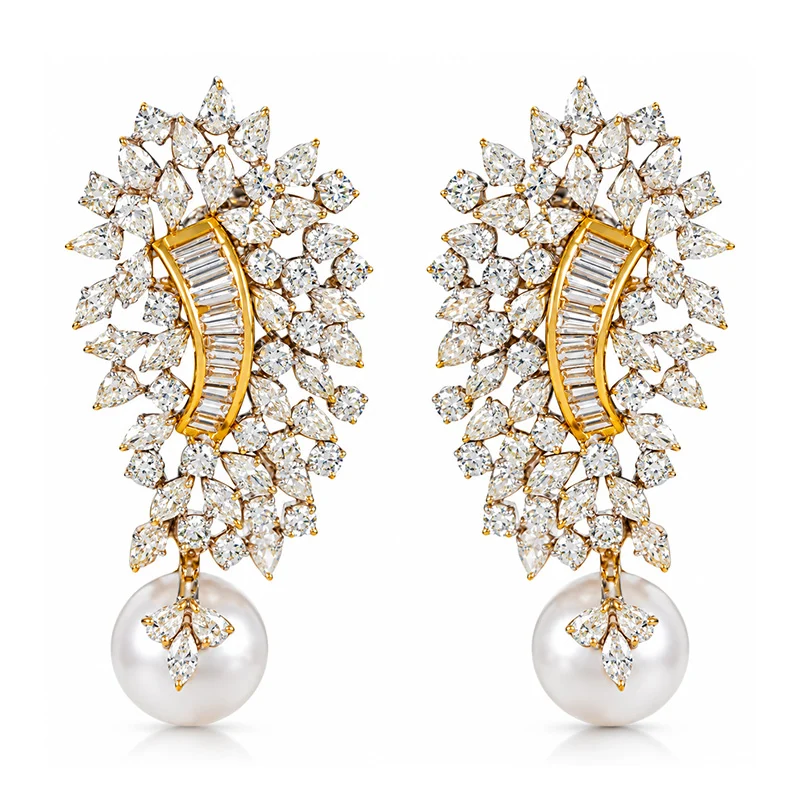
Upload jewellery photos at 1,600 px or more on the longest side so the zoom feature works well; Amazon’s minimum for zoom is 1,000 px and very large files up to 10,000 px are accepted. JPEG is the preferred format, sRGB colour keeps metal tones accurate, and DPI is irrelevant because Amazon only reads pixel dimensions.
The question we hear most about amazon jewelry image size india is “should I upload 300 DPI?” The honest answer is that a 2,000 × 2,000 px image at 72 DPI and the same image at 300 DPI look identical on Amazon. What changes zoom quality is pixel count and sharpness, so shoot on a full-frame body with a macro lens and export large.
| Spec | What Amazon accepts | What we recommend for jewellery |
|---|---|---|
| Longest side | 1,000 px minimum for zoom, up to 10,000 px | 2,000–2,500 px square |
| File format | JPEG, TIFF, PNG, non-animated GIF | JPEG, high quality |
| Colour profile | sRGB or CMYK | sRGB (true gold and silver tones) |
| DPI | Not used by Amazon | Ignore — check pixels instead |
| Aspect ratio | Any; square displays best | 1:1 for every gallery image |
| Background (main) | Pure white RGB 255, 255, 255 | Verify corners before export |
Name files by ASIN or SKU with the right image variant code (for example, MAIN, PT01, PT02) so your catalogue team uploads them in order. A clean naming system also stops the common mistake of a gold-plated variant showing the silver photo.
How should you plan the 7-image gallery for a jewellery listing?
Plan the gallery so each image answers one buyer question: what it looks like, how big it is, how it looks worn, what the details are, and what comes in the box. A planned 7-image sequence converts better than seven random angles of the same piece.
- Main image — product alone on white, 85% fill.
- Angle view — a three-quarter angle that shows depth, stone height or the back of a stud.
- Macro detail — stone setting, meenakari work or texture at close range.
- On-model image — on hand, ear or neckline to show real scale.
- Size reference — a clean graphic with length or diameter in mm (text is allowed outside the main image).
- Hallmark or clasp close-up — the purity stamp, screw-back or lobster clasp.
- Lifestyle or set image — the piece styled with an outfit, or the full set together.
For jewellery listing photos india, image 4 does the heaviest lifting. Buyers cannot judge a 12 mm jhumka on a white background, but they understand it instantly on an ear. The same logic applies to clothing, which is why our Amazon model photography guide also treats the on-model frame as the conversion image.
How do you shoot jewellery on model hands, ears and neck for Amazon?
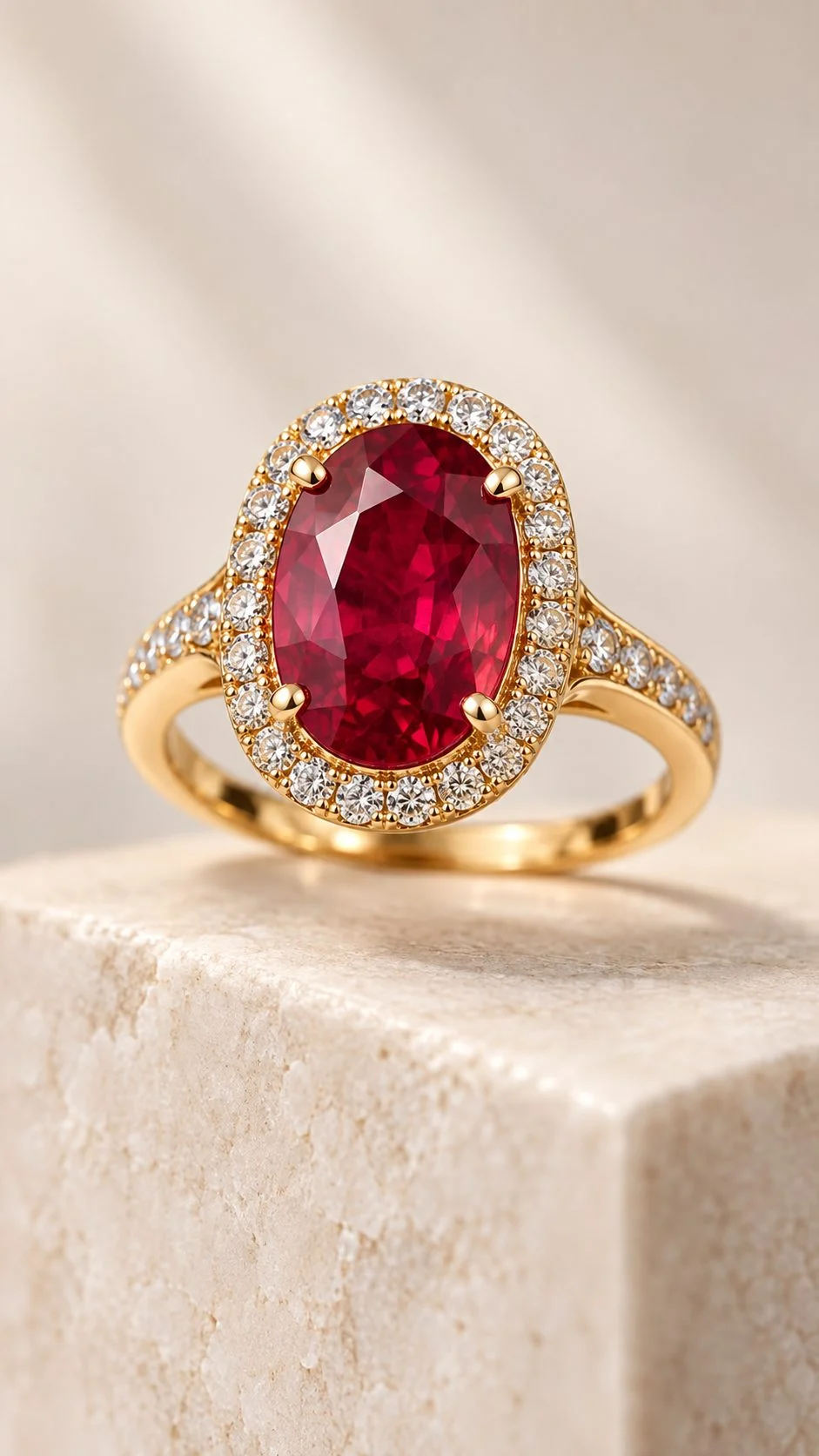
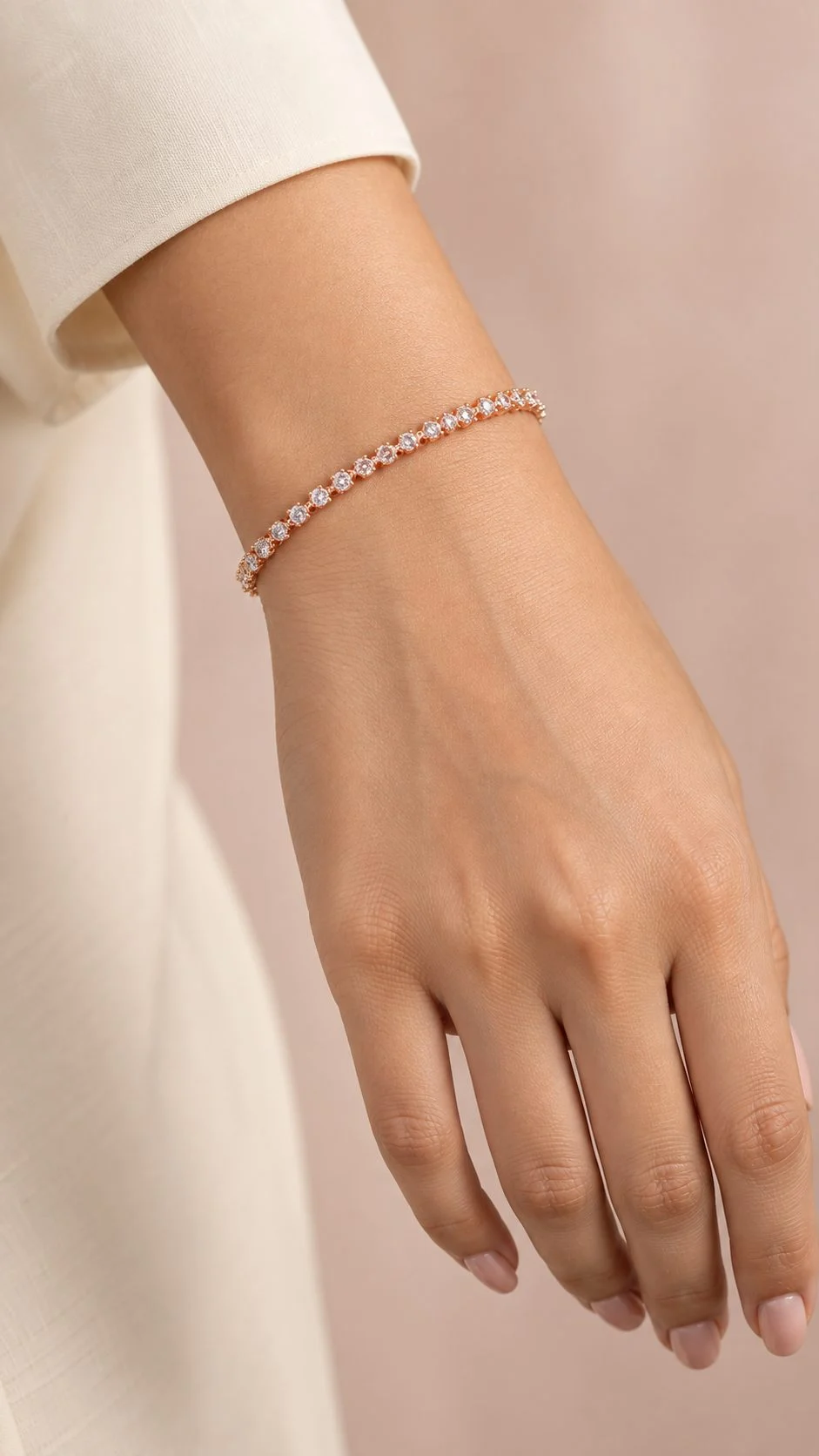
Jewelry on model hand photos work when the hand is clean, relaxed and secondary to the piece: neutral nails, no other jewellery, soft light and a crop tight enough that the ring or bracelet still fills most of the frame. Ear and neck shots follow the same idea — hair pulled back, simple neckline, and the product in sharp focus.
Hand model preparation that passes amazon jewellery image requirements
- Short, clean nails with nude or sheer polish; no nail art that fights the stone colour.
- Remove watches, rings and threads on the same hand; avoid fresh mehendi unless the listing is bridal.
- Moisturise 30 minutes before the shoot so knuckles do not look dry under macro light.
- Keep fingers long and slightly separated; a flat palm looks stiff.
- Match the hand to the piece: delicate stackable rings suit slim hands, statement kadas suit a fuller wrist.
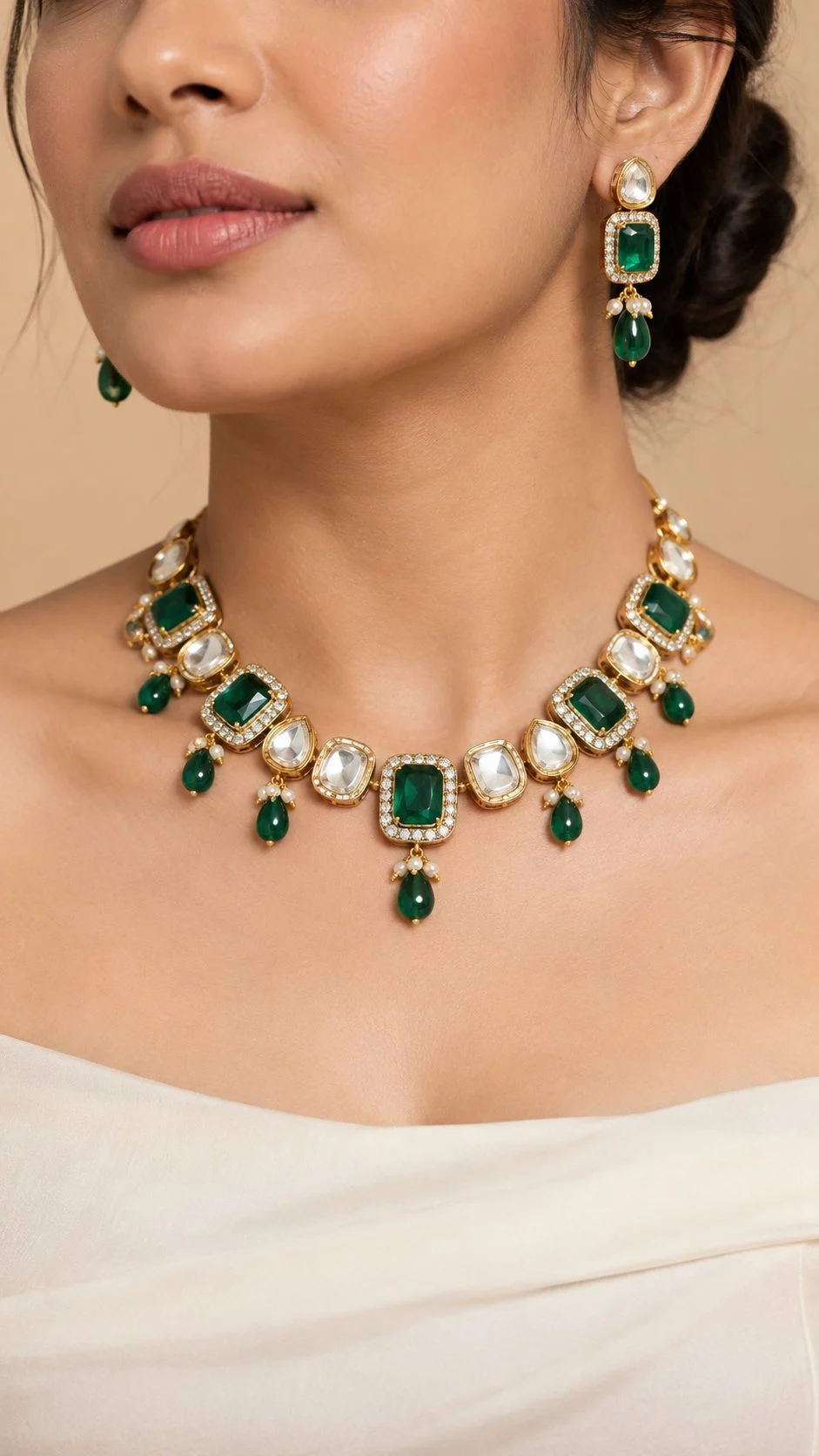
Ears, neck and full-look frames
For earrings, a three-quarter profile with hair tucked behind the ear shows drop length. For necklaces, a plain off-shoulder or round neckline keeps the chain visible; busy prints make buyers misjudge the piece. When a listing needs the full bridal look, on-model fashion photography gives you a styled frame for the gallery and your social ads from the same set.
How do you control reflections, sparkle and gemstone colour?
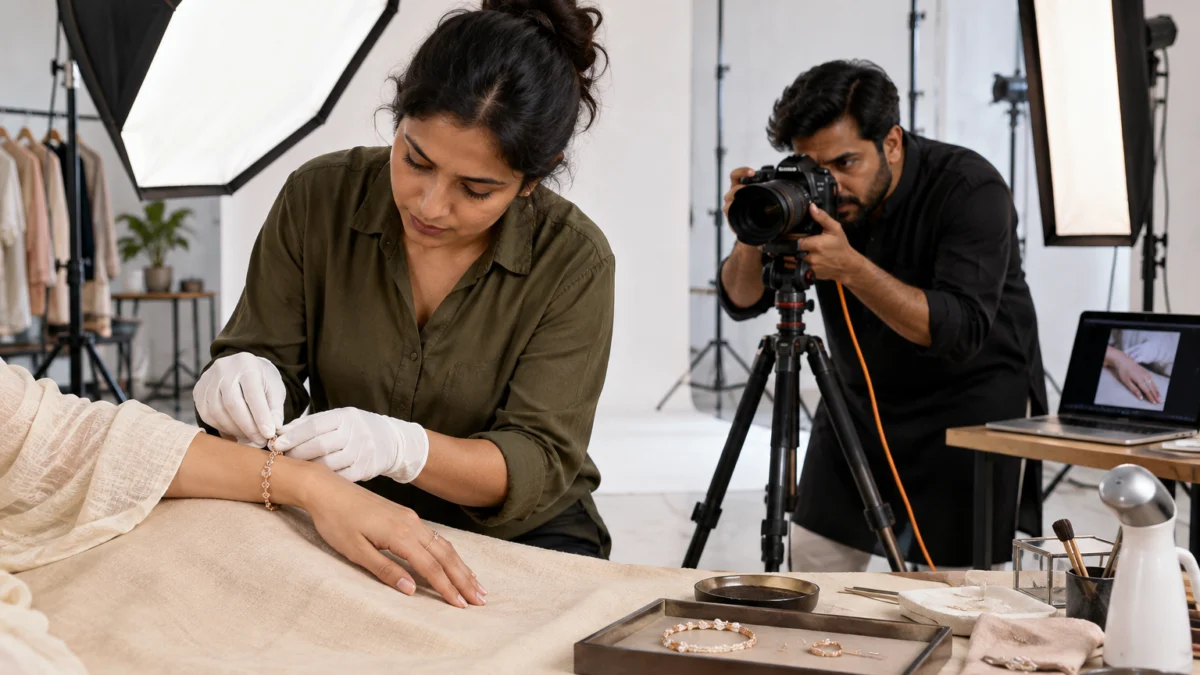
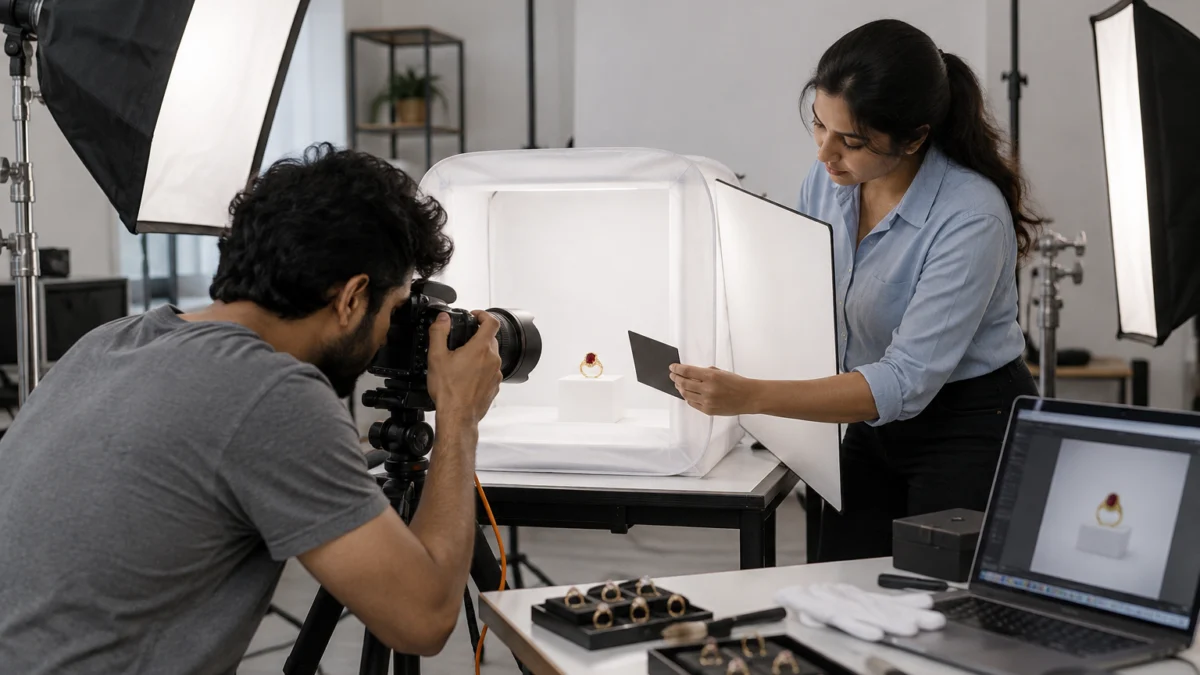
Control reflections by surrounding the piece with large, even white surfaces and adding small black cards only where you want contrast on the metal. Shoot with a macro lens on a tripod, keep one colour-balanced light source type, and check stone colour against the real piece on a calibrated screen before export.
On our set we use a light tent or large diffusion panels with strip softboxes, a 100mm macro lens on a Sony A7R5, and black flags to give polished gold its edge. Diamonds and CZ need a small hard light for sparkle, while emeralds and rubies need softer light so they do not turn black. For tiny rings we often use focus stacking; we explain the method in our guide to macro photography for rings and gemstones.
Colour accuracy matters more than sparkle. If yellow gold looks rose gold on screen, the return is almost guaranteed. Editing should remove dust, fix reflections and clean the white, but never change metal colour or stone clarity. Our jewellery post-production workflow shows where retouching stops and misrepresentation starts.
What are the A+ content image specs for jewellery brands?
A+ content images are module-based: the Basic A+ standard image header uses a 970 × 600 px image, and Premium A+ full-width modules use 1,464 × 600 px. Exact a+ content image specs vary by module, so always check the size shown inside A+ Content Manager before you crop.
A+ is where jewellery brands tell the story Amazon does not allow in the gallery: craftsmanship, purity, care instructions, gift packaging and the full collection. Unlike the main image, A+ can carry text, but Amazon still rejects pricing claims, competitor comparisons, guarantees and contact details. Brand Registry is required to publish A+ content.
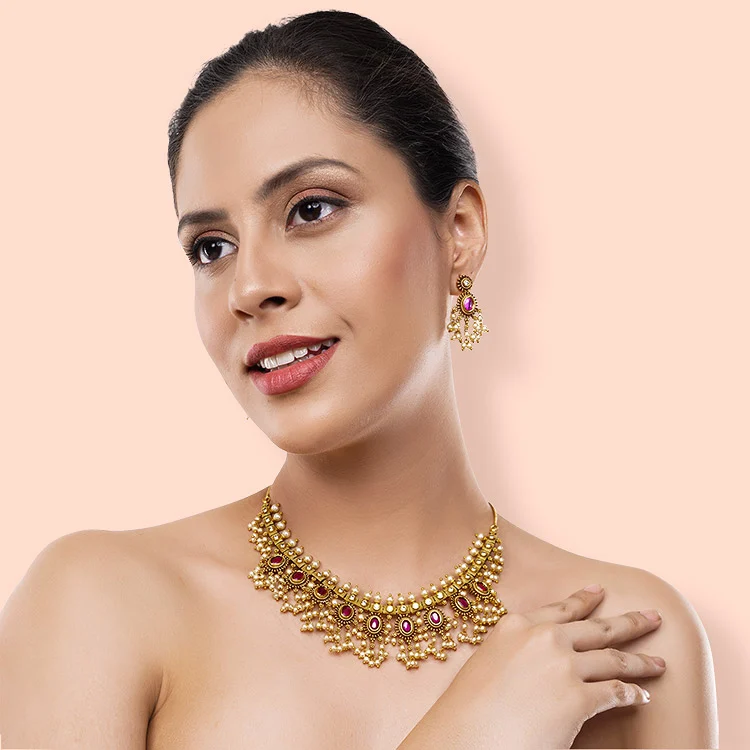
- Brand story banner: a wide lifestyle frame of the collection on a model or styled surface.
- Craft module: macro shots of setting, enamel or filigree work with short captions.
- Comparison module: your own variants side by side (gold vs silver tone, stud vs drop).
- Care and packaging: how to store the piece and what comes in the box.
Why does Amazon reject or suppress jewellery images?
Most product image rejection reasons for jewellery come down to five issues: a background that is not pure white, text or watermarks on the main image, props or packaging in the frame, a product that is too small or blurry, and a model or bust in the main image. A missing or rejected main image can suppress the whole listing until it is fixed.
| Rejection reason | Why it happens | Fix |
|---|---|---|
| Background not pure white | Grey sweep, shadow gradient or colour cast | Light the background separately; check corners read 255 |
| Text, logo or badge | “925 silver” or brand stamp added in editing | Move claims to bullets; show hallmark in gallery |
| Props or packaging | Velvet box, flowers or stand in main image | Product only; keep props for lifestyle images |
| Product too small | Piece fills less than half the frame | Crop to about 85% fill |
| Model or bust in main | Necklace shot on neck as first image | Use a flat or suspended product-only shot |
| Blur or low resolution | Phone photo, no tripod, small export | Macro lens, tripod, 2,000 px export |
| Variant mismatch | Same photo used for gold and silver tone | Shoot every colour variant separately |
When a listing gets suppressed, Seller Central usually shows the reason in the Fix Your Products view. Replace the image, wait for it to process, and re-check the detail page from a logged-out browser. If many SKUs fail at once, the issue is usually a batch editing preset, not the photos themselves.
Should you add a jewellery video to your Amazon listing?
Yes — a short video is the easiest way to show sparkle, movement and drop length, which still images cannot fully capture. Keep it 15–30 seconds, product-focused, without prices or contact details, and upload it through the video section of your listing once you have Brand Registry.
A jhumka swaying on a model, a ring turning under one light, or a necklace catching the light as the model turns her head answers “how does it look in real life?” better than any caption. Our ecommerce video production team shoots these clips on the same set as your photos, so the colour matches your gallery.
How much does an Amazon-ready jewellery shoot cost?
At Uniqs Studio, jewellery product photography for rings and earrings is ₹300 per product for 2–3 angles, delivered in 4–5 days. On-model frames and short videos are priced separately, so you can mix only what your listing needs.
| Shoot type | Images | Turnaround | Price |
|---|---|---|---|
| Jewellery (ring, earring) | 2–3 angles | 4–5 days | ₹300 / product |
| Model Photography | 5–6 angles | 4–5 days | ₹400 / product |
| Bags & handbags | 4–5 angles | 4–5 days | ₹295 / product |
| Ecommerce Reels Video | 20–25 seconds | 4–5 days | ₹900 / product |
Prices are per product/image as listed; call or WhatsApp +91-8076745824 for bulk catalogue quotes.
Remember to budget for the platform side too. Referral and closing fees change your margin per piece, and our breakdown of Amazon seller fees and FBA charges helps you price jewellery so the photo budget pays for itself.
Use this pre-upload checklist for Amazon jewellery images
Run every SKU through this checklist before upload. It covers the amazon jewellery image requirements that cause most suppressions and the gallery gaps that cause most returns.
- Main image: product only, pure white RGB 255 background, about 85% frame fill.
- No text, badges, watermarks, borders, props or packaging in the main image.
- Earrings shown as a pair; sets show every included piece.
- Longest side 1,600–2,500 px, JPEG, sRGB; file named by SKU and variant.
- Gallery includes angle, macro, on-model, size reference, hallmark/clasp and lifestyle images.
- Metal colour and stone colour checked against the real piece.
- Every colour variant shot separately — no recoloured duplicates.
- One 15–30 second product video uploaded where Brand Registry allows.
- A+ modules cropped to the exact size shown in A+ Content Manager.
- Detail page checked from a logged-out browser on mobile after upload.
Need a second opinion on an existing listing? Email a few ASINs to [email protected] and Satyam’s team will point out which images break amazon.in jewelry photo guidelines and which ones simply need a better crop.
What do sellers ask about Amazon jewellery images?
These are the questions Amazon jewellery sellers ask us most often before a shoot. Short answers first, so you can act on them straight away.
The main image must show only the jewellery on a pure white RGB 255 background, filling about 85% of the frame, with no model, text, props or packaging. Gallery images can show the piece on a model, in detail and with size references.
Amazon needs at least 1,000 px on the longest side for zoom and accepts up to 10,000 px. For jewellery, 2,000–2,500 px square images give sharp zoom on stones and settings.
No. Amazon reads pixel dimensions, not DPI, so a 72 DPI and a 300 DPI file of the same pixel size look identical. Focus on resolution, sharpness and accurate colour.
No. Keep the main image product-only and use on-hand, on-ear or neckline photos in the gallery. These on-model images are still important because they show buyers the real scale.
The usual reasons are an off-white background, text or watermarks, props or packaging, a product that is too small, or a model in the main image. Fix the image and re-upload; the listing is restored once it passes review.
Jewellery photography for rings and earrings is ₹300 per product for 2–3 angles with a 4–5 day turnaround. Model photography is ₹400 per product and ecommerce reels videos are ₹900 per product.
What is your next step after fixing your Amazon jewellery images?
Once your images follow the amazon jewellery image requirements, the next decision is who shoots the rest of your catalogue consistently. Choose a studio that understands jewellery lighting, marketplace rules and colour accuracy, not just a photographer with a good camera.
Before you book anyone, read our guide on how to choose the right jewellery photographer — it lists the portfolio checks, sample-shot questions and delivery terms that separate a compliant Amazon catalogue from a costly reshoot. When you are ready, call Satyam on +91-8076745824 or WhatsApp +91-8076745824; the Uniqs Studio set in Kalkaji, New Delhi works Mon–Sat, 10 am–7 pm.