
If you sell earrings, necklace sets or bangles on Meesho, your photo has about one second to win a thumb-stop in a crowded mobile feed. Getting the meesho jewellery image guidelines right is the cheapest way to pass catalogue QC on the first attempt and make tiny pieces look clear on a 6-inch screen. This guide is part of our Meesho seller hub, where we cover everything from registration to returns for suppliers who want steady orders.
At Uniqs Studio, Satyam and the team have spent 9+ years shooting jewellery for marketplace sellers, and the same problems repeat on Meesho: products that look too small in a square tile, white backgrounds that turn grey, and shiny metal that hides the actual design. Below you will learn the image size and crop we recommend, how to keep the background clean, which shots each jewellery type needs, the most common image rejection reasons on Meesho, and a five-minute quality check you can run before every upload.
What are the key takeaways?
Meesho rewards jewellery photos that are square, bright, honest in colour and easy to read on a phone. Follow these five points and most QC problems disappear.
- Shoot and export a 1:1 square crop so your thumbnail is not cut off in the feed.
- Use a clean white or very light background for the first image, with no props, text or stickers.
- Let the jewellery fill most of the frame so stones, meenakari and filigree are visible on mobile.
- Add one on-model or on-hand image so buyers understand size and how the piece sits.
- Run a quick sharpness, colour and dust check before upload to avoid rejections and “not as shown” returns.
What are the Meesho jewellery image guidelines?
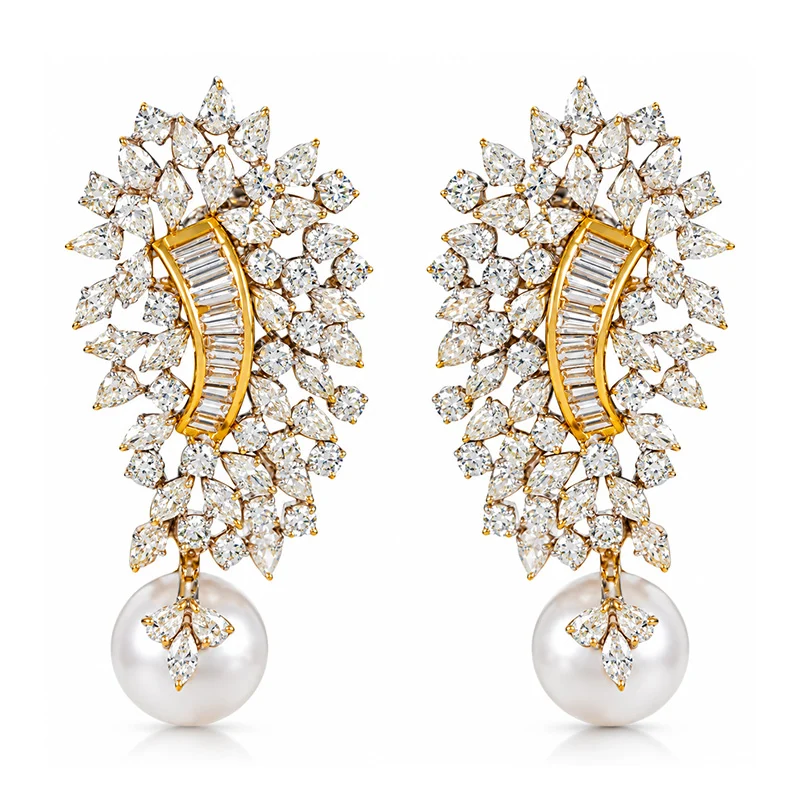
The Meesho jewellery image guidelines are the practical photo rules your catalogue must meet to pass QC and display well: clear, high-resolution images of the actual product, a clean background, no text or watermarks, and true-to-life colour. For jewellery, that means square framing, controlled shine and sharp detail on every stone.
Meesho publishes and updates its catalogue rules inside the Meesho Supplier Panel, so always confirm the latest wording there before a big upload. What follows is how Uniqs Studio translates those rules into a repeatable jewellery shoot, based on what consistently passes QC for our marketplace clients and what looks best in the Meesho app.
Meesho image size for jewellery and the square crop ratio
Meesho shows products in a grid of square-ish tiles on mobile, so we export jewellery at a 1:1 square crop ratio, usually 1500 × 1500 px, as a high-quality JPEG in sRGB and under about 2 MB. This leaves enough resolution for the zoom view without making uploads slow on a supplier’s phone connection.
Never stretch a small phone photo to reach a bigger size. Upscaled files look soft at the edges of stones and chains, and soft detail is exactly what makes cheap-looking jewellery photos lose clicks. If your camera produces a 4:3 file, crop to square in the edit with the piece centred and a small, even margin on all sides.
White background requirement and clean framing
The first image should sit on a clean white or very light neutral background. A plain backdrop keeps the feed tile tidy and makes gold, silver and oxidised finishes easier to judge. Supporting images can use a soft beige or light grey surface if it helps show texture, but keep it identical across every variant in a catalogue.
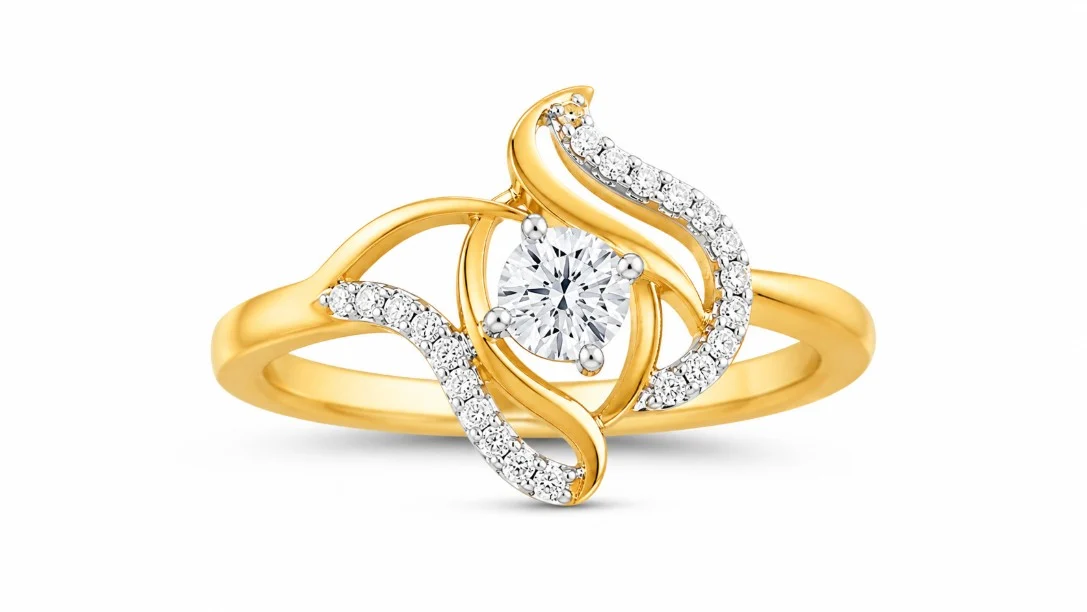
Framing matters more for jewellery than for clothing. A pair of studs photographed from a metre away becomes two dots in a thumbnail. We aim for the product to fill roughly 80–90% of the frame for the main image, so the design reads instantly, even at small sizes.
What is not allowed in Meesho jewellery catalog photos?
Keep the image about the product and nothing else. Avoid the following in any meesho jewellery catalog photos:
- Text, prices, “offer” or “best seller” stickers and borders.
- Watermarks, shop logos, phone numbers or social handles.
- Collages that squeeze several angles into one image.
- Images taken from a manufacturer or another seller’s listing.
- Heavy filters that change metal or stone colour.
Why do Meesho jewellery image guidelines matter in a mobile-first feed?
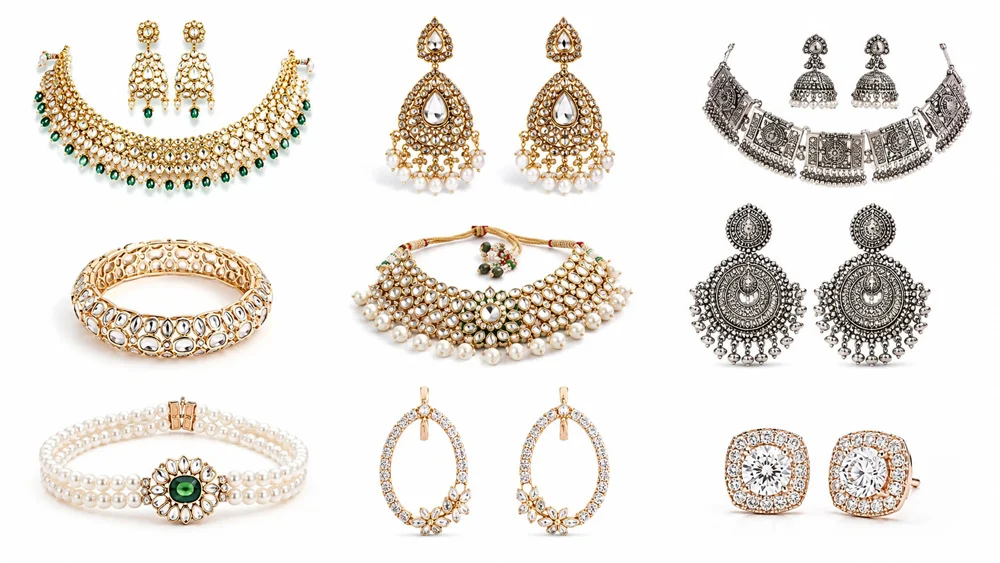
Most Meesho buyers browse on a phone, scroll fast and decide from the thumbnail. If your jewellery is small, dull or off-colour in that tile, it simply does not get tapped, and if the colour is wrong after delivery it comes back as a return.
Jewellery is a high-volume, low-ticket category on Meesho, which means you compete with dozens of near-identical listings for the same jhumka or mangalsutra style. In that environment, a crisper square image is one of the few things you fully control. Clean photos also help you get through catalogue QC faster, so new designs go live while a trend is still hot.
There is a returns angle too. Our guide to cutting Meesho returns and RTO explains how “product not as shown” complaints often start with a photo that made rose gold look yellow or made a small pendant look large. Honest scale and colour protect your margins as much as they win clicks.
How do you follow Meesho jewellery image guidelines? 10 proven rules
Follow these 10 rules in order: prepare the piece, control light and reflections, shoot sharp, then crop and check for the feed. Each rule fixes a problem we see again and again in rejected or low-performing jewellery catalogues.
Rules 1–3: Prepare the jewellery before you shoot
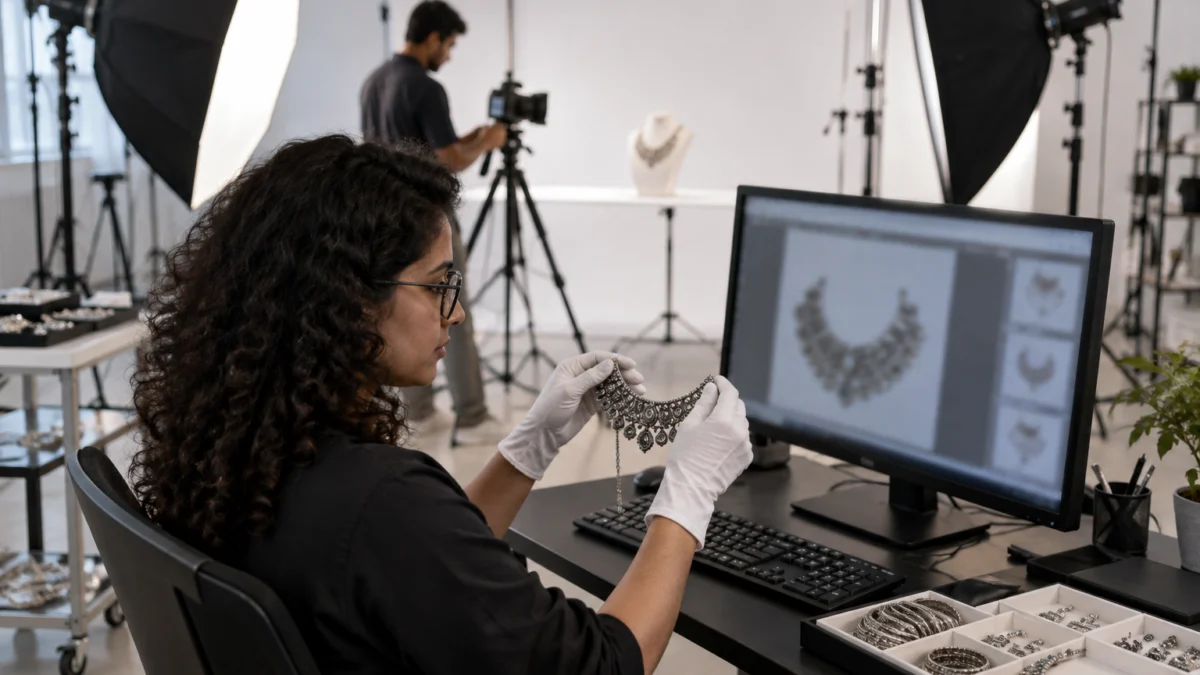
- Clean every piece. Wipe with a microfibre cloth and wear cotton gloves. Fingerprints and dust become very visible at 1500 px and can make new stock look used.
- Use the right stand. Earrings hang best on a clear acrylic stand, necklaces on a white bust, rings in a small clear holder. The product should look natural, not propped.
- Shoot every variant the same way. If a jhumka comes in red, green and blue meenakari, keep the angle, distance and background identical so the catalogue looks like a set.
Rules 4–6: Light and reflection control for jewellery
- Use soft, large light. One or two softboxes, or a light tent, give smooth highlights on metal. Hard light creates black patches on polished gold.
- Control reflections with white cards. Polished surfaces reflect everything around them, including you and your phone. White foam boards around the table give clean, bright reflections instead.
- Keep colour honest. Set a fixed white balance and avoid warm room bulbs. Gold-tone, rose gold and oxidised silver are easy to misrepresent, and colour mismatch is a top cause of returns.
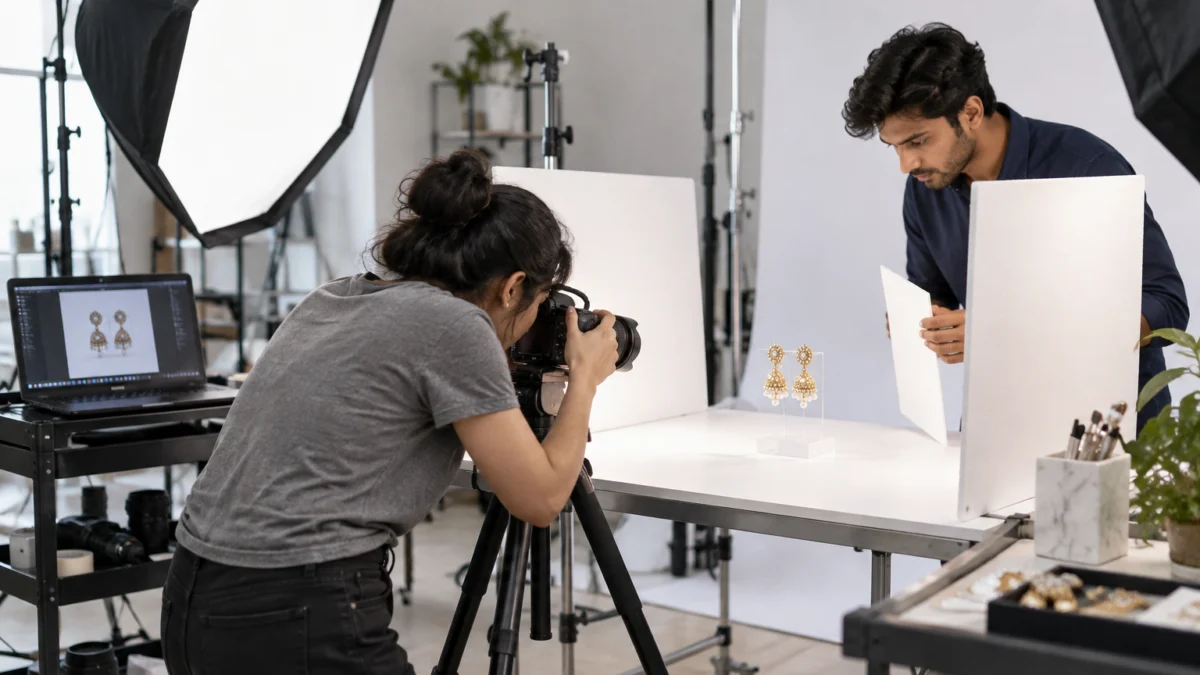
This is the part most home setups struggle with, and it is why many suppliers move to reflection-controlled jewellery photography once their catalogue grows. In our studio, we build a white tent around each piece and adjust small reflector cards until the metal shows a clean gradient and the stones sparkle without blown highlights.
Rules 7–8: Shoot sharp detail that reads on mobile
- Use a tripod and focus on the hero detail. For earrings, focus on the main stone or the dome of a jhumka. Camera shake is the most common reason for soft jewellery images.
- Get depth of field right. With macro lenses, the front of a ring can be sharp while the back blurs. Stop down or use focus stacking for small pieces; our macro jewellery photography guide explains how we keep rings and engravings sharp edge to edge.
Rules 9–10: Meesho jewellery image guidelines for the feed
- Crop square and fill the frame. Centre the piece with an even margin, and check the result at thumbnail size on your own phone before upload.
- Order images for the buyer’s questions. Front on white first, then side or back, then a close-up of stones or clasp, then an on-model or on-hand image for scale.
Which images should each jewellery type get on Meesho?
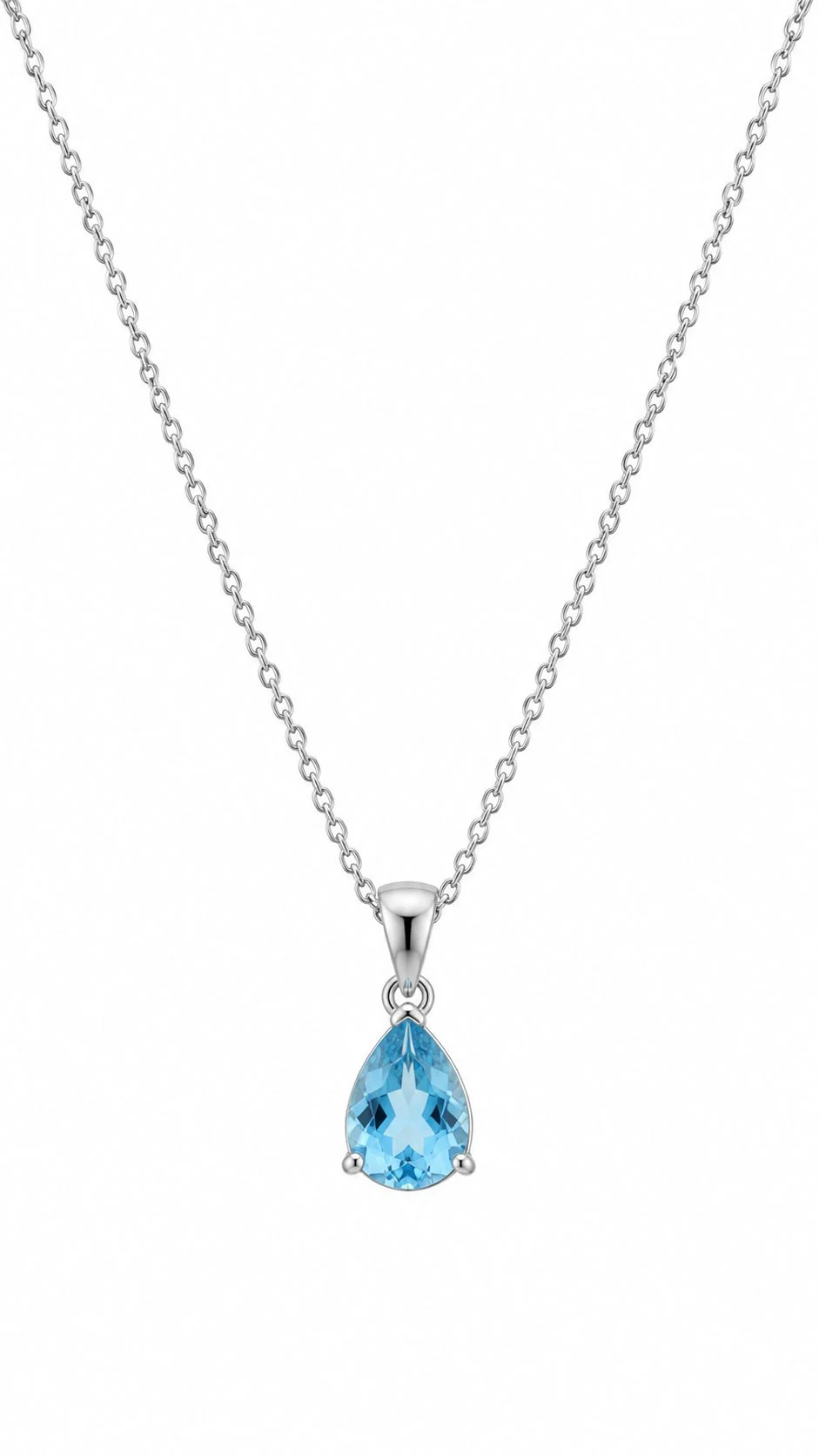
Plan four to six images per SKU: a clean front shot, one or two angles, a detail close-up and one scale image on a model or hand. The exact mix changes by jewellery type, as the table below shows.
| Jewellery type | Main image | Supporting shots | Scale image |
|---|---|---|---|
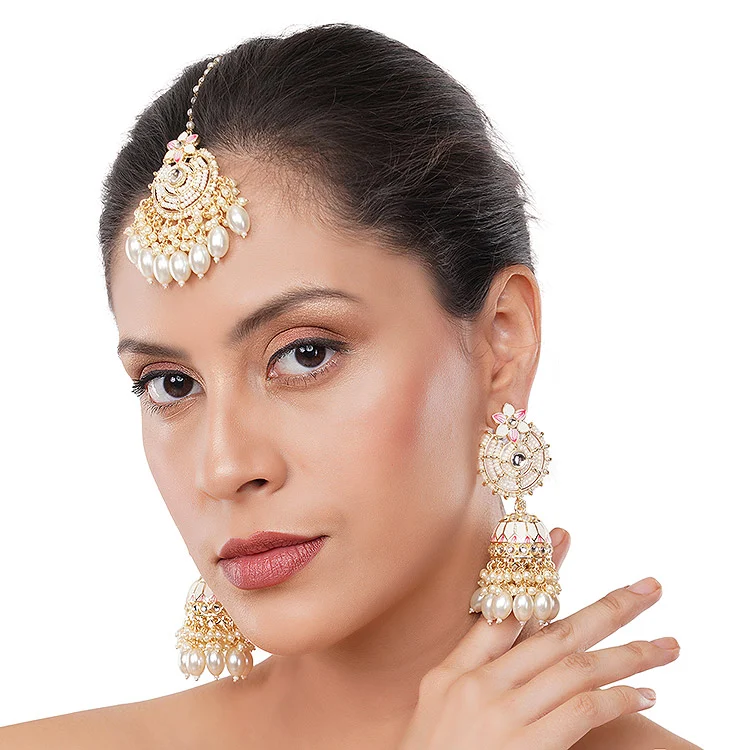
| Earrings and jhumkas | Pair on clear stand, front | Side profile, back hook or post, stone close-up | On ear, three-quarter face |
| Necklace sets | Necklace with earrings on white bust or flat | Clasp and adjustable dori, pendant detail | On model, neckline visible |
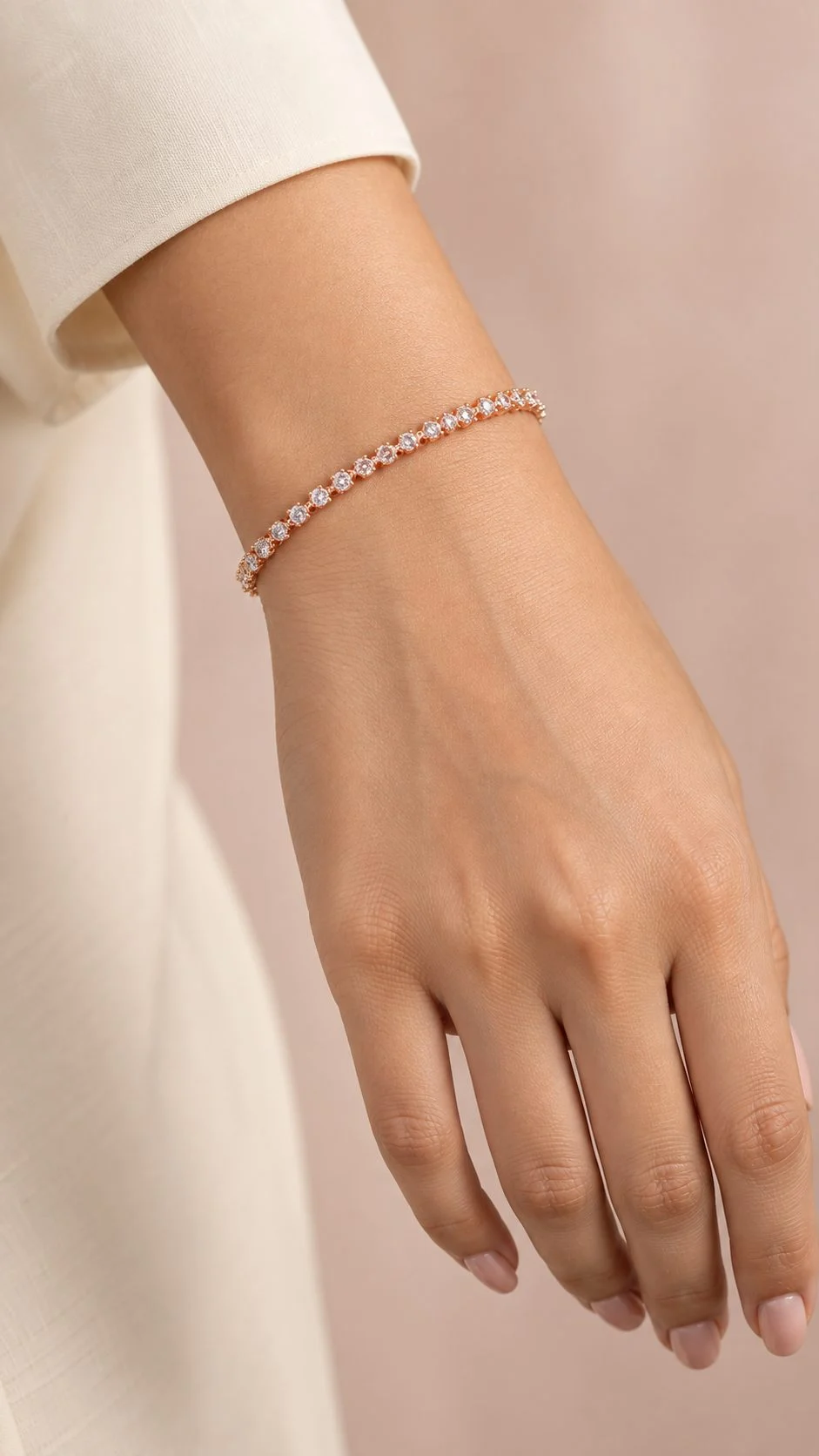
| Bangles and bracelets | Pair or set standing, slight angle | Inner diameter view, texture close-up | On wrist with hand relaxed |
| Rings | Ring in clear holder, three-quarter view | Top view of stone, band profile | On finger |
| Anklets and toe rings | Laid flat in a soft curve | Charm or ghungroo detail, clasp | On ankle or foot |
| Mangalsutra and pendants | Pendant centred, chain in curve | Pendant back, chain link close-up | On model, collarbone visible |
Scale images are where many suppliers save effort and lose orders. A buyer cannot tell if a choker is delicate or statement-sized from a white-background shot alone. One honest on-model frame answers that question and reduces size-related returns.
Why do jewellery images get rejected on Meesho?
Most rejections come from a handful of fixable issues: added text or logos, blurry or dark files, collages, colour that does not match the product, and images that are not of the actual item. Fix these before upload and your QC pass rate improves quickly.
| Rejection reason | What it looks like | Quick fix |
|---|---|---|
| Text, stickers or logos | “Sale”, price tags, shop name, phone number | Export a clean version with nothing added |
| Blurry or soft image | Stones look smudged, chain links merge | Tripod, correct focus point, no upscaling |
| Dark or grey background | White looks muddy, shadows heavy | More soft light on backdrop, correct exposure |
| Colour mismatch | Rose gold looks yellow, oxidised looks black | Fixed white balance, compare to the real piece |
| Collage or duplicates | Four angles in one image, same photo twice | One view per image, each file different |
| Product too small | Earrings as tiny dots in a big frame | Crop square, fill 80–90% of frame |
| Not the actual product | Supplier or competitor photo reused | Shoot your own stock |
If you are new to the platform and still setting up your account, our Meesho seller registration walkthrough covers the onboarding steps, so your first catalogue upload goes smoothly once these images are ready.
How do you run clarity and sharpness checks before upload?
Open every final image at 100% on a computer, then view it at thumbnail size on your phone. Check focus on the hero detail, clean white, true colour, no dust and a square crop. The whole check takes about five minutes per catalogue and saves days of re-uploads.
- Sharpness: zoom to 100% on the main stone or motif; edges should be crisp, not doubled or smeared.
- Exposure: background reads white, but metal highlights are not blown into flat white patches.
- Colour: hold the real piece next to the screen in daylight; gold, silver and stone colours should match.
- Retouch: remove dust, scratches and fingerprints, but never change the design or stone count.
- Crop: square, centred, product filling most of the frame, equal margins.
- File: JPEG, sRGB, sensible size, clear file name such as red-meenakari-jhumka-front.jpg.
Retouching deserves its own care. Our article on jewellery post-production after the shoot shows how we clean dust and balance metal tones without making the product look fake, which is important because over-edited images also cause “not as shown” complaints.
Phone or studio: when should Meesho jewellery sellers outsource?
A phone and a light tent can work for a handful of simple designs. Once you list dozens of SKUs, sell polished or stone-heavy pieces, or keep getting colour complaints, a professional studio is usually faster and cheaper per image than repeated reshoots.
| Factor | Phone at home | Professional studio |
|---|---|---|
| Best for | Few SKUs, matte or oxidised pieces | Large catalogues, polished gold-tone, stones |
| Reflection control | Limited, trial and error | Tents, cards and controlled strobes |
| Colour accuracy | Varies with room light | Fixed white balance, calibrated editing |
| Consistency across variants | Hard to repeat | Same setup for every SKU |
| Your time | High | Low: ship the stock and approve |
For suppliers who outsource, Uniqs Studio runs in-house jewellery and product shoots from our Kalkaji studio in New Delhi and works with sellers across Delhi, Gurgaon, Noida, Faridabad and Ghaziabad. Here are the official rates for the shoot types jewellery sellers use most:
| Shoot type | Images | Turnaround | Price |
|---|---|---|---|
| Jewellery (ring, earring) | 2–3 angles | 4–5 days | ₹300 / product |
| Model Photography | 5–6 angles | 4–5 days | ₹400 / product |
| Ecommerce Reels Video | 20–25 seconds | 4–5 days | ₹900 / product |
Prices are per product/image as listed; call or WhatsApp +91-8076745824 for bulk catalogue quotes.
Want your Meesho jewellery catalogue shot right the first time?
Call +91-8076745824 or message us on WhatsApp at +91-8076745824 (or email [email protected]) with your SKU count, and we will suggest the right mix of white-background, detail and on-model images.
Video is the next step many jewellery sellers add once their stills are sorted. Short clips that catch sparkle and movement work well on Meesho’s social-style feed and can be reused on Instagram, and our team produces ecommerce videos from the same shoot day so you are not paying for two setups.
What does a real-world catalogue fix look like?
A typical fix takes a catalogue from small, warm-toned phone shots to bright square images with clear detail and one scale image. The products do not change, only how honestly and clearly they are shown.
Here is a common scenario we see from small jewellers starting on Meesho. A supplier uploads a set of oxidised silver jhumkas shot on a bedsheet under a yellow bulb. The earrings fill only a third of the frame, the silver looks brown, and one image is a collage of four colours. QC flags the collage, and the approved images get very few taps because the design is hard to see.
The reshoot follows the rules above: each colour on a clear stand against white, cropped square with the earrings filling most of the frame, a fixed white balance so the oxidised finish looks grey-black as it does in hand, a close-up of the ghungroo detail, and one on-ear image for size. Each colour becomes its own clean set of images, and the catalogue reads like a brand instead of a random upload.
What are the most common Meesho jewellery photo mistakes?
The biggest mistakes are shooting too far away, letting room light change the metal colour, and adding text or collages to “stand out”. Each one either triggers QC or quietly lowers your click-through rate.
- Tiny product in a big frame: fine detail disappears in the square thumbnail.
- Mixed backgrounds: one variant on white, another on wood, which makes the catalogue look inconsistent.
- Your reflection in the metal: phones and faces show up in polished gold and big stones.
- Over-smoothing: heavy beauty filters remove texture and make kundan look plastic.
- AI-generated or borrowed images: they may look polished, but they do not show your actual stock, and buyers notice the difference on delivery.
- No scale reference: buyers guess the size, and wrong guesses come back as returns.
What pro tips help jewellery photos perform better on Meesho?
Small studio habits make a visible difference: shoot sets together, plan for the thumbnail first, and keep a written spec so every new design matches your existing catalogue.
From Satyam’s experience shooting jewellery for sellers on Amazon and Myntra as well as Meesho, the most useful habit is a one-page style sheet. Note your camera height, lens, distance, background, white balance and crop for each jewellery type. When new stock arrives, anyone on your team can match the existing look in minutes. Also shoot a plain white version of everything, even if you later use a styled image elsewhere, because white versions are easy to reuse across marketplaces.
For tools, a sturdy tripod, two soft light sources, white foam boards, a clear acrylic stand set, a white bust and cotton gloves cover most needs at home. If you sell gold-plated or hallmarked pieces, describe purity claims carefully and in line with Bureau of Indian Standards rules; your images should never suggest a purity or stone type the product does not have. For image file names and alt text, Google’s image SEO guidance is a useful reference when you reuse the same photos on your own website.
What should your Meesho jewellery image checklist include?
Use this checklist for every catalogue before you hit upload. If any item fails, fix it first; a five-minute delay is cheaper than a rejection or a return.
- Every image is of the actual product you will ship.
- Main image on clean white or very light neutral background.
- 1:1 square crop, product filling roughly 80–90% of the frame.
- Sharp focus on stones, motifs and clasps at 100% zoom.
- Colour matches the real piece in daylight.
- No text, logos, stickers, borders, watermarks or collages.
- Four to six images per SKU, including one detail and one scale image.
- Same angle, distance and background across every colour variant.
- Dust, fingerprints and scratches cleaned, design unchanged.
- Latest rules confirmed in the Meesho Supplier Panel.
How will Meesho jewellery images change in 2026-2027?
Expect more emphasis on short video, on-model imagery and authenticity. As AI-edited images become common, real, consistent product photos become a trust signal rather than a basic requirement.
Social commerce keeps pushing jewellery discovery towards motion: a two-second clip of a jhumka swinging says more than any still. We also expect more scrutiny of images that misrepresent products, because returns are expensive for marketplaces and sellers alike. Suppliers who invest in honest, well-lit photography of their real stock now will find it easier to adapt to whatever format comes next, whether that is video thumbnails, try-on features or larger zoom views.
Meesho jewellery image guidelines: frequently asked questions
Quick answers to the questions Meesho jewellery sellers ask us most often about image size, backgrounds, model photos and rejections.
We recommend a 1:1 square image of around 1500 × 1500 px, saved as a high-quality JPEG in sRGB and under about 2 MB. Always confirm the current minimum in the Meesho Supplier Panel before uploading.
A clean white or very light neutral background is the safest choice for the main image. Supporting images can use a soft beige or grey surface, as long as it stays consistent and does not distract from the jewellery.
Yes. One or two on-model or on-hand images are very useful because they show size and how the piece sits. Keep the jewellery as the clear hero, and use a clean white product shot as the first image.
Common reasons are added text or logos, watermarks, collages, blurry or dark files, colour that does not match the product, and images that are not of the actual item. Remove additions, reshoot sharp and upload one clear view per image.
Plan four to six images per SKU: a front shot on white, one or two angles, a detail close-up of stones or clasp, and one scale image on a model or hand.
Jewellery (ring, earring) photography is ₹300 per product with 2–3 angles and a 4–5 day turnaround. Model photography is ₹400 per product, and ecommerce reels video is ₹900 per product.
What is the next step after fixing your jewellery images?
Once your images follow the Meesho jewellery image guidelines, apply the same discipline to the rest of your catalogue and keep a style sheet so every new design matches. Clean, honest photos are the foundation; consistency is what builds a brand on Meesho.
If you would rather hand the shoot to a team that does this every day, Uniqs Studio can photograph your jewellery catalogue in our Delhi studio and deliver Meesho-ready square images. Email [email protected] with your product list, call Satyam on +91-8076745824, or WhatsApp +91-8076745824 for a quick quote.
Next step: now that your jewellery photos are sorted, read our Meesho product photography rules for every category to plan shot lists, budgets and workflows for the rest of your catalogue.