
If your catalogue is live but you are getting no orders on Meesho, the cause is almost never “bad luck”. It is usually one of four things: buyers can’t find the catalogue, they find it but the price feels wrong, the photos don’t convince them, or your ratings tell them to buy elsewhere. This guide is part of our Meesho seller resource hub, and it walks you through the 11 most common reasons we see when suppliers come to us with a silent dashboard.
At Uniqs Studio, Satyam and the team have spent 9+ years shooting catalogues for more than 500 D2C brands and marketplace sellers, and a large share of them sell on value platforms like Meesho. The pattern is consistent: sellers jump straight to running ads or cutting price, when the real leak is somewhere earlier in the funnel. Fix the order, not just the symptom — that is the whole idea behind this checklist.
What are the key takeaways?
Read these five points first if you only have two minutes; every point is explained in detail below.
- Separate a visibility problem (few views) from a conversion problem (views but no orders) before changing anything.
- Slow dispatch and cancellations quietly push catalogues down; Next Day Dispatch is the single strongest operational fix.
- Price against the products shown next to yours, including the delivery charge the buyer actually sees.
- The front image decides the click on a mobile grid — a clean, bright, full-garment photo beats a dark or cluttered one every time.
- Returns and low ratings are a photo-and-sizing problem as much as a quality problem.
What does “no orders on Meesho” really mean?
No orders on Meesho means one of two things: either your catalogue is getting very few views, or it is getting views but buyers are not converting. The fix for each is completely different, so you must know which one you have before you touch price, photos or ads.
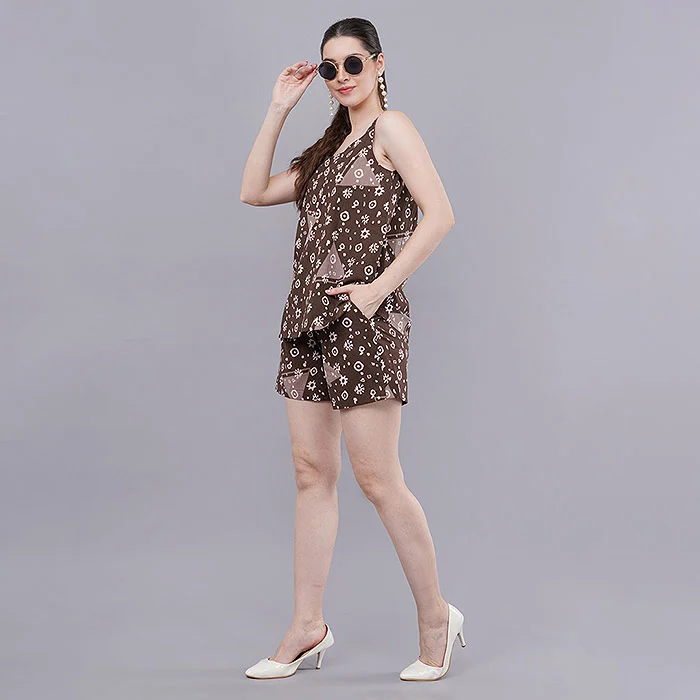
Think of every Meesho catalogue as a small funnel. First the algorithm decides how often to show it (impressions). Then a buyer scrolling a mobile grid decides whether to tap it (clicks). Finally, on the product page, the buyer decides whether the price, photos, size chart and reviews are good enough to order. A catalogue with no orders on Meesho has a leak at one of these three steps.
New suppliers usually assume the problem is at the bottom — “my price is too high” — and start cutting margin. In our experience with fashion sellers, the leak is more often at the top: the catalogue simply isn’t being shown, because dispatch is slow, attributes are incomplete or the catalogue sits in a crowded sub-category with a weak front image. Cutting price on a catalogue nobody sees changes nothing.
How do you diagnose a Meesho catalogue that isn’t selling?
Open the catalogue-level analytics in your supplier panel and compare views, clicks and orders for the last 14–30 days. Low views point to visibility reasons 1–4, healthy views with low clicks point to the front image and price, and clicks with no orders point to product-page photos, sizing and ratings.
Meesho’s official supplier panel shows catalogue performance, so you don’t need any outside tool for this check. Use the table below as your 15-minute diagnosis. Write down the numbers for your three weakest catalogues before reading further — they will tell you which section of this guide matters most for you.
| What you see | Where the leak is | Start with |
|---|---|---|
| Very few views after 2–3 weeks | Visibility (algorithm isn’t showing it) | Reasons 1–4 |
| Good views, very few clicks | Front image or price in the grid | Reasons 5–7 |
| Clicks, but almost no orders | Product page: photos, size chart, reviews | Reasons 8–10 |
| Orders arrive, then stop | Returns, cancellations, rating drop | Reasons 2, 10, 11 |
One honest note: a brand-new account with one or two catalogues has very little data, so give each catalogue at least two weeks before you judge it. If you are still setting up, the Meesho fees and shipping charges guide helps you check your margins before you start fixing price.
Which visibility mistakes hide your Meesho catalogue?
The four biggest causes of Meesho low visibility are slow dispatch, high cancellations, incomplete or wrong catalogue details, and too few catalogues. Each one tells the platform that your listing is risky or irrelevant, so it is shown less often in search and the feed.
Reason 1: You skipped Meesho Next Day Dispatch
Meesho rewards suppliers who ship fast. Seller guides such as this overview of Meesho visibility factors note that catalogues enrolled in Meesho Next Day Dispatch (NDD) are pushed higher in results, and faster dispatch also tends to lower cancellations. If your stock is ready and you can pack daily, opting in is the quickest visibility gain available.
Fix: Enrol the catalogues you can genuinely ship the next day, keep inventory counts accurate, and don’t enrol slow-moving styles you can’t restock. Breaking an NDD promise hurts more than not making it.
Reason 2: Cancellations and late dispatch are piling up
Every order you cancel because of stock-outs, and every order that leaves after its dispatch date, is a negative signal. Small suppliers often list sizes or colours they don’t physically have, hoping to source them after an order arrives. That works for a week and then quietly drags the whole account down.
Fix: Set inventory to zero for anything not on your shelf, pack orders the same day where possible, and review the dispatch-performance section of your panel every Monday.
Reason 3: Wrong category or incomplete attributes
If your Meesho catalogue is not visible in search, check the basics: is a cotton kurti set listed under the exact sub-category buyers filter by, and are fabric, sleeve length, pattern, occasion and size range all filled? Filters use these fields, so an empty field can remove you from a buyer’s filtered results entirely.
Fix: Fill every recommended field, use plain descriptive product names (“Women’s Printed Cotton Straight Kurta with Palazzo”) and avoid keyword stuffing, which looks spammy on mobile.
Reason 4: Too few catalogues, or too many products in one
One catalogue with twelve unrelated designs confuses buyers, and one lonely catalogue gives the algorithm almost nothing to test. Sellers who grow steadily usually start with a handful of focused catalogues — three or four closely related designs each — and add more as winners appear.
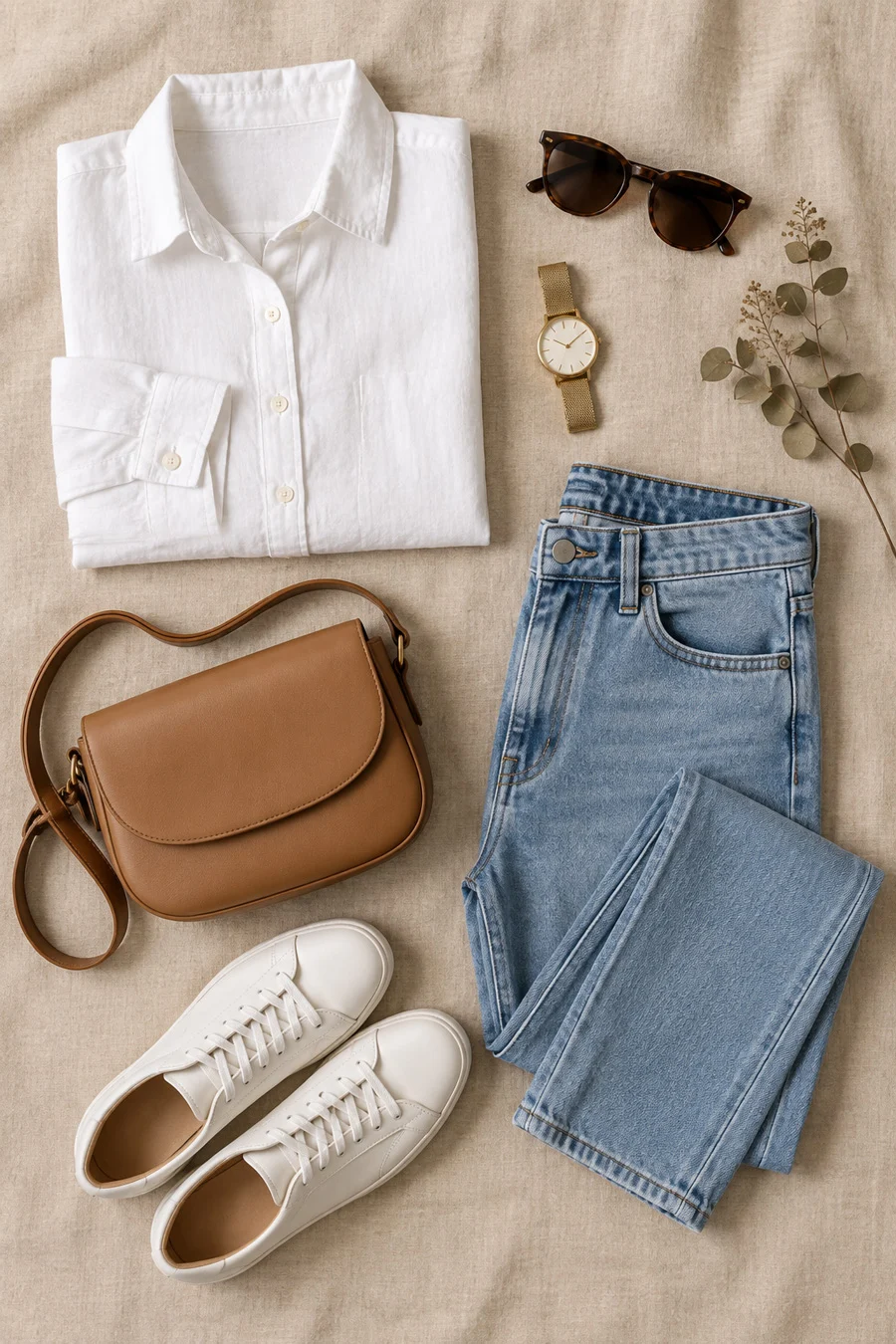
Fix: Split mixed catalogues by style, keep each set visually consistent, and plan new catalogues around designs that already get clicks. A coordinated set of images matters here; a neatly styled flat lay of the full outfit makes a small catalogue look complete and premium.
Which Meesho pricing mistakes stop buyers from ordering?
The two most common Meesho pricing mistakes are pricing above the products shown beside yours, and ignoring how shipping and weight change the final price the buyer sees. Meesho buyers compare fast on a small screen, so a gap of even a little can move the order to the next listing.
Reason 5: Your price ignores the grid next to you
Search your own product type as a buyer would, sort by relevance, and note the price range of the first 20 results. If you sit well above that band without a visible reason — better fabric shown in close-ups, a matching dupatta, a combo — buyers simply skip you. Meesho also offers a price recommendation tool inside the panel; use it as a reference, not as an order.
Fix: Either price inside the band, or make the extra value obvious in the images: fabric macro, combo flat lay, or an on-model shot that shows better fit.
Reason 6: Weight and packaging inflate the final price
Many first-time suppliers declare a heavier package than needed, or ship in bulky packaging, which can raise the delivery cost shown to the buyer. Two identical kurtis can show noticeably different final prices purely because of how they were packed and declared.
Fix: Weigh the packed product accurately, use slim poly mailers for apparel, and re-check your numbers against the current fee structure in our Meesho product photography guide, which also explains how images and packaging work together to set buyer expectations.
Why do weak product photos cause no orders on Meesho?
Weak product photos cause no orders on Meesho because the front image is the only thing a buyer sees in the grid, and the gallery is the only “trial room” they get. A dark, cluttered or unclear photo loses the click, and a gallery without fit and detail shots loses the order.
This is the section where Uniqs Studio sees the biggest, fastest change. When a catalogue already has fair views and fair pricing but still shows no orders on Meesho, swapping a phone photo for a clean studio photo is often enough to restart clicks. Before you reshoot, read the Meesho photography guidelines so your new images also pass catalogue QC.
Reason 7: Your front image loses the click on mobile
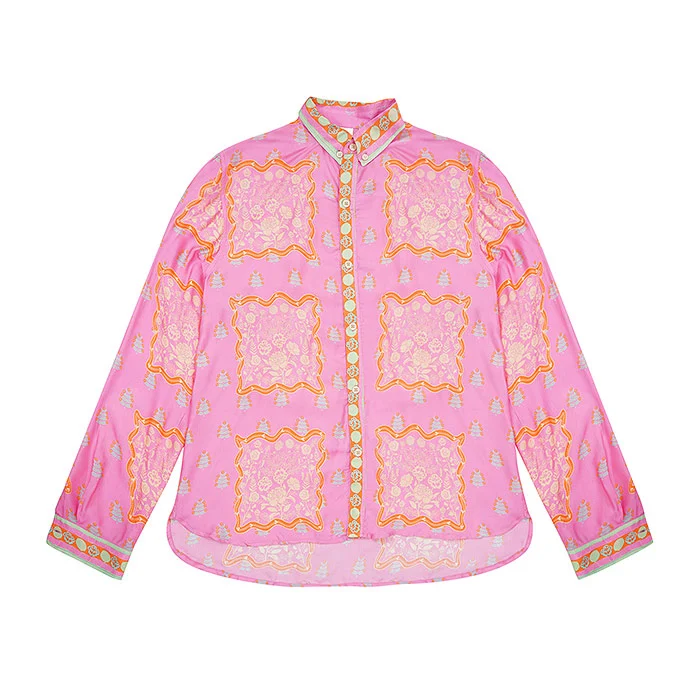
Meesho buyers scroll a two-column grid on budget phones. A front image shot on a bed, under yellow bulb light, or cropped so the hem is missing looks smaller and cheaper than it is. The garment should fill most of the frame, sit on a clean background and show its true colour. For shirts, tops and kurtas without a model, ghost mannequin shots show the real shape and neckline cleanly, which is exactly what a thumbnail needs.
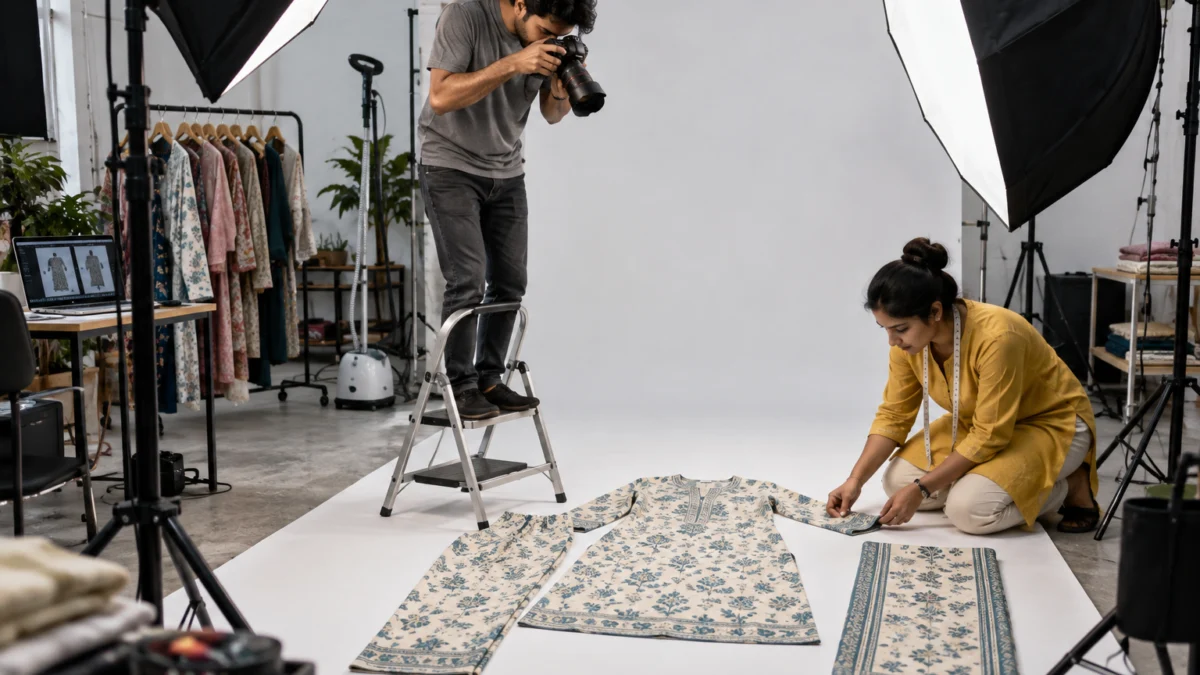
Kids’ wear, accessories and combo packs work better from above. Our flat lay photography work for small sellers usually focuses on one rule: everything in the set must be visible and in proportion, so the buyer understands exactly what arrives in the parcel.
Reason 8: No on-model or fit image in the gallery
A buyer who taps your catalogue wants to know one thing: how will this look on me? Galleries with only flat product shots leave that question open, and an open question usually means no order. Add at least one full-length on-model image, one back view and one close-up of fabric or print. A short video of the garment moving answers the fit question even faster.
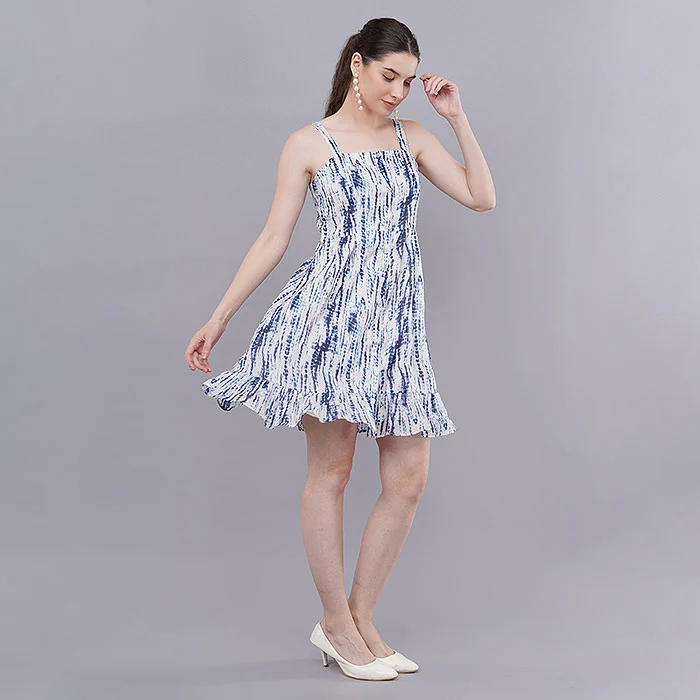
Reason 9: Colours and details don’t match the real product
Over-saturated filters, mixed lighting and heavy editing make a fabric look brighter online than in the parcel. The first few orders arrive, the buyer feels cheated, and the return or the one-star review follows. That is how a photo problem becomes a rating problem a month later.
Fix: Shoot under consistent daylight-balanced light, keep a reference swatch beside the garment while editing, and never use the same image for two different colourways. Real photos of the real product also protect you from disputes far better than AI-generated or copied images do.
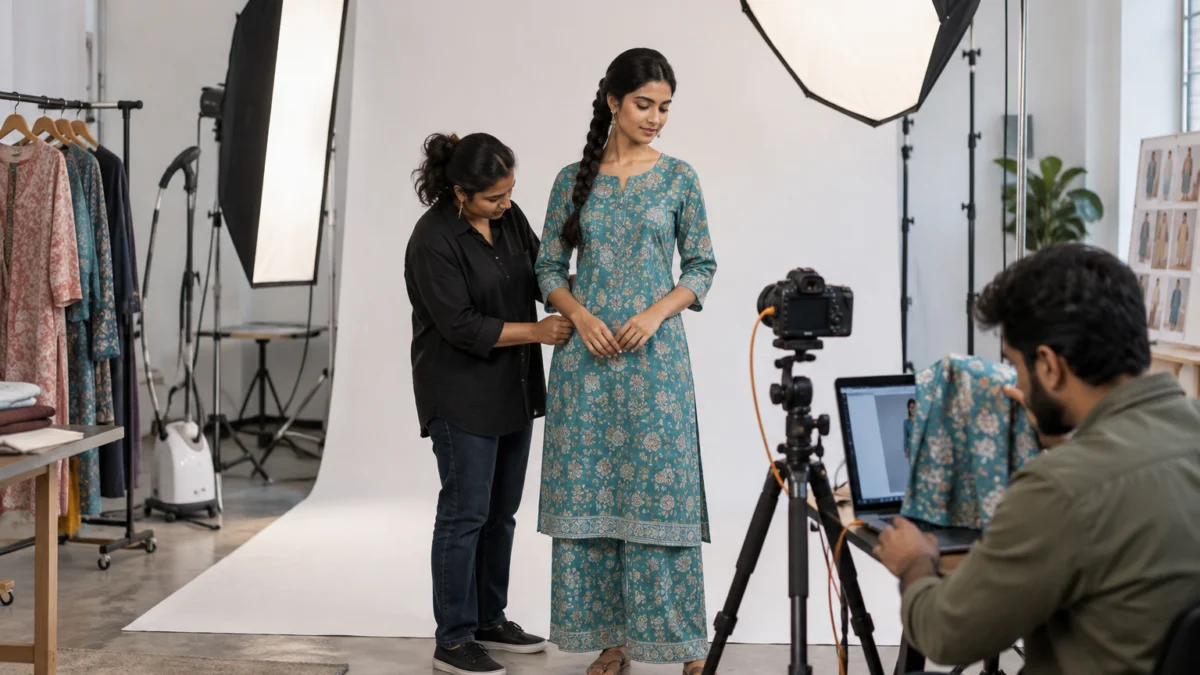
How do ratings and returns pull your Meesho catalogue down?
Low product ratings and a falling Meesho seller rating reduce both visibility and conversion, because the platform shows trusted sellers more and buyers skip listings with poor reviews. High returns usually come from size, colour or quality surprises, so they are often fixed at the image and size-chart stage.
Reason 10: A low Meesho seller rating
Your rating is the sum of many small experiences: was the parcel on time, did the colour match, did the size fit, was the packing neat? A few early one-star reviews on a small account weigh heavily. Read every review on your weakest catalogue and group the complaints — “colour different”, “size small”, “thin fabric” — because each group has a different fix.
Fix: Correct the image or size chart behind the most common complaint, pause styles with a quality issue, and add a small thank-you note in the parcel. Better accuracy today protects the rating next month.
Reason 11: High returns and RTO are eating the account
Returns and return-to-origin (RTO) parcels cost you shipping both ways and also signal that buyers didn’t get what they expected. Size mismatch is the top reason in fashion. Add a clear size chart image with garment measurements, show the fit on a model, and state fabric honestly. Our Meesho returns and RTO guide covers the full return-reduction routine step by step.
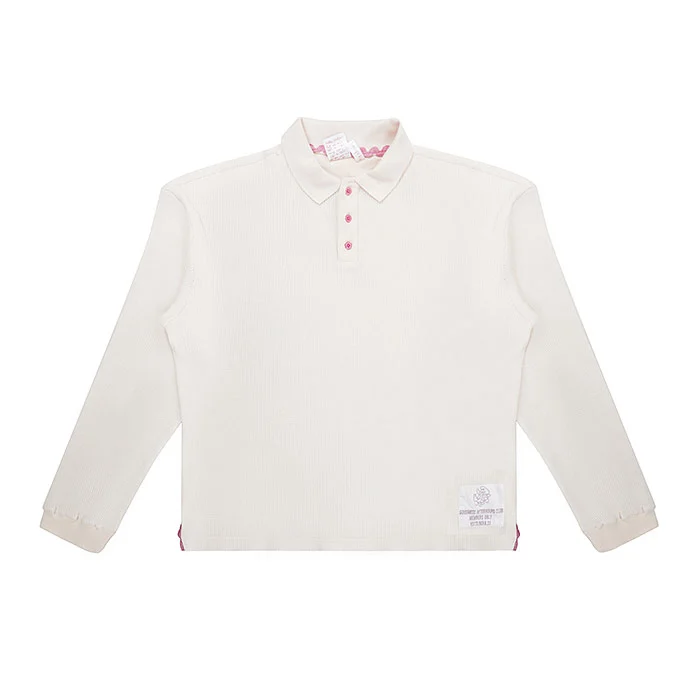
How do you fix no orders on Meesho in 30 days?
Fix no orders on Meesho in the same order the buyer meets your catalogue: visibility first, then price, then photos, then trust. Working one layer per week keeps the changes measurable, so you know which fix actually brought orders back.
| Week | Focus | Actions |
|---|---|---|
| Week 1 | Visibility | Enrol ready stock in Next Day Dispatch, clean inventory, fill all attributes, split mixed catalogues |
| Week 2 | Price | Benchmark the first 20 results, correct package weight, rebuild combos where needed |
| Week 3 | Photos | Replace weak front images, add on-model, back, detail and size-chart images, add a short video |
| Week 4 | Trust | Group reviews by complaint, fix the matching image or size chart, pause problem styles |
Track views, clicks and orders for the same three catalogues every week. If views rise after week one but orders don’t, you have confirmed that the remaining leak is price or photos — which saves you from wasting money on ads too early. Ads amplify a working catalogue; they rarely rescue a broken one.
Quick implementation checklist
- Every listed size and colour is physically in stock.
- Ready catalogues are enrolled in Next Day Dispatch.
- Every recommended attribute field is filled.
- Price sits inside the band of the first 20 results, or the extra value is visible.
- Front image is bright, clean, centred and full-garment.
- Gallery has on-model, back, detail and size-chart images.
- Colours match the physical product under daylight.
- Reviews are read weekly and the top complaint is fixed first.
How much does a fresh Meesho catalogue shoot cost?
At Uniqs Studio, catalogue photography is priced per image or per product, so a small Meesho supplier can reshoot only the catalogues that need it. The rates below are our standard apparel rows; pick the formats that fix your specific leak.
| Shoot type | Images | Turnaround | Price |
|---|---|---|---|
| Ghost mannequin | 1 angle | 3–4 days | ₹250 / image |
| Flat lay | 2–3 angles | 6 days | ₹290 / product |
| Model Photography | 5–6 angles | 4–5 days | ₹400 / product |
| Ecommerce Reels Video | 20–25 seconds | 4–5 days | ₹900 / product |
| Garment Video with Model | 25–30 seconds | 4–5 days | ₹1,200 / garment |
Prices are per product/image as listed; call or WhatsApp +91-8076745824 for bulk catalogue quotes.
Not sure which images your catalogue needs?
Send three catalogue links and Satyam’s team will point out the weakest images for free. Call +91-8076745824, WhatsApp +91-8076745824 or email [email protected].
Which fixes should you avoid when you get no orders?
Avoid fixes that hide the real problem: deep price cuts before checking visibility, running ads on a catalogue with weak images, and deleting and re-uploading catalogues again and again. These burn money and data without telling you what was actually wrong.
- Cutting price first. If views are low, a lower price is never seen. Fix visibility, then test price.
- Ads on a weak catalogue. Paid views still land on the same front image; if it didn’t earn clicks organically, it won’t earn them on budget.
- Endless re-uploads. Deleting and re-listing throws away the catalogue’s history and reviews. Edit and improve instead.
- Copied or AI-generated images. They may pass a quick glance but cause colour and fit complaints, and can lead to takedown disputes.
- Changing five things at once. You lose the ability to know which change worked.
Uniqs Studio’s view, after years of catalogue work, is simple: real photos of the real product, shot cleanly and honestly, are the cheapest long-term fix for a silent dashboard. They raise clicks, cut returns and protect your rating at the same time.
What do Meesho sellers ask most about getting no orders?
These are the questions small suppliers ask us most often when a catalogue goes quiet. Each answer is short enough to act on today.
Most new catalogues with no orders on Meesho have a visibility problem: slow dispatch, incomplete attributes or too few catalogues. Check views first; if views are healthy, the leak is price or photos.
There is no fixed timeline. Give each new catalogue around two weeks of data before judging it, and keep dispatch fast and stock accurate during that time.
Next Day Dispatch is widely reported to improve catalogue visibility and reduce cancellations, which usually lifts orders. Enrol only stock you can genuinely ship the next day.
Yes, when views are healthy but clicks or orders are low. A clean front image wins the click, and on-model, back and detail images win the order and cut returns.
Common causes are the wrong sub-category, empty attribute fields used by filters, out-of-stock variants and a weak dispatch record. Fix those before running ads.
Ghost mannequin images are ₹250 per image, flat lay ₹290 per product and model photography ₹400 per product. Call +91-8076745824 for bulk catalogue quotes.
What is your next step after fixing no orders on Meesho?
Once dispatch, attributes and price are under control, the remaining lever is the quality of your catalogue images. That is where a planned shoot pays back fastest.
Pick your three best-selling designs and give them a proper gallery first: front image, on-model, back, detail and size chart. When you are ready to plan that shoot, our on-model fashion photography team in Delhi can shoot complete Meesho-ready catalogue sets for kurtis, co-ords, dresses and menswear. Visit our Kalkaji studio, or reach Satyam on +91-8076745824, WhatsApp +91-8076745824 or [email protected].