
Amazon A+ content for fashion brands is the rich section below the product description where a clothing label can show fabric, fit, craft and the full collection with large images and short copy. Most brand-registered apparel sellers already know it exists; far fewer get it approved on the first try or build a layout that actually moves shoppers from “maybe” to “add to cart”. This guide sits inside our Amazon seller resource hub, which walks you through every stage from registration to growth.
Here, Satyam, who has spent 9+ years producing catalogue and campaign images for marketplace sellers and D2C brands, breaks down the exact A+ module image sizes, the nine rejection reasons we see most often on apparel ASINs, and three A+ layouts that work for Indian fashion. If you have not yet fixed your main and gallery images, start with our Amazon product image requirements guide, because A+ cannot rescue a weak image stack.
Key Takeaways
- A+ is available to brand owners enrolled in Amazon Brand Registry; Basic A+ allows up to 5 modules and Premium A+ up to 7.
- The most-used fashion module, the Standard Image Header with Text, needs a 970 × 600 px image; Premium full-width modules use 1464 px wide images.
- Most rejections come from claims, pricing words, contact details, low-resolution or text-heavy images, not from design.
- Fashion A+ converts best when it answers fit, fabric, craft and “what else is in this collection” in that order.
- Plan A+ images at the shoot stage: wide landscape frames, consistent flat lays for comparison charts and macro fabric details.
What is Amazon A+ content for fashion brands, and why does it matter?
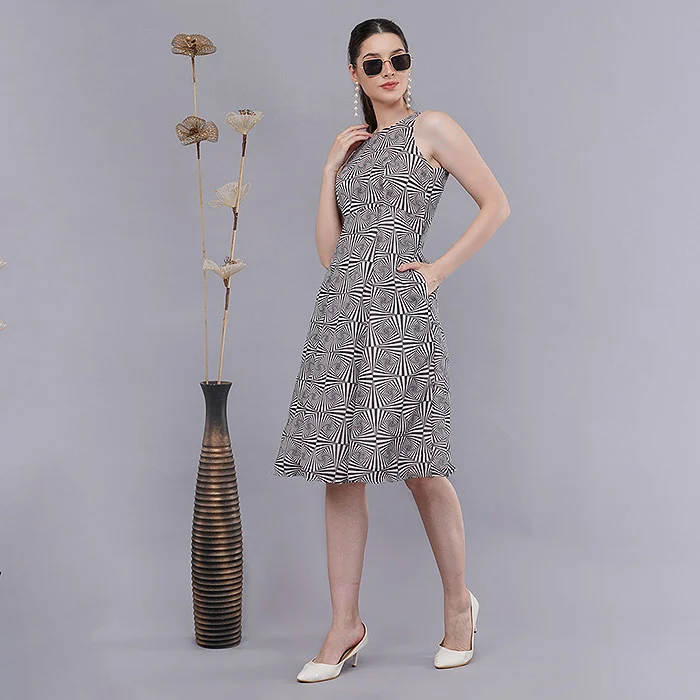
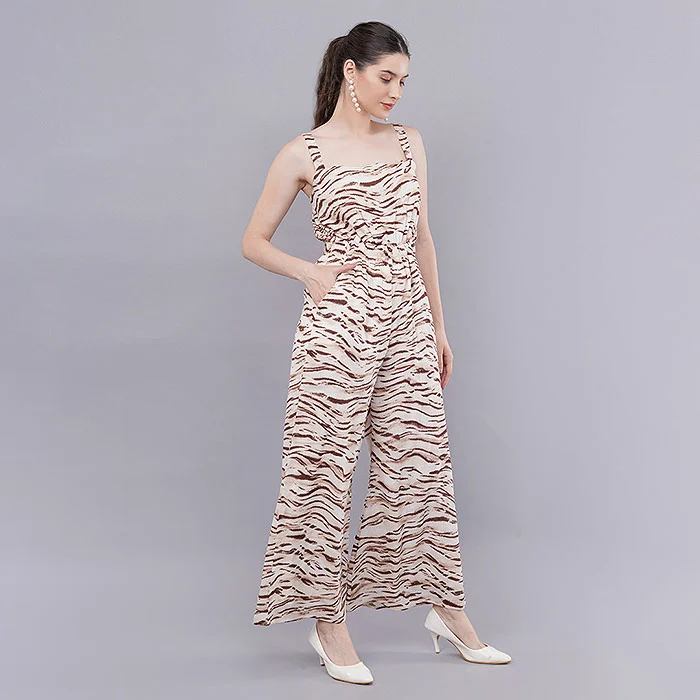
Amazon A+ content for fashion brands is a set of image-and-text modules that replaces the plain product description on a clothing listing. It lets you show fabric close-ups, fit guidance, styling and the wider collection in a designed layout. For apparel, where returns usually come from fit and colour doubts, that extra space is where you answer the questions the gallery could not.
Sellers who have been on Amazon for a few years still call it “EBC”, short for Amazon enhanced brand content, which was the old name for the same feature on clothing and other categories. The idea has not changed: a shopper who scrolls past the bullets is already interested, and A+ gives you a second, richer pitch at exactly that moment. Amazon says A+ can lift sales, and the logic is easy to see on a kurta listing: a 970 px wide lifestyle header, a fabric macro and a side-by-side of four colourways do more selling than three paragraphs of text.
How A+ differs from your gallery images
Gallery images sell the single product; A+ sells the brand and the decision. The main image must follow strict white-background rules, while A+ modules allow lifestyle backgrounds, layout design and short text. That freedom is also why A+ is reviewed by a human-plus-automated check before it goes live, and why a design that looks fine on a laptop can still be rejected.
Why A+ matters more for clothing than for hard goods
- Fit is invisible in a flat image. A+ gives room for a size and fit module with model height and size worn.
- Fabric is a tactile purchase. Macro details of weave, print and embroidery reduce “not as expected” returns.
- Fashion buyers browse collections. A comparison chart can link four or six related ASINs and keep the shopper inside your brand.
- Brand recall. A consistent header style across ASINs makes a small label look like an established one.
Who can create Amazon A+ content in India?
Only brand owners, or agents they authorise, enrolled in Amazon Brand Registry can create A+ content. On Amazon India that means your brand name must have a trademark accepted by Brand Registry and you must be listed as the brand owner. Resellers of another brand’s products cannot add A+ to those listings.
The Amazon Brand Registry India portal explains enrolment, and the process is usually smoother when your brand name on packaging, labels and the product itself matches the trademark exactly. Amazon’s own A+ Content guide on sell.amazon.in summarises how the feature works and what it is meant to do for brands.
Amazon brand registry A+ checklist before you start
- Brand Registry approved, and your Seller Central user has the brand-owner role.
- Product listings created under your registered brand name, with correct parent-child variations.
- Main and gallery images already compliant, so the listing is not suppressed.
- Your brand logo as a clean PNG and a short brand line you are comfortable repeating across ASINs.
If you are still at the fee and margin planning stage, our Amazon seller fees and FBA guide helps you check that the extra content effort makes sense for your price points.
What is the difference between Basic and Premium A+ content?
Basic A+ is free for registered brands and gives up to five standard modules at roughly 970 px wide. Premium A+ content adds up to seven modules, full-width 1464 px images, video modules, hotspots and interactive comparison charts. Premium eligibility is decided by Amazon and shown inside your A+ Content Manager.
| Feature | Basic A+ | Premium A+ |
|---|---|---|
| Who gets it | All Brand Registry brand owners | Brands Amazon marks as eligible |
| Modules per layout | Up to 5 | Up to 7 |
| Image width | Up to 970 px | Up to 1464 px, full width |
| Video inside A+ | No | Yes, video modules |
| Interactive elements | Static comparison chart | Hotspots, carousels, Q&A, interactive charts |
| Best for | New labels, single collections | Established brands with a large catalogue |
Amazon has tied premium A+ content eligibility to signals such as having a Brand Story live and a record of approved A+ submissions, and the criteria can change by marketplace. In practice we advise fashion clients to publish clean Basic A+ on their top ASINs first. A tidy, approved Basic layout across twenty best-sellers usually beats one ambitious Premium layout on a single product.
When Premium is worth the extra production
Premium shines when movement sells the garment: flowy dresses, sarees, activewear and anything with drape. A video module can show how a fabric falls in a way still images cannot, and our ecommerce video production team shoots those clips in the same session as the stills so colour and styling match.
What is the correct A+ content image size for each module?
The core A+ content image size for fashion is 970 × 600 px for the header module, 970 × 300 px for text-overlay banners, and 300 × 300 px or 220 × 220 px for multi-image modules. Comparison chart images are 150 × 300 px. Upload JPG or PNG files under 2 MB, in sRGB, at the exact pixel size the module builder asks for.
These are the sizes we export to on every Amazon A+ job. Amazon occasionally adjusts module specs, so always confirm the size shown inside the module builder before final export; the table below is your planning reference for the shoot.
| Basic A+ module | Image size (px) | Best fashion use |
|---|---|---|
| Standard Image Header with Text | 970 × 600 | Collection or lifestyle hero shot |
| Standard Company Logo | 600 × 180 | Brand logo strip |
| Standard Image & Light / Dark Text Overlay | 970 × 300 | Brand promise or craft banner |
| Standard Single Image & Sidebar | 300 × 400 main, 350 × 175 sidebar | Size and fit guidance |
| Standard Three Images & Text | 300 × 300 each | Three fits or three styling ideas |
| Standard Four Image & Text | 220 × 220 each | Fabric, neckline, sleeve and hem details |
| Standard Four Image / Text Quadrant | 135 × 135 each | Care and feature icons-style photos |
| Standard Single Left / Right Image | 300 × 300 | One close-up with a story paragraph |
| Standard Multiple Image Module A | 300 × 300 | Clickable detail gallery |
| Standard Comparison Chart | 150 × 300 each, up to 6 products | Colourways or collection cross-sell |
A+ module images for Premium layouts
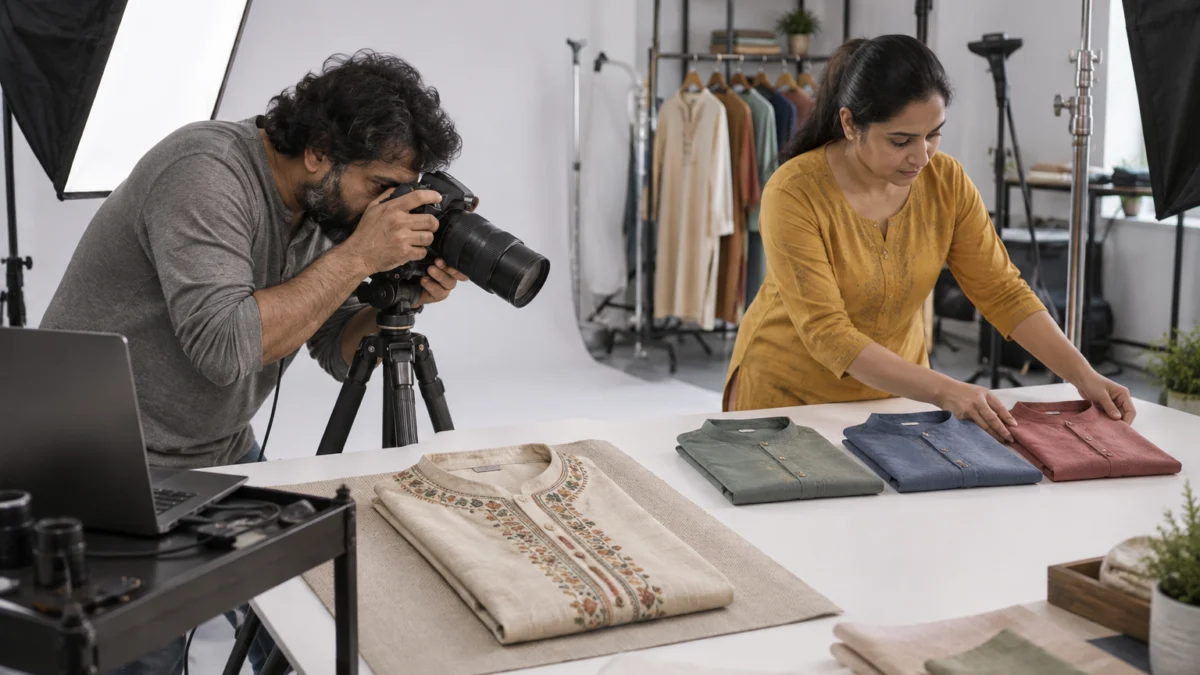
Premium modules are built around full-width images up to 1464 px wide (for example 1464 × 600 px for a full image module) with separate mobile crops in some modules. Because these frames are very wide and short, they need to be planned at the shoot. A vertical kurta photo stretched into a 1464 × 600 frame either crops off the head and hem or leaves awkward empty space.
File, colour and text rules that apply to every module
- Format: JPG or PNG, under 2 MB per image; sRGB colour so shades match your gallery.
- Exact pixels: upload at the module’s size; let Amazon’s cropper do as little as possible.
- Image keywords: each image has a short alt text field (about 100 characters). Describe the garment, not your offers.
- Text in images: keep it short and large. On a phone, a 970 px image shrinks to about a third of its width, so small text becomes unreadable and can trigger a rejection.
What image sizes does the Amazon Brand Story need?
Brand Story is a separate carousel that appears above A+ and is shared across your ASINs. Its background image is 1464 × 625 px, the brand logo card is 315 × 145 px, and the focus image cards are 362 × 453 px. One well-made Brand Story can sit on your whole catalogue.
For a fashion label, Brand Story is the place for the founder line, the studio or workshop, the craft behind the collection and cards that link to your best categories. A+ then stays focused on the specific product. Keep the background image calm: a softly lit studio shot or fabric texture works better than a busy lifestyle scene with text placed over it.
Why does Amazon reject A+ content, and how do you fix it?
Most A+ content rejection reasons fall into three groups: restricted claims and wording, contact or off-Amazon references, and poor image quality. Amazon reviews each submission, usually within about seven business days, and returns a reason when it rejects. Fix the exact element named, resubmit, and avoid repeating the pattern on other ASINs.
These are the nine problems we see most often when brands bring us A+ layouts that keep bouncing back. None of them are design problems; they are compliance problems that are easy to avoid once you know them.
| # | Rejection reason | Typical fashion example | Fix |
|---|---|---|---|
| 1 | Pricing or promotional language | “Best price”, “sale”, “free delivery”, “buy 2 get 1” | Remove all price, offer and shipping words from images and text |
| 2 | Unverified or superlative claims | “No.1 kurta brand”, “best quality in India” | Describe features instead: “pure cotton, hand block printed” |
| 3 | Health, eco or certification claims without proof | “Anti-bacterial”, “eco-friendly”, “100% organic” | Remove, or use only what your label and documents state |
| 4 | Customer reviews or ratings | Star graphics, quoted buyer comments | Delete; reviews live in Amazon’s review section only |
| 5 | Contact details or off-Amazon links | Website URL, Instagram handle, phone number, QR code | Remove from every image, including the logo module |
| 6 | Time-bound or guarantee language | “New arrival”, “festive 2026 drop”, “lifetime guarantee” | Use timeless descriptions; no warranty claims unless offered officially |
| 7 | Low-resolution, stretched or pixelated images | Phone photo upscaled to 970 px, blurry fabric close-up | Shoot at full resolution and export at exact module size |
| 8 | Too much or too small text in images | Paragraphs baked into the header image | Move text to module text fields; keep image text to a few large words |
| 9 | Content that does not match the ASIN | Showing a colour or style not sold in that listing | Apply each layout only to ASINs whose products appear in it |
Watch for competitor and marketplace references
Comparisons with other brands, mentions of other marketplaces and logos you do not own are also common rejection triggers. Your comparison chart should compare only your own ASINs, and lifestyle images should be free of visible third-party branding on bags, shoes or props.
Grammar, spelling and placeholder text
Typos, lorem-ipsum text left in a module or headings in all capitals can also lead to rejection. Read every module on a phone preview before you submit; it takes five minutes and saves a week of waiting.
Which A+ layouts convert best for fashion brands?
The best-converting layouts for Amazon A+ content for fashion brands follow the order a shopper thinks in: how it looks on a person, what the fabric and craft are, how it fits, and what else is in the collection. Below are three five-module Basic layouts we use as starting points for ethnic wear, menswear and western wear.
Layout 1: Ethnic wear (kurtas, kurta sets, sarees)
- Image Header with Text (970 × 600): model in the kurta set in a soft lifestyle setting, one short line about the craft.
- Four Image & Text (220 × 220): block print close-up, neckline embroidery, dupatta border, fabric weave.
- Single Image & Sidebar: model height, size worn and fit notes beside a full-length shot.
- Image & Dark Text Overlay (970 × 300): a craft banner, such as hands working on the print table.
- Comparison Chart: four to six colourways or sister styles, each with fabric and occasion rows.
Layout 2: Menswear (shirts, trousers, basics)
- Image Header with Text: male model in a clean office or casual setting, one line on fabric.
- Three Images & Text (300 × 300): slim, regular and relaxed fit, or three ways to style the shirt.
- Multiple Image Module A: collar, cuff, button and fabric macro details.
- Standard Comparison Chart: colours or fits in the same range.
- Technical specifications: fabric, GSM, care and fit, as text only.
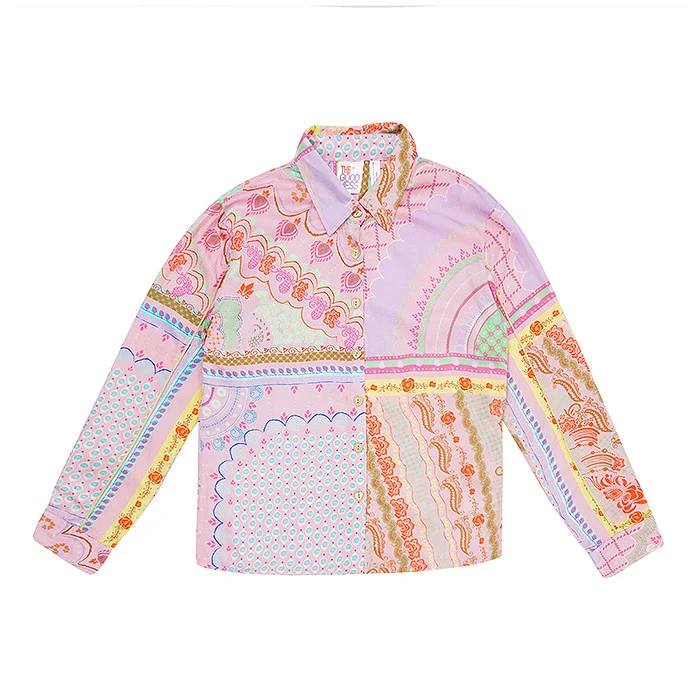
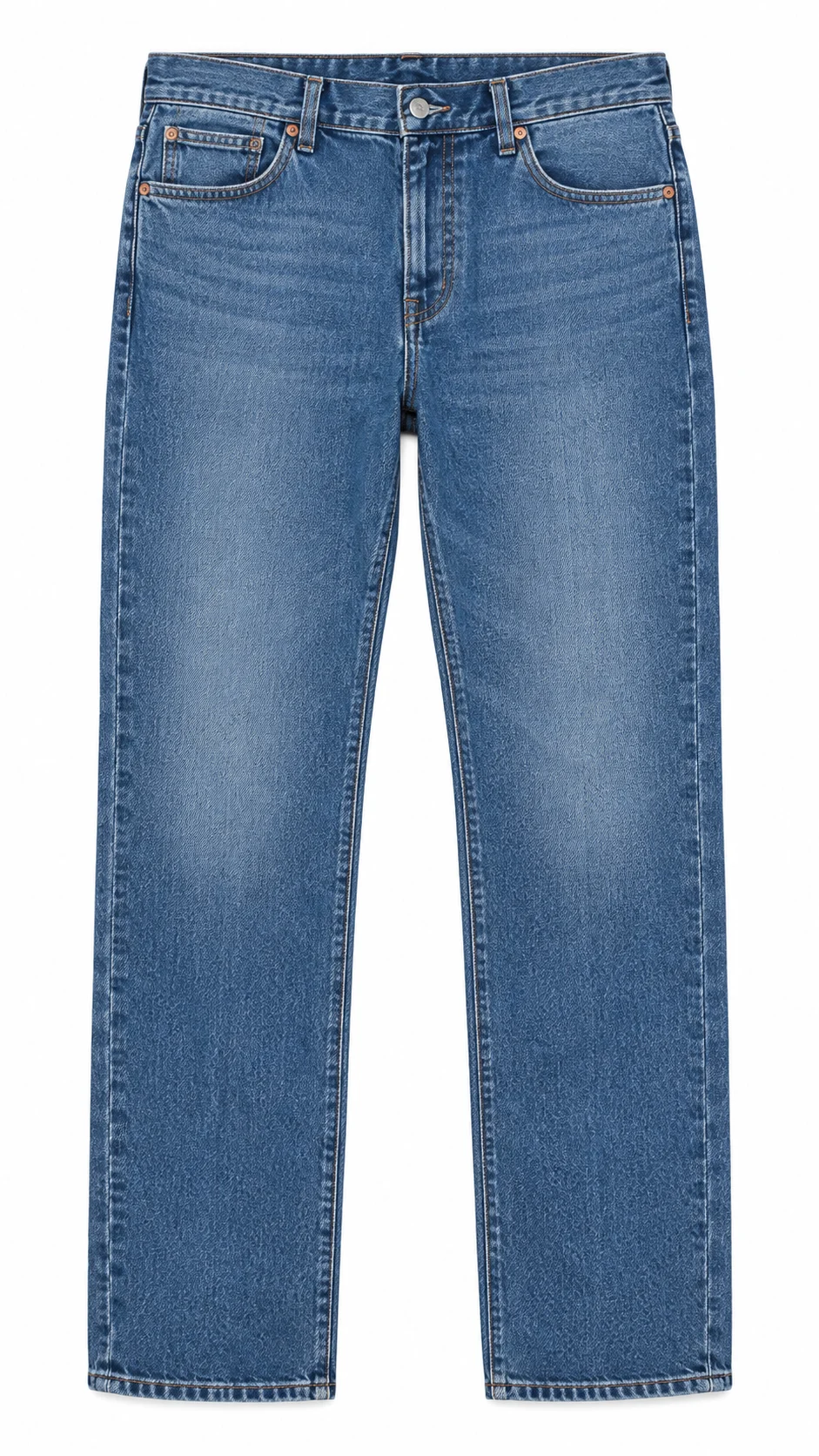
For menswear we keep comparison images strictly consistent: same fold, same angle, same light. That consistency is why many brands use flat lay photography for the chart while the header carries the on-model shot. The Amazon model photography guide covers how to plan the on-model frames themselves.
Layout 3: Western wear and activewear
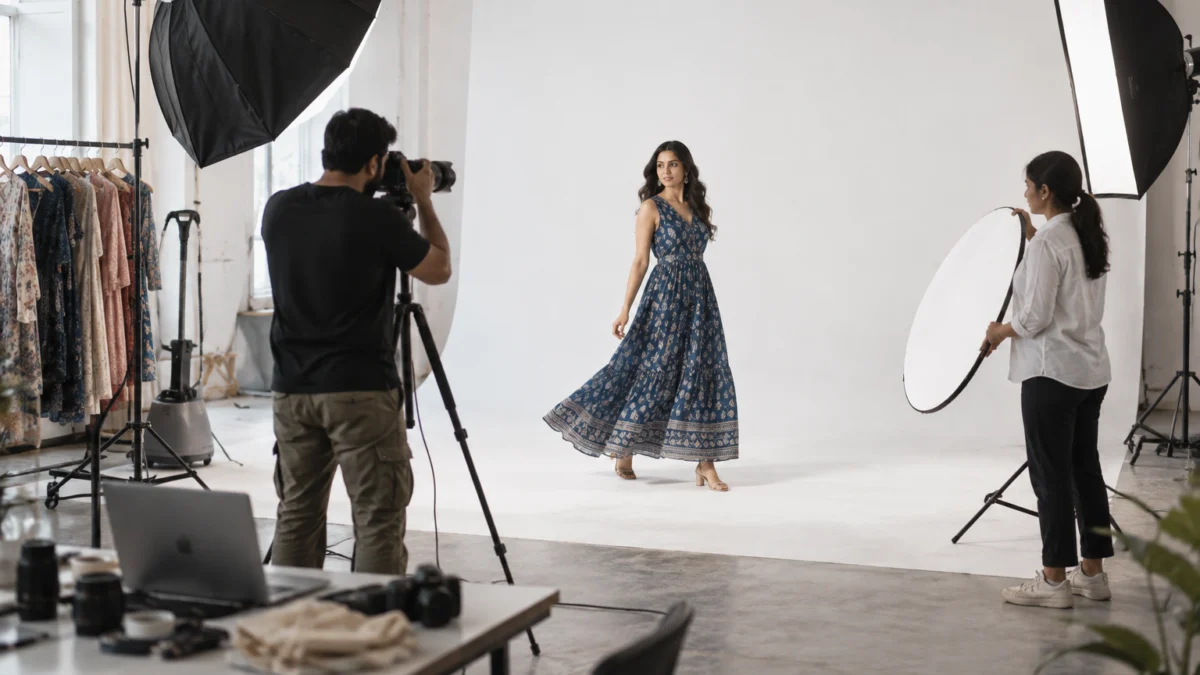
- Image Header with Text: movement shot, a walk or a stretch, to show drape or stretch.
- Single Left Image: a fabric close-up with a short paragraph on stretch, breathability or lining.
- Four Image & Text: front, back, side and detail on model.
- Single Image & Sidebar: size guidance with model measurements.
- Comparison Chart: the rest of the range, such as dresses, co-ords and jumpsuits.
How do you shoot images for Amazon A+ content for fashion brands?
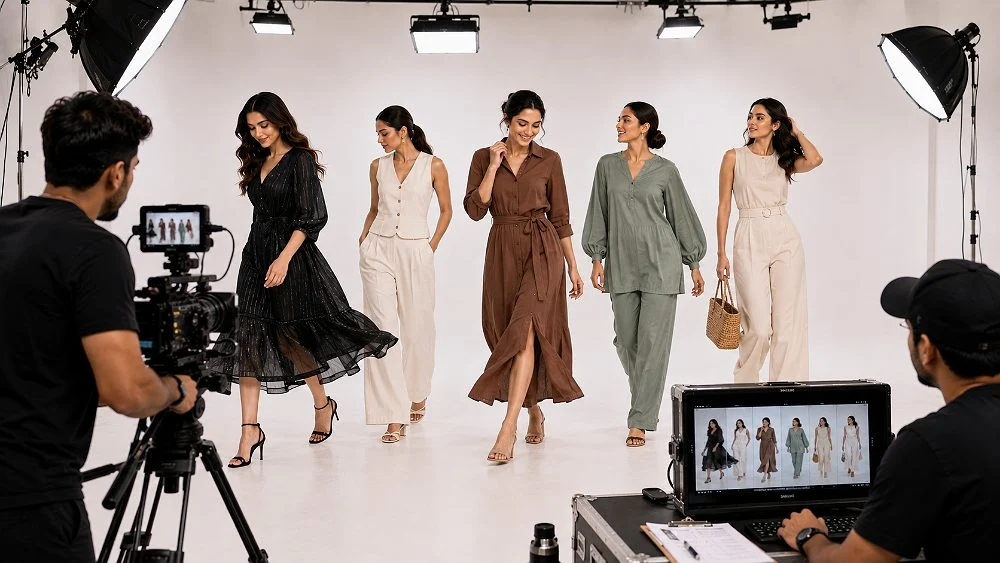
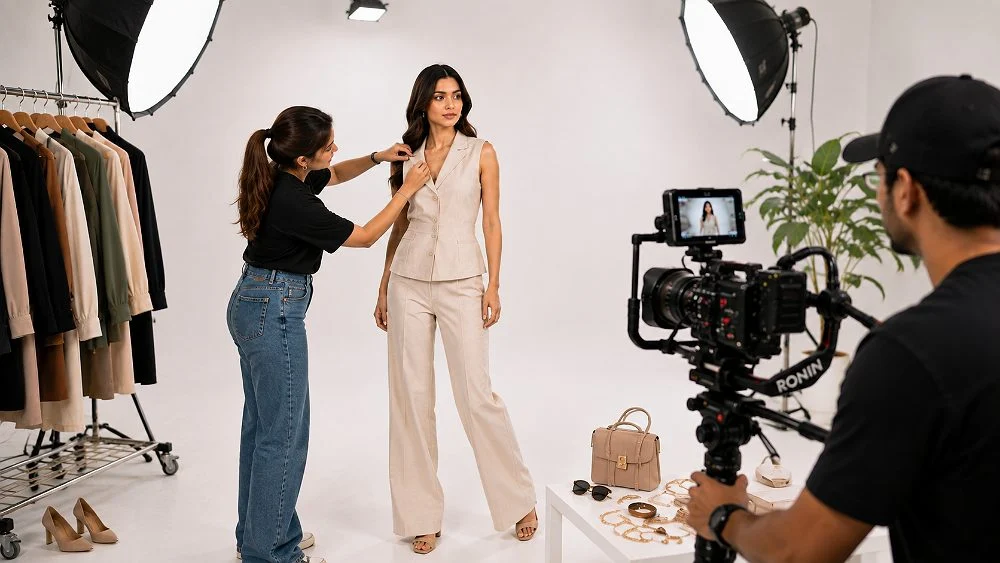
Shoot A+ images as a planned set, not as leftovers from the gallery shoot. That means wide landscape frames with empty space for text, consistent flat lays or ghost mannequin shots for comparison charts, macro fabric details, and full-length fit shots with the model’s size noted. Planning these at the shoot avoids awkward crops later.
The A+ shot list we add to every Amazon fashion shoot
- 2 wide header frames per style, shot landscape with the garment on one side and clean space on the other.
- 4 detail frames: print, neckline or collar, sleeve or cuff, hem or border.
- 1 fit frame full length, with height and size worn recorded on the call sheet.
- 1 consistent comparison frame per colourway, same angle and light across the range.
- 1 craft or brand frame for overlay banners: fabric texture, tailoring, or hands at work.
- 10–25 seconds of video if you are eligible for Premium A+.
At Uniqs Studio we usually shoot headers at a slightly wider focal length than gallery images, so the crop to 970 × 600 or 1464 × 600 keeps the head and hemline. Lighting is matched to the gallery set, which keeps the colour of the same kurta identical from main image to A+. A colour card goes into the first frame of every setup for the retoucher.
Real photos, not AI mock-ups
AI-generated models and fabrics are tempting for A+ because they are quick, but they often change the print, the colour or the fit of the real garment. That is exactly what A+ is meant to prove to the buyer. We recommend real photographs of the actual product for every A+ module, with AI used, if at all, only for neutral background clean-up.
How do you create and publish A+ content step by step?
Open Seller Central, go to Advertising and then A+ Content Manager, choose Basic or Premium, add modules, upload images and text, apply the layout to your ASINs, and submit for review. Approval usually arrives within about a week, after which the content appears on desktop and mobile.
- Pick the ASIN family. Start with your top-selling parent ASIN and its variations, not your whole catalogue.
- Write the copy first. One headline and two to three short lines per module, written in plain Indian English.
- Map images to modules. List each module with its exact size and the shot that fills it.
- Shoot and retouch. Export at exact pixels, sRGB, under 2 MB.
- Build in A+ Content Manager. Add modules in order, upload images, and fill image keyword fields.
- Preview on mobile and desktop. Fix any text that becomes too small.
- Apply ASINs and submit. Only add ASINs whose products actually appear in the content.
- Track and refresh. Watch conversion and return reasons for those ASINs; refresh images each season.
Satyam’s tip
Build one master layout per category, get it approved, then duplicate it for similar ASINs and swap only the images and colour names. Approved patterns are far less likely to be rejected again.
How much do A+ content images cost to produce?
A+ itself is free for Basic layouts; the real cost is the photography and video that fill the modules. At Uniqs Studio, A+ frames are produced in the same shoot as your catalogue, using our standard per-product rates below, so you are not paying for a separate set-up.
| Shoot type | Images | Turnaround | Price |
|---|---|---|---|
| Ghost mannequin | 1 angle | 3–4 days | ₹250 / image |
| Flat lay | 2–3 angles | 6 days | ₹290 / product |
| Model Photography | 5–6 angles | 4–5 days | ₹400 / product |
| Ecommerce Reels Video | 20–25 seconds | 4–5 days | ₹900 / product |
| Garment Video with Model | 25–30 seconds | 4–5 days | ₹1,200 / garment |
| Footwear | 4–5 angles | 5 days | ₹245 / product |
| Bags & handbags | 4–5 angles | 4–5 days | ₹295 / product |
Prices are per product/image as listed; call or WhatsApp +91-8076745824 for bulk catalogue quotes.
Planning A+ for a new collection? Call +91-8076745824, WhatsApp +91-8076745824 or email [email protected] with your style count and we will map the A+ shot list to your shoot.
What are the most common A+ mistakes fashion sellers make?
The most common mistakes are reusing gallery images that do not crop to A+ sizes, putting too much text inside images, and building one layout per ASIN instead of one reusable layout per category. Each of these costs time, approvals or conversion.
- Vertical images forced into wide modules. Plan landscape frames at the shoot.
- Text-heavy headers. On mobile, the text becomes unreadable and the image looks like an ad.
- Inconsistent comparison images. Mixed angles and light make your range look cheaper than it is.
- No fit information. Missing model height and size worn is a direct route to size returns.
- Colours that do not match the gallery. A maroon that turns red in A+ makes buyers doubt both.
- Ignoring the garment video. If you are Premium eligible, a short clip is often the most persuasive module; our Amazon garment video guide explains the formats.
What should you check before submitting A+ content?
Before submitting, check sizes, text and compliance in one pass. Every image should be at the exact module size, every text block should be free of prices, claims and contact details, and every applied ASIN should match the products shown.
Amazon A+ pre-submission checklist
- Header image exactly 970 × 600 px (or 1464 px wide for Premium full-width modules).
- All images JPG or PNG, sRGB, under 2 MB, sharp at 100% zoom.
- No price, offer, shipping, “best”, “No.1”, review, URL, phone or social handle anywhere.
- Image text readable on a phone preview; long text moved to text fields.
- Comparison chart shows only your own ASINs, with consistent images.
- Fit module states model height and size worn.
- Image keyword fields filled with garment descriptions.
- Applied ASINs match colours and styles shown.
Uniqs Studio checks every A+ export against this list before delivery, so the files you upload are ready for review.
Frequently asked questions about Amazon A+ content for fashion brands
These are the questions brand owners ask us most often when they plan A+ for clothing on Amazon India.
Yes. Basic A+ content is free for brand owners enrolled in Amazon Brand Registry. Your only cost is producing the images, video and copy that go into the modules.
The Standard Image Header with Text module uses a 970 × 600 px image. Premium full-width modules use images up to 1464 px wide, such as 1464 × 600 px.
Amazon usually reviews A+ submissions within about seven business days. If it is rejected, the reason is shown in A+ Content Manager so you can edit and resubmit.
The usual A+ content rejection reasons are price or offer wording, unverified claims, reviews or ratings, contact details or links, low-resolution images, too much text in images, or content that does not match the applied ASINs.
You can apply one layout to several ASINs, but only if the products shown in the content are the ones sold in those listings. Most brands build one master layout per category and swap images per style.
Use real photographs of the actual garment. AI images often change print, colour or fit, which increases returns and can conflict with Amazon’s requirement that content accurately represents the product.
Get your A+ images shot with your catalogue
Uniqs Studio shoots Amazon-ready main, gallery and A+ frames in one session at our Kalkaji studio, for brands across Delhi, Gurgaon, Noida, Faridabad and Ghaziabad. Call Satyam on +91-8076745824 or email [email protected].
What is the next step after planning your A+ content?
Once your module plan and copy are ready, the next step is the shoot itself. A+ only converts when the images are sharp, colour-true and composed for wide modules from the start.
If you want on-model headers, fit frames and lifestyle banners shot for Amazon’s A+ sizes, explore our on-model fashion photography service and share your style list with Satyam. Uniqs Studio, trusted by 500+ D2C brands and marketplace sellers, will plan the A+ frames alongside your gallery so your Amazon A+ content for fashion brands is ready to submit the week the shoot is delivered.