
Meesho Ads for Suppliers 2026-2027: ROI-Based Campaigns, Budget Setting & 9 Catalogue Fixes Before You Spend
Every week a Meesho supplier calls our studio with the same complaint: “I switched on Meesho ads, the money went, the orders didn’t.” Before you add budget, it helps to see where ads sit in the wider supplier journey, and our Meesho seller resource hub maps that journey from registration to growth. This guide picks up at the last stage: you have live catalogues, some organic orders, and you now want to pay for reach without burning margin.
Meesho ads work differently from the click auctions you may know from other marketplaces. You set a minimum return you want, and Meesho’s system decides whether and how much to spend. That sounds safe, but it also means a weak catalogue simply never gets served, or gets served and converts badly. At Uniqs Studio we have shot catalogues for 500+ D2C brands and marketplace sellers over 9+ years, and the pattern is consistent: ads amplify whatever your catalogue already is. So we start with how the ROI model works, then budget maths, then the nine fixes we would make before spending a single rupee.
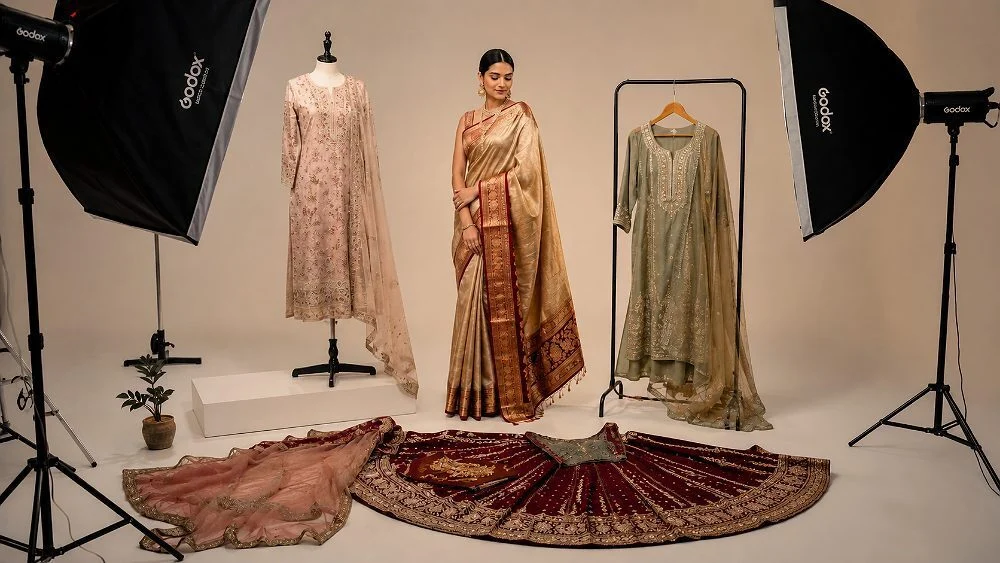
What are the key takeaways on Meesho ads?
If you remember only five points from this guide, make them these. Each one is explained with examples further down.
- Meesho ads follow an ROI-first model: you set a target return and the system spends only when it sees a credible path to it.
- Your break-even ROI is selling price divided by profit per order; any target below that loses money even when orders come.
- Start with a small test budget on 3–5 proven catalogues, not your whole range.
- Ads cannot fix a blurry front image, wrong colour or missing size chart; fix the catalogue first.
- Judge results on orders, returns and net profit over 7–14 days, not on day-one clicks.
What are Meesho ads and how does the ROI-based model work?
Meesho ads are paid placements that push your catalogues higher in Meesho’s feed and search results. Instead of asking you to bid per click, Meesho asks what minimum return you want on your spend, then its algorithm decides when your catalogue is worth showing. If it cannot see a realistic path to that return, it spends less or nothing.
Meesho’s co-founder and CTO Sanjeev Barnwal described this approach in an interview with Storyboard18: the supplier sets a target, and the platform only spends when it believes it can deliver it. His example was simple. With a 10x target on a Rs 100 budget, Meesho spends only if it sees a path to roughly Rs 1,000 in sales. For a small supplier, that is a very different risk profile from an open-ended click auction.
How are Meesho ads different from cost-per-click ads?
On a classic cost-per-click system you pay for every click, whether or not the shopper buys. On an ROI-first system the algorithm takes on part of the prediction work: it looks at how likely your catalogue is to convert at your price and only competes for traffic where the numbers make sense. Some seller guides still describe CPC options in older panels, so always check which campaign types your own Meesho Supplier Panel shows today.
| Factor | Classic CPC ads | ROI-first Meesho ads |
|---|---|---|
| What you control | Bid per click, daily budget | Target ROI, daily budget, catalogues |
| When money is spent | Every click | When the system predicts the target is reachable |
| Risk for small suppliers | Clicks without orders | Ads that do not spend at all if the catalogue looks weak |
| What decides success | Bid size and relevance | Conversion signals: image click-through, price, ratings, returns |
Why does the Meesho ads ROI model reward good catalogues?
Because the algorithm is predicting conversion, it leans on signals your catalogue already produces: how often people tap your thumbnail, how many add to cart, how many orders get returned. A catalogue with a sharp, honest front image and low returns looks like a safe bet, so it gets served. A catalogue with a dark, cluttered image looks risky, so the system holds back. In plain words, the ROI model quietly rewards the suppliers who invested in their images.
Why do Meesho ads fail to get orders for most suppliers?
Most Meesho ads that “don’t work” fail for one of three reasons: the ROI target is unrealistic for the price point, the catalogue does not earn clicks, or the catalogue earns clicks but loses the shopper on the product page. Budget is rarely the real problem.
When suppliers send us their ads dashboards, we usually see one of these patterns. Each pattern points to a different fix, so diagnose before you change anything.
| What you see | Likely cause | First fix |
|---|---|---|
| Budget barely spends | ROI target too high for your price and conversion rate | Lower the target towards break-even, or improve conversion signals |
| Impressions but very few clicks | Weak thumbnail: dark, cluttered, small product, same as 50 others | Reshoot the front image (fixes 1–2 below) |
| Clicks but few orders | Missing angles, no size chart, unclear fabric, price shock | Complete the image set and details (fixes 3–7) |
| Orders, then returns | Images oversell colour or fit | Colour-accurate, honest images (fixes 2 and 9) |
Notice that three of the four rows end in the catalogue, not the ads panel. That is why the next section is the longest in this guide.
Which 9 catalogue fixes should you make before you spend on Meesho ads?
Fix the front image, colour accuracy, angles, fit proof, size chart, title and attributes, price, variants and return-prone details before you switch on Meesho ads. These nine fixes raise the conversion signals the ROI algorithm reads, so the same budget buys more orders.
We order them by impact. Fixes 1–4 are about images, because on a mobile-first marketplace like Meesho the shopper decides from a thumbnail in under a second. For the full image specification, our Meesho image rules for catalogue QC covers sizes, backgrounds and rejection reasons in detail.
Fix 1: Is your front image readable as a small Meesho ads thumbnail?
Open your catalogue on a phone and scroll the feed. If your product is smaller than half the frame, sits on a busy bed sheet, or is shot from an angle, it disappears among hundreds of similar kurtis. The front image should show the full product, centred, filling most of the frame, on a clean light background, lit evenly with no harsh shadows. This single image drives the click-through rate that Meesho ads depend on.
Fix 2: Does the colour on screen match the product in the parcel?
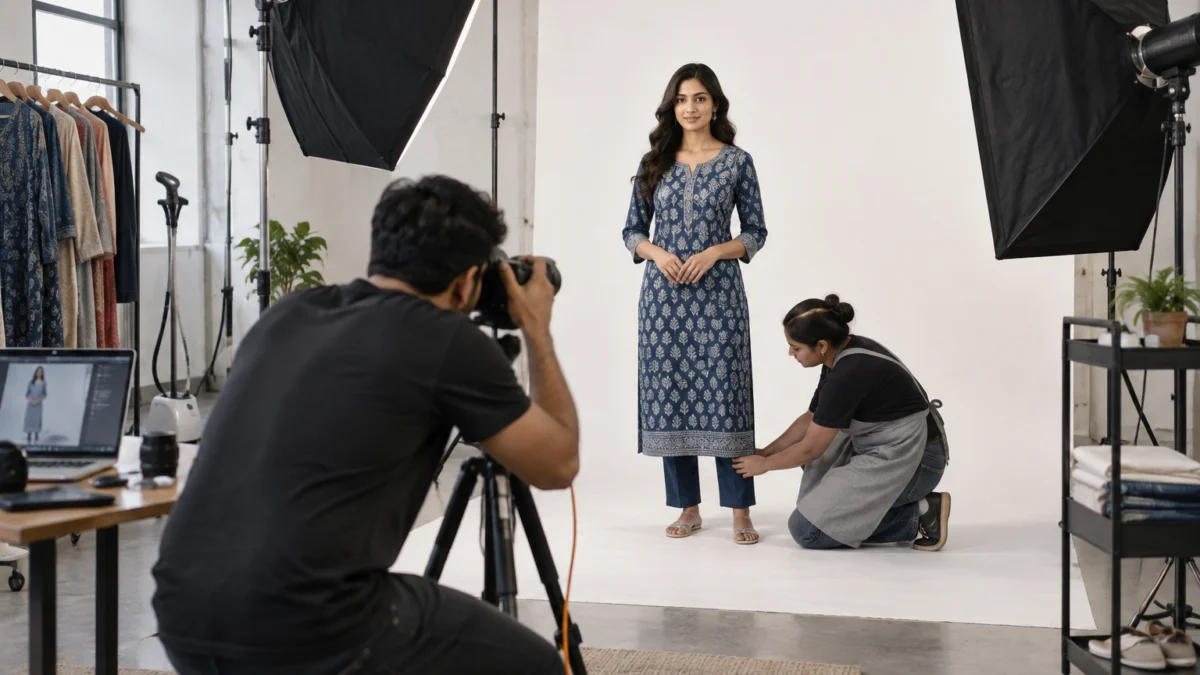
Colour mismatch is the quiet killer of ad ROI: the ad brings an order, the customer receives a different shade, and the return wipes out the profit. At Uniqs Studio we shoot with a grey card for white balance and colour-match each garment to the physical sample on a calibrated monitor during retouching. If your current images were taken under yellow tube lights, reshoot before advertising.
Fix 3: Do you show back, side and fabric detail angles?
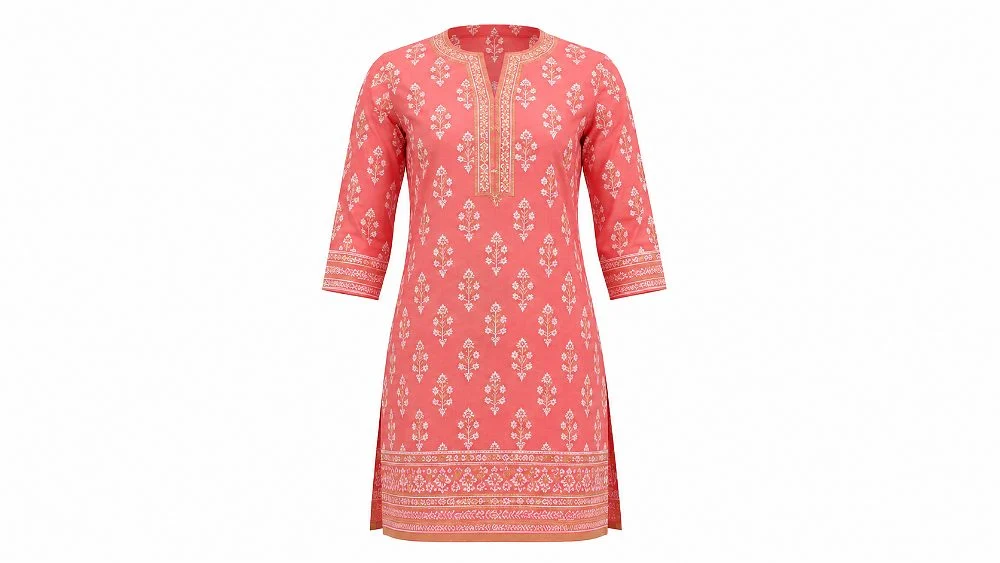
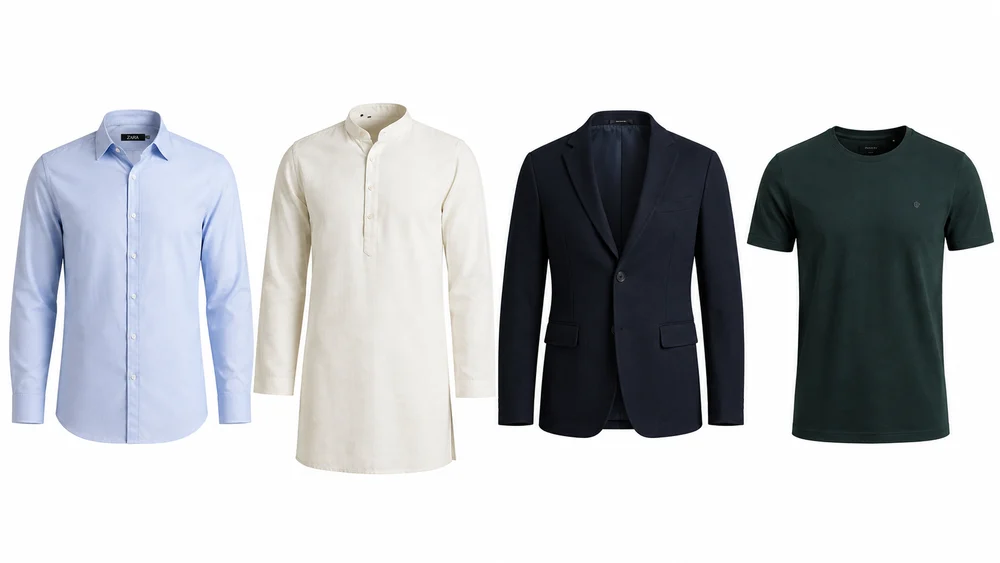
A shopper who taps your ad wants answers: what does the back look like, how deep is the neckline, is the print digital or block, what is the fabric? Add a back view, a side or three-quarter view, and one close-up of fabric or embroidery. For shirts, kurtas and tops that need to show shape without a model, ghost mannequin shots give you a consistent hollow-body look across every SKU and colour.
Fix 4: Can the shopper see how it fits on a real body?
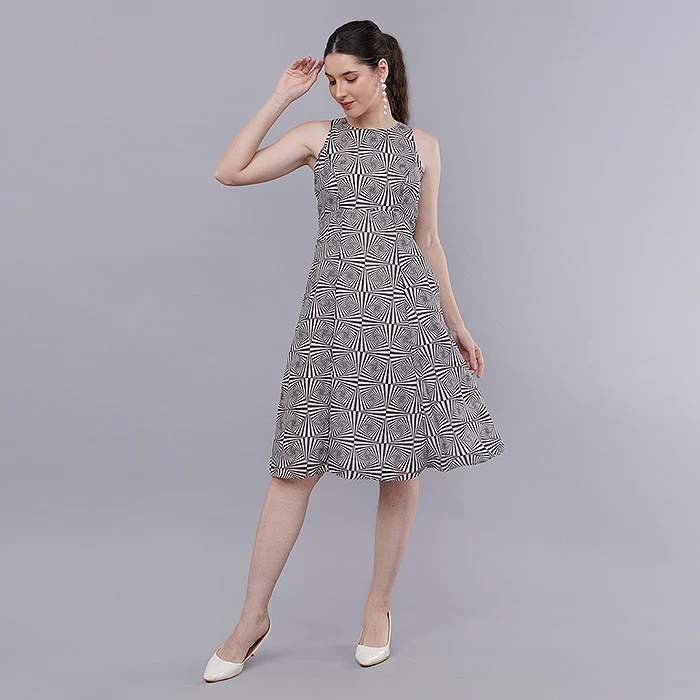
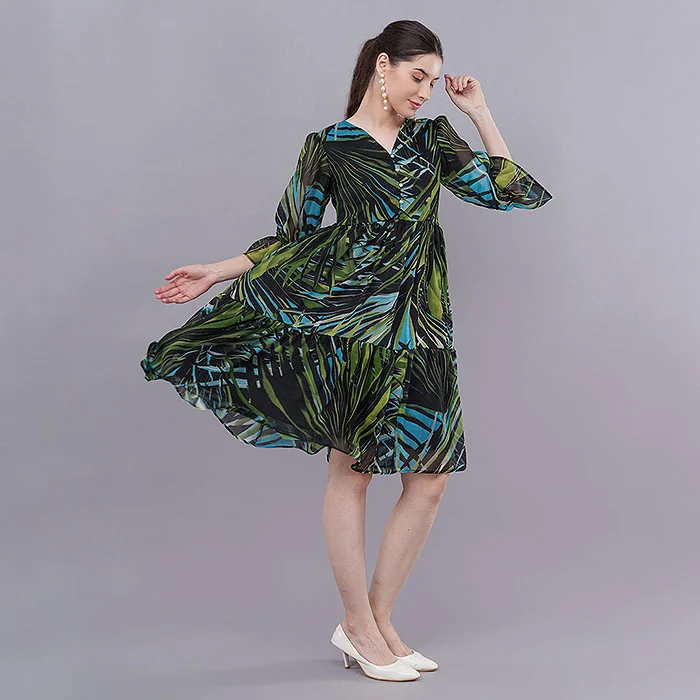
For kurtis, dresses and co-ord sets, fit is the number one doubt. One on-model front image plus one walking or side shot answers “will this suit me” far better than any description. A short model video does the same job in motion and is increasingly what shoppers expect on mobile marketplaces. Keep poses simple and the full garment visible; dramatic editorial poses look great but hide the fit.
Fix 5: Is there a clear size chart image?
Wrong-size returns are expensive for Meesho suppliers, and ads multiply them. Add a size chart image with garment measurements (bust, waist, length, sleeve) in inches and centimetres, not just S/M/L. If your sizing runs small or large, say so in the description. This reduces returns and lifts the ROI signal on every future ad.
Fix 6: Are the title and attributes complete and accurate?
Meesho’s search and feed match shoppers to catalogues using titles and attributes such as fabric, pattern, sleeve length and occasion. Fill every relevant attribute, use the words shoppers type (“cotton straight kurti”, not just “kurti”), and never stuff unrelated keywords. Wrong attributes send your ads to the wrong audience, which looks like poor conversion to the algorithm.
Fix 7: Is your price set with ad cost already inside it?
Many suppliers price for organic orders, then add ads on top and wonder why profit vanished. Work out your landed cost, the platform deductions, packaging and a return allowance, then decide how much per order you can give to ads. Our breakdown of Meesho commission, shipping and return charges helps you build that cost sheet before you pick an ROI target.
Fix 8: Are your colour variants grouped and in stock?
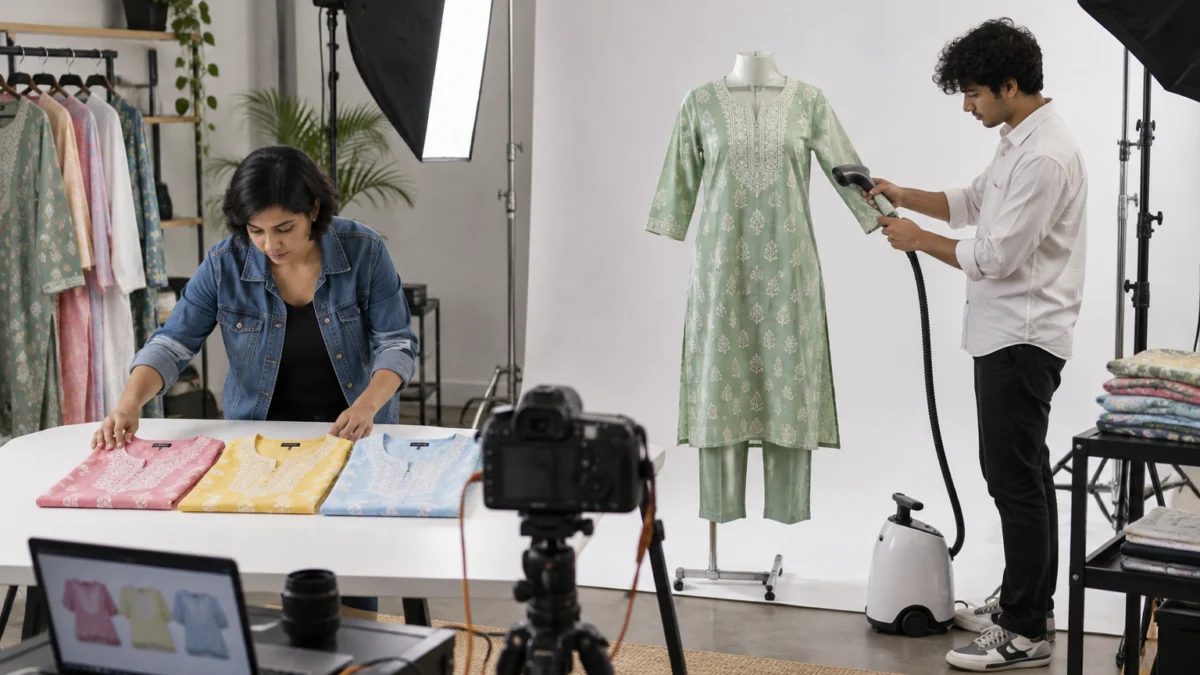
If a shopper clicks your ad for the mustard kurti and finds only two sizes left, the click is wasted. Group colour variants properly, keep stock in the sizes that sell, and shoot every colour in the same angles so the catalogue looks complete. For accessories, kids’ wear and combo packs, top-down flat lay photography is the fastest way to show every variant side by side.
Fix 9: Have you removed the reasons your catalogue gets returned?
Check your return reasons before you advertise. If “colour different” or “quality not as shown” appear often, your images are overselling. Replace heavy filters with honest lighting, show the real fabric texture, and add a close-up of stitching. Our guide on how to cut Meesho returns and RTO walks through the other operational causes too.
“When a supplier asks us to ‘make the ad work’, we first open the catalogue on a cheap phone in daylight. If I can’t tell the fabric, the length and the true colour in three seconds, no ROI setting will save it. Fix the images once, and every rupee of Meesho ads after that works harder.” — Satyam, Uniqs Studio
How do you set your Meesho ads ROI target?
Set your Meesho ads ROI target at or above your break-even ROI, which is your selling price divided by the profit you keep per order before ads. Start slightly above break-even so the system has room to spend, then raise the target as conversion improves.
Here is the maths in plain words. ROI on Meesho ads is usually read as ad-driven sales divided by ad spend. If a kurti sells for Rs 500 and you keep Rs 125 profit per order before advertising, you can spend at most Rs 125 in ads per order to break even. Rs 500 divided by Rs 125 gives a break-even ROI of 4. Any target below 4 means you lose money on every ad order; a target of 5 or 6 leaves you a margin.
| Profit per order before ads (as % of price) | Break-even ROI | Sensible starting target | Notes |
|---|---|---|---|
| 40% | 2.5 | 3–4 | Healthy margin; room to test wider |
| 30% | 3.3 | 4–5 | Typical for well-priced apparel |
| 25% | 4 | 5–6 | Test only proven catalogues |
| 15% | 6.7 | 8+ | Fix price or cost before advertising |
Two cautions. First, subtract an allowance for returns: if one in five orders comes back, your real profit per order is lower and your break-even ROI is higher. Second, if you set the target far above what your catalogue can realistically achieve, the system may simply not spend. That is not a bug; it is the ROI model protecting your budget. Lower the target gradually, or improve the catalogue so the prediction improves.
What does a Meesho ads ROI calculation look like for a kurti supplier?
- Selling price on Meesho: Rs 499.
- Product, packaging and platform deductions: about Rs 330 (use your own sheet).
- Return allowance (say 15% of orders at a partial loss): about Rs 30 per order.
- Profit before ads: roughly Rs 139 per order, so break-even ROI is about 3.6.
- Starting target: 4.5 to 5, leaving profit on every ad-driven order.
How much Meesho ads budget should a supplier start with?
Start with a small daily test budget on 3–5 of your best catalogues and run it for 7–14 days before judging. The goal of the first phase is data, not volume; you scale only the catalogues that hit your target.
Seller guides commonly suggest beginning with a few hundred rupees a day, and Meesho’s own interface will show you the current minimums. What matters more than the exact number is discipline: one test, a fixed period, clear rules for what happens next. A budget split across 40 catalogues gives each one too little data to learn from.
| Phase | Catalogues | Duration | Goal |
|---|---|---|---|
| 1. Test | 3–5 bestsellers with fixed images | 7–14 days | Learn real ROI, CTR and return rate |
| 2. Prune | Keep those at or above target | 1 week | Stop losers, adjust ROI on borderline ones |
| 3. Scale | Winners plus similar new styles | Ongoing | Raise budget step by step, 20–30% at a time |
| 4. Refresh | Fatigued catalogues | Every 6–8 weeks | New front image or colour to revive click-through |
Should you raise the Meesho ads budget during sale seasons?
Festive and sale periods bring more shoppers and more competing suppliers. Raise budgets only on catalogues that already proved themselves in normal weeks, and make sure stock and dispatch can keep up. A sale-day spike that ends in cancellations hurts your ratings, and your ratings feed straight back into ad performance.
How do you launch your first Meesho ads campaign step by step?
Log in to the Supplier Panel, open the ads section, choose a few proven catalogues, set a daily budget and an ROI target above break-even, then let it run for at least a week. Menu names change from time to time, so follow the labels in your own panel.
- Audit first. Run the nine catalogue fixes above on the styles you plan to promote.
- Pick 3–5 catalogues with steady organic orders, good ratings and low returns.
- Open the ads section in your Supplier Panel and start a new campaign.
- Set the daily budget you are comfortable losing completely during the test.
- Set the ROI target from your break-even calculation, slightly above it.
- Note the start date and your current organic orders so you can compare fairly.
- Do not edit for 7 days, unless spend is clearly unsafe; constant changes reset learning.
- Review and decide using the table in the next section.
How should you read Meesho ads results and decide to stop or scale?
Read Meesho ads results on four numbers: spend, ad orders, achieved ROI and returns from ad orders. Scale catalogues that beat your target after returns, hold borderline ones while you improve images, and stop those that stay below break-even after two weeks.
| Result after 7–14 days | Decision | Action |
|---|---|---|
| ROI above target, returns normal | Scale | Raise budget 20–30%, add similar styles |
| ROI near break-even | Hold | Improve front image or price, retest |
| Low spend, few impressions | Adjust | Lower target slightly or improve conversion signals |
| Clicks high, orders low | Fix page | Add angles, size chart, model shot, video |
| ROI below break-even after 2 weeks | Stop | Pause and rework the catalogue before trying again |
Keep a simple weekly sheet with these columns per catalogue. After a month you will know which product types, colours and price bands respond to Meesho ads, and that is worth more than any single campaign.
What does it cost to fix catalogue images before running Meesho ads?
At Uniqs Studio, catalogue fixes are priced per image or per product, so you can reshoot only the styles you plan to advertise. The rates below are our official list for the shoot types most Meesho apparel suppliers need.
| Shoot type | Images | Turnaround | Price |
|---|---|---|---|
| Ghost mannequin | 1 angle | 3–4 days | ₹250 / image |
| Flat lay | 2–3 angles | 6 days | ₹290 / product |
| Model Photography | 5–6 angles | 4–5 days | ₹400 / product |
| Ecommerce Reels Video | 20–25 seconds | 4–5 days | ₹900 / product |
| Garment Video with Model | 25–30 seconds | 4–5 days | ₹1,200 / garment |
Prices are per product/image as listed; call or WhatsApp +91-8076745824 for bulk catalogue quotes.
Planning to advertise 5–10 catalogues? Send us the style list on WhatsApp at +91-8076745824 or call +91-8076745824, and we will suggest which styles need a reshoot and which only need a better front image.
What mistakes waste Meesho ads budget?
The costliest Meesho ads mistakes are advertising unproven catalogues, setting ROI below break-even, changing settings every day and ignoring returns. Each one turns a sensible test into a slow leak.
- Promoting every catalogue at once. Budget spreads thin and nothing gets enough data.
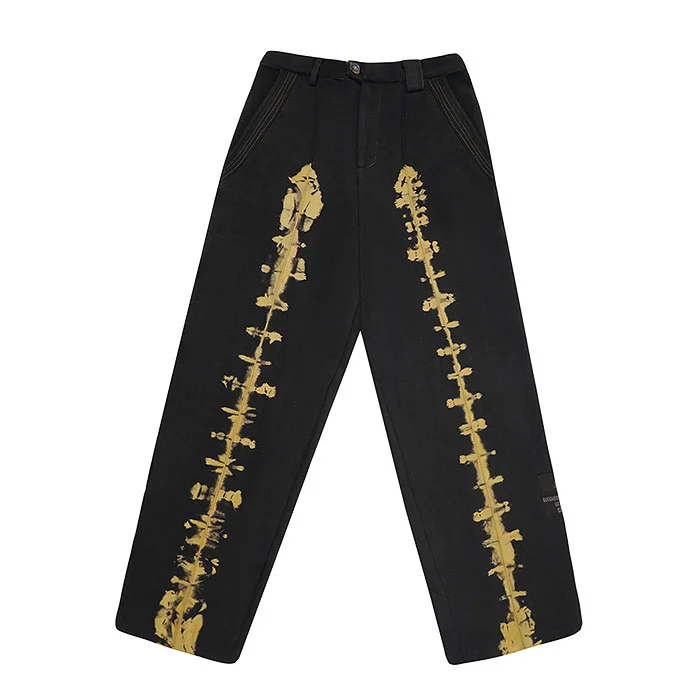
- Using mobile photos under tube lights. Colour and fabric look cheap next to studio-shot competitors.
- Chasing orders, not profit. An ROI of 3 on a 20% margin product loses money on every order.
- Ignoring return reasons. Ad orders that come back cost you twice: ad spend plus reverse shipping.
- Daily tinkering. Changing target and budget every day stops the system from learning.
- Copying competitors’ images. It risks catalogue action and makes your ad identical to theirs.
- Relying on AI-generated garment images. Shoppers notice when fabric and fit look unreal, and returns follow; real product photos build trust.
What should you do if Meesho ads are not getting orders at all?
Pause, then work backwards. Check whether the budget actually spent; if not, your target may be too high. If it spent with impressions but no clicks, reshoot the front image. If clicks came but orders did not, compare your price and images with the top three catalogues in the same search. Restart with one change at a time, so you know what made the difference.
What should your Meesho ads pre-launch checklist include?
Before you switch on Meesho ads, tick every box below for each catalogue you plan to promote. If more than two boxes are empty, fix the catalogue first and advertise later.
- Front image fills the frame, clean background, true colour
- Back, side and fabric close-up images added
- At least one on-model image or short model video for apparel
- Size chart image with measurements
- Title and all attributes filled accurately
- Break-even ROI calculated, including return allowance
- Stock available in core sizes and colours
- Return reasons reviewed and image issues fixed
- Test budget, duration and stop rule written down
What do Meesho suppliers ask most about Meesho ads?
These are the questions we hear most from suppliers who visit our Delhi studio before starting ads. Short answers first; details are in the sections above.
Meesho ads promote your catalogues in the feed and search. You choose catalogues, a daily budget and a target ROI, and Meesho’s system spends only when it predicts it can reach that return, according to the company’s leadership.
A good target is slightly above your break-even ROI, which is selling price divided by profit per order before ads. For many apparel suppliers this lands between 4 and 6, but calculate it from your own costs and returns.
Usually the ROI target is higher than the system thinks your catalogue can achieve. Lower it gradually towards break-even, or improve the front image, price and ratings so the predicted conversion rises.
Start with a small daily amount you can afford to lose, on 3–5 proven catalogues, for 7–14 days. Check the current minimum in your Supplier Panel and scale only the catalogues that beat your target.
Yes. The ROI model reads conversion signals such as thumbnail click-through, orders and returns. Clear, colour-accurate images improve all three, so the same budget is more likely to spend and convert.
It is usually better to wait until a catalogue has some organic orders and ratings. That gives the algorithm signals to work with and gives you real numbers to set a sensible ROI target.
What is the next step after setting up Meesho ads?
Your next step is to upgrade the images on the catalogues you will promote, because Meesho ads only multiply the conversion your catalogue already earns. Fix the visuals once and every future campaign starts from a stronger base.
If your current catalogue relies on flat product shots, the biggest single upgrade for kurtis, dresses and co-ord sets is real people wearing the product. Satyam and the Uniqs Studio team run on-model fashion shoots at our Kalkaji studio for suppliers across Delhi, Gurgaon, Noida, Faridabad and Ghaziabad, with files delivered ready for bulk catalogue upload. Email the style list to [email protected] and we will reply with a shoot plan.
Call Satyam at +91-8076745824, WhatsApp +91-8076745824 or email [email protected]. Studio: 1800/9, Kalkaji Extension, Kalkaji, New Delhi 110019 · Mon–Sat, 10 am–7 pm.