
A correct Myntra size chart is the quiet document that decides whether your kurta, dress or pair of jeans stays sold or comes back as a “size issue” return. On a fashion-first marketplace, shoppers cannot try the garment on, so they trust the chart, the model’s size and the fit they see in your images. If you are still getting your store and catalogue in order, start with our Myntra seller resource hub and then come back here to fix sizing properly.
This guide is written for Myntra fashion sellers, D2C apparel brands onboarding on Myntra and catalogue managers who keep seeing size-chart rejections or high fit returns. At Uniqs Studio, Satyam and the team have spent 9+ years shooting and preparing catalogues for 500+ D2C brands and marketplace sellers, and sizing errors are among the most common problems we see when a brand’s files arrive at the studio. Below you will learn the measurement rules, the format that passes QC, nine rejection fixes and the fit data that actually reduces returns.
Key Takeaways
- Your Myntra size chart must describe the actual garment you ship, measured flat at fixed points — never a chart copied from another marketplace.
- Keep body measurements (“to fit bust”) and garment measurements (chest, length) clearly separate, in one unit, for every size you list.
- Most size-chart rejections come from blank mandatory fields, wrong size labels, impossible jumps between sizes and charts that do not match the images.
- Fit data — model height, size worn, fit type and fabric stretch — cuts size returns more than any discount.
- Track “size too small / too large” return reasons by style and re-measure any style that crosses your normal return rate.
What is a Myntra size chart and why does it decide your returns?
A Myntra size chart is the table of measurements attached to a style that tells shoppers which size will fit them. When it is accurate, customers choose correctly and keep the product; when it is wrong, the same style generates “size issue” returns, poor ratings and catalogue QC rejections.
Apparel listings on Myntra treat the size chart and “size and measurements” information as mandatory, and the platform shows it right beside the size selector on the product page. That placement matters. A shopper on her phone looks at three things before tapping “Add to bag”: the main image, the price and the size chart. If the chart says a medium kurta has a 40-inch chest but the garment actually measures 38 inches, she will order the right size on paper and still receive a kurta that is too tight.
That is why we treat sizing as part of catalogue production, not paperwork. A size chart is only as good as the measurements behind it and the images that support it. In our experience at Uniqs Studio, the brands with the lowest fit-related complaints are the ones whose chart, model size and product photos all tell the same story.
How does a wrong Myntra size chart hurt a seller?
The damage shows up in four places. First, rejected or held listings delay your launch, sometimes right before a sale event. Second, size-related returns cost you forward and reverse logistics and the product often comes back creased or unsellable. Third, reviews such as “runs small” stay on the product page and lower conversion for every future buyer. Fourth, repeated returns can weaken a style’s visibility. If you want the return and claim side of this problem explained in detail, our Myntra SPF claim and returns guide covers how protection claims work once a return is already in motion.
Which measurements does a Myntra size chart need for each category?
Each apparel category needs its own measurement points: tops and kurtas need chest, shoulder, length and sleeve; bottoms need waist, hip, inseam and length. Myntra’s category template defines the exact fields, so always download the current template for your article type and fill every mandatory column.
The table below shows the measurement points we check most often when preparing apparel for marketplace upload. It is a practical studio reference, not an official list — field names can change, so confirm them in the latest template on the Myntra Partner Portal before you upload.
| Category | Key garment measurements | Common mistake |
|---|---|---|
| Kurtas, kurtis & tunics | Chest, waist, hip, front length, shoulder, sleeve length | Measuring length from the neckline instead of the high point shoulder |
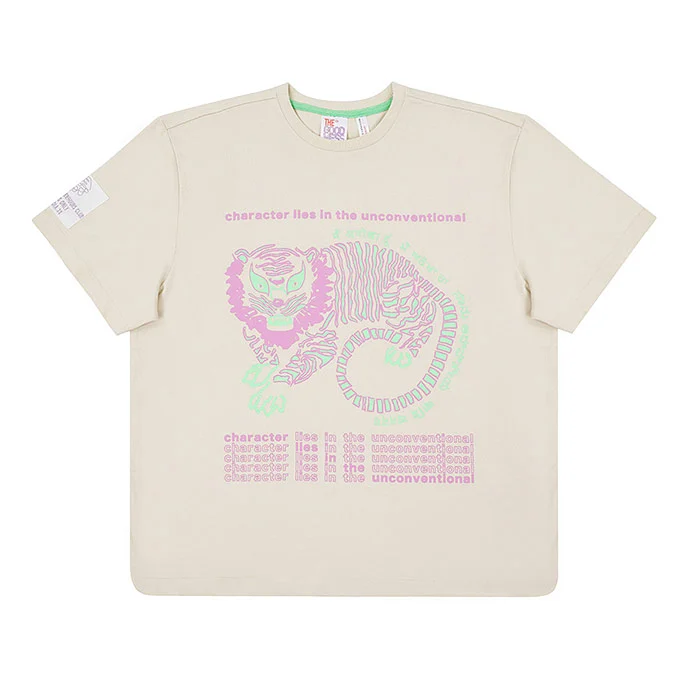
| Shirts & T-shirts | Chest, front length, shoulder, sleeve length, collar (formal shirts) | Using the body chest from a “to fit” chart as garment chest |
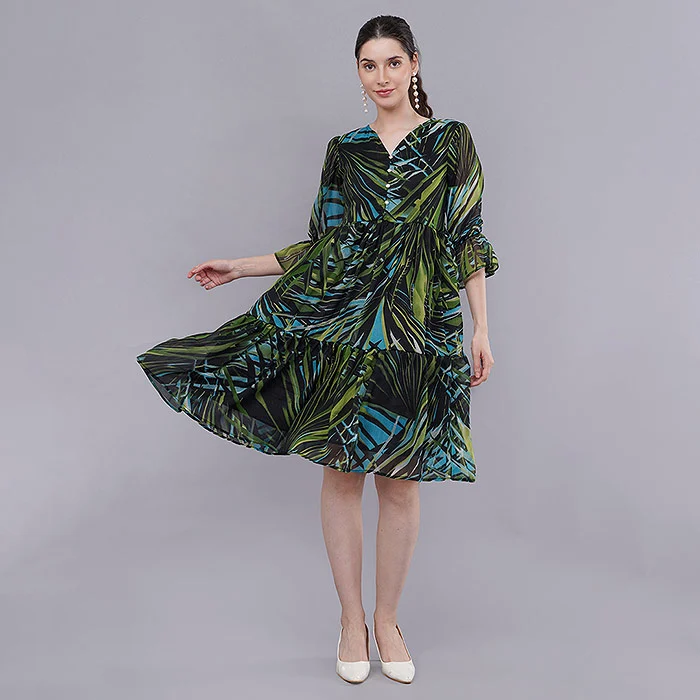
| Dresses & jumpsuits | Bust, waist, hip, length, sleeve length | One length for every size when the pattern is actually graded |
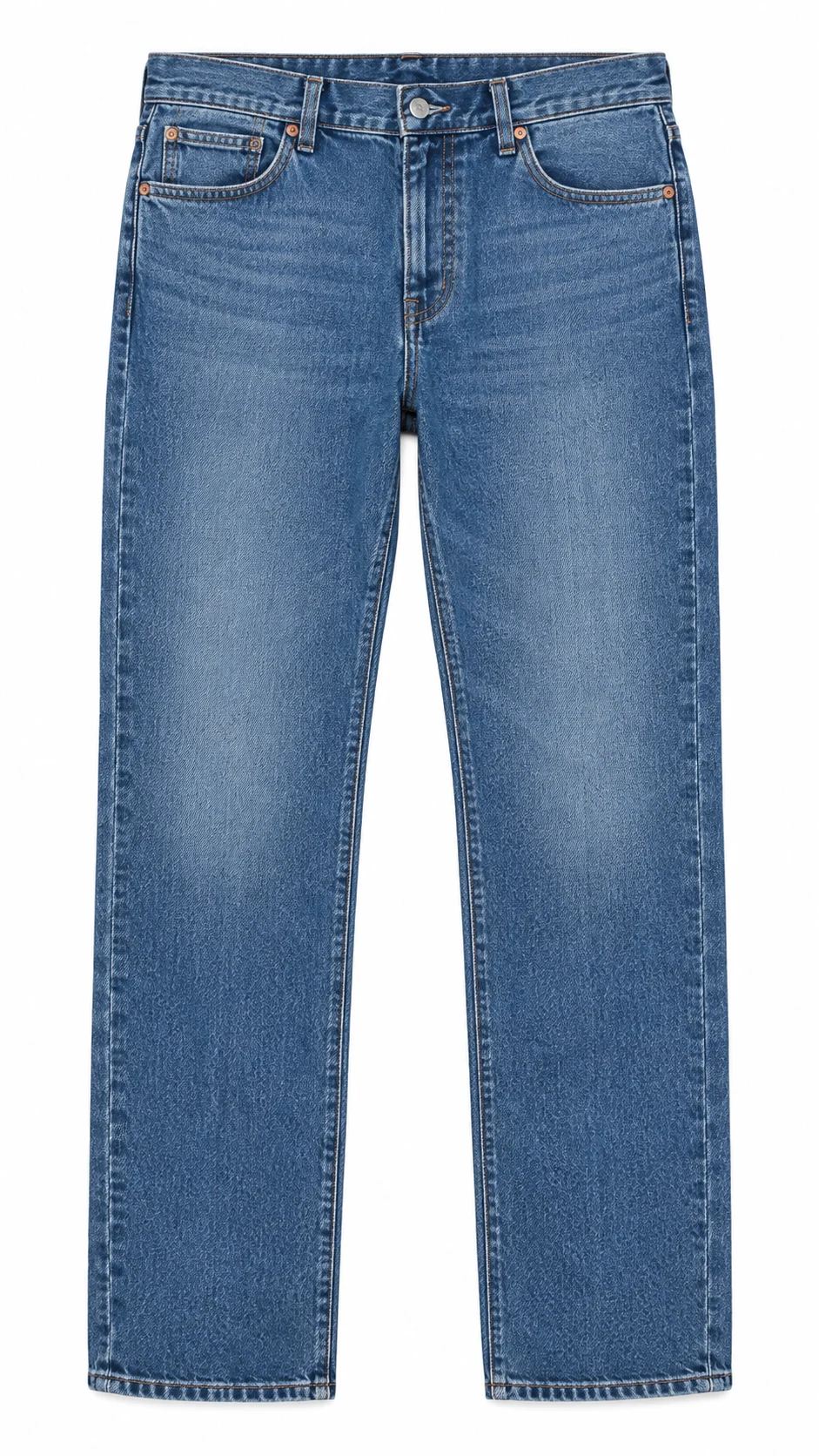
| Jeans & trousers | Waist, hip, inseam, outseam (length), thigh, leg opening, rise | Mixing waist sizes (28, 30, 32) with alpha labels (S, M, L) |
| Ethnic sets & co-ords | Separate rows for top and bottom, dupatta length if included | Listing only the top’s measurements for a three-piece set |
| Kids’ wear | Age band plus chest, length and waist | Giving only age with no measurements |
Which Myntra measurement guidelines apply to bottoms?
For jeans, chinos and trousers, Indian shoppers usually shop by waist number first, so the chart must connect each waist label to the real garment waist. A pair labelled 32 with a stretched flat waist of 31 inches is normal for some fits, but the chart should show the actual measurement, not the label. Add inseam and rise, because “too long” and “too low at the back” are frequent reasons for denim returns. If you sell the same denim on other marketplaces, measure once and reuse the verified data — but never reuse another platform’s size labels without checking how Myntra’s template maps them.
How do you measure a garment correctly for a Myntra size chart?
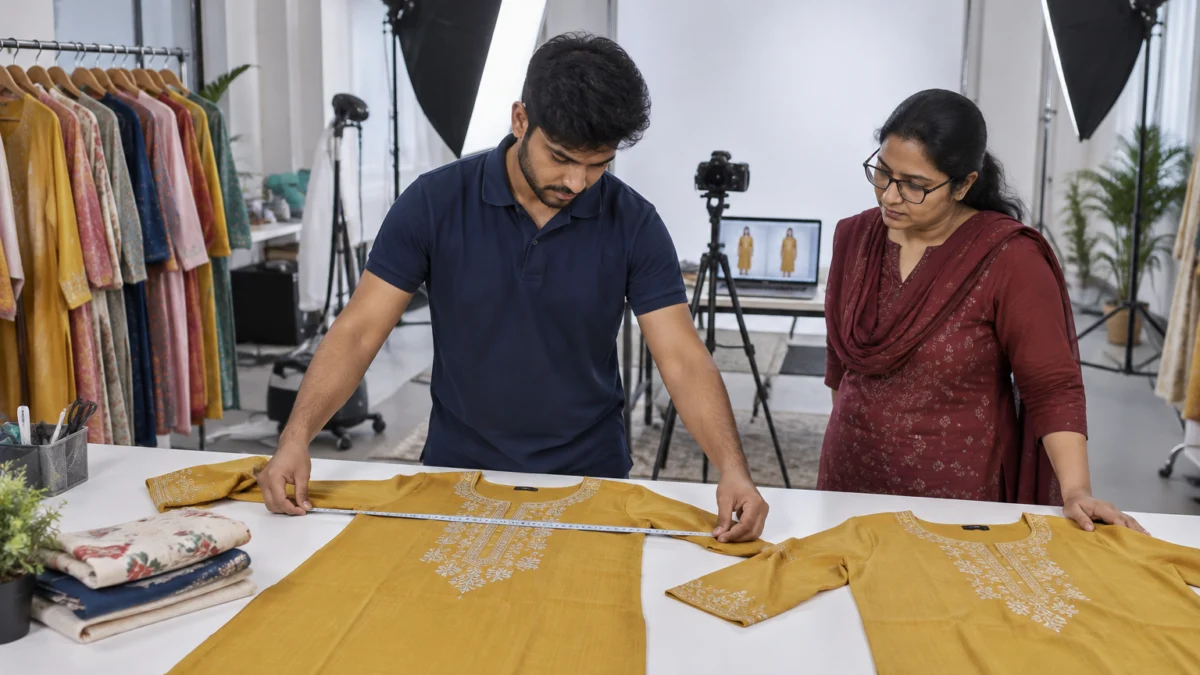
Lay the garment flat on a hard surface, smooth it without stretching, and measure each point edge to edge with a soft tailor’s tape. Measure at least two pieces per size from the production batch, record the values in one unit and double the flat width for chest, waist and hip circumference.
This is the routine our team follows before a catalogue shoot when a brand asks us to check sizing alongside the images. It takes about ten minutes per size and saves weeks of returns later.
- Use production pieces, not samples. Sampling-room garments are often cut more carefully than bulk. Measure what customers will actually receive.
- Steam and lay flat. Remove creases, button or zip the garment, and lay it face up on a large white table. Do not pull the fabric.
- Chest: measure straight across, 2.5 cm (1 inch) below the armhole, side seam to side seam, then double it.
- Waist and hip: measure across at the narrowest point and at the widest point below it; double both.
- Length: measure from the high point shoulder (where the shoulder seam meets the collar) straight down to the hem. For bottoms, use the waistband top to the hem.
- Shoulder and sleeve: shoulder seam to shoulder seam across the back; sleeve from the shoulder seam to the cuff edge.
- Inseam: from the crotch seam along the inside leg to the hem.
- Record and compare. Measure two or three pieces per size. If they differ by more than half an inch, flag the batch before uploading.
Should a Myntra size chart use garment or body measurements?
Use both, but never mix them in one column. Body measurements (“to fit bust 34”) tell shoppers which size suits their body; garment measurements (chest 37) describe the product itself. The difference between the two is the ease of the design — a relaxed kurta has more ease than a fitted blouse. Many sellers lose shoppers’ trust by labelling garment chest as “bust” and leaving people to guess. Label every column clearly, for example “To Fit Bust (in)” and “Garment Chest (in)”, and keep the template’s field names wherever they exist.
What format should your Myntra size chart follow?
Follow Myntra’s category template exactly: the size labels it allows, one unit per chart, every listed size filled, and values that grow logically from one size to the next. A clean chart reads like a ladder — each size steps up by a consistent amount.
Here is an illustrative example of a well-graded garment-measurement chart for a straight cotton kurta. The numbers are only a sample to show the structure; your chart must use your own measured values.
| Size | To fit bust (in) | Garment chest (in) | Garment waist (in) | Length (in) | Shoulder (in) |
|---|---|---|---|---|---|
| XS | 32 | 34 | 32 | 44 | 13.5 |
| S | 34 | 36 | 34 | 44 | 14 |
| M | 36 | 38 | 36 | 45 | 14.5 |
| L | 38 | 40 | 38 | 45 | 15 |
| XL | 40 | 42 | 40 | 46 | 15.5 |
| XXL | 42 | 44 | 42 | 46 | 16 |
Sample structure only — replace every value with measurements from your own production pieces.
What does a good Myntra size chart format look like in practice?
- One unit only — inches or centimetres as the template asks, never both mixed across rows.
- Consistent grading — chest usually steps up by a similar amount per size; a sudden 4-inch jump between M and L looks like an error to shoppers and reviewers.
- No blank cells for sizes you list as available.
- Same size set in the chart and in the inventory file — if you sell XS to XXL, the chart covers XS to XXL.
- Style-level accuracy — a regular-fit kurta and an A-line kurta from the same brand need separate charts.
If you want a broader view of the files Myntra checks during onboarding, the Myntra product listing checklist walks through attributes, images and QC in one place.
Why does Myntra reject size charts? 9 rejection fixes
Size charts are usually rejected or flagged because data is missing, mislabelled, inconsistent or contradicts the images. Each of the nine problems below has a simple fix you can apply before re-uploading the style.
1. Copied a chart from another marketplace or brand
A chart copied from your Amazon or Flipkart listing, or from a bigger brand’s website, rarely matches your own pattern. Fix: re-measure your production pieces and build the Myntra size chart from those numbers. Keep a master measurement sheet per style and export to each marketplace’s format from it.
2. Mixed body and garment measurements
When “bust 36” means body size in one row and garment size in another, shoppers and QC both lose trust. Fix: separate “to fit” and “garment” values into clearly labelled columns and use the template’s field names.
3. Measured at the wrong points
Chest taken at the hem, length taken from the neckline, or a stretched waistband all produce misleading charts. Fix: use the fixed points in the measuring routine above and write them into a one-page measurement guide for your factory and catalogue team.
4. Blank mandatory fields or missing sizes
If a size is live in your inventory but has no row in the chart, the listing can fail validation. Fix: before upload, compare the size list in your inventory sheet with the chart line by line and fill every mandatory column.
5. Unit mismatch or impossible jumps
A medium at 38 and a large at 102 means someone switched to centimetres halfway. Fix: convert everything into the single unit the template asks for and scan the chart for any size step that is far bigger or smaller than the others.
6. Size labels that do not match the template
Using “Free Size” for a garment that is graded, or “32” in an alpha-size template, causes mapping errors. Fix: use only the size labels allowed for that article type and keep labels identical across the chart, inventory file and product title.
7. Chart that contradicts the images
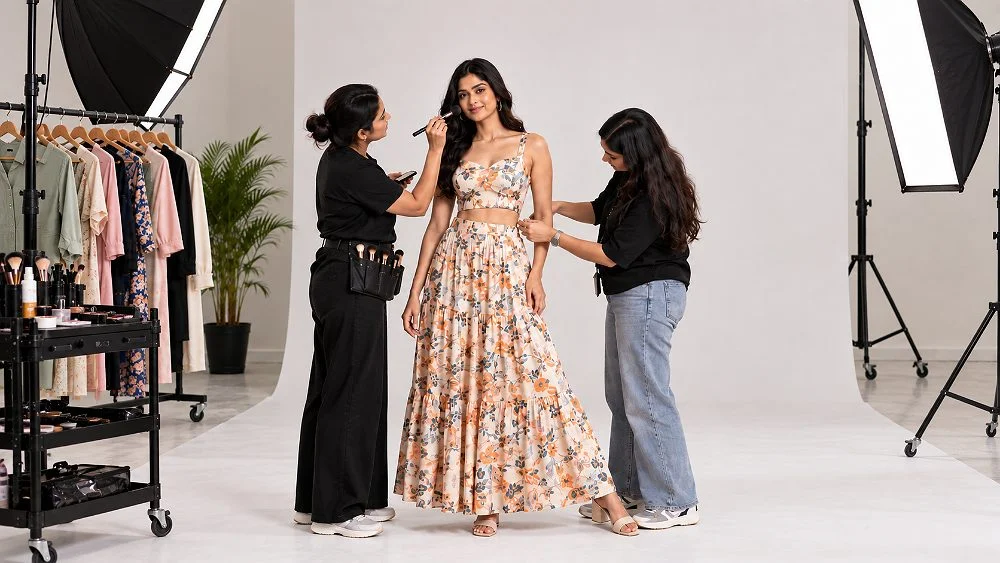
If the chart says “slim fit” but the model looks drowned in an oversized shirt, buyers will order the wrong size. Fix: shoot each style on a model wearing the correct sample size and mention that size in the description. Professional on-model fashion photography shows the true drape, length and fit that your chart describes, so the visual and the data agree.
8. One chart reused for different fits
Regular, relaxed and oversized cuts of the same T-shirt cannot share one chart. Fix: build a chart per fit block, and add the fit type attribute so shoppers can filter and compare correctly.
9. Batch-to-batch grading drift
A reorder from a different unit can come out an inch smaller without anyone noticing. Fix: re-measure two pieces per size from every new batch, keep a tolerance (we suggest flagging anything beyond half an inch) and update the Myntra size chart before the new stock goes live.
How does fit data in images cut Myntra fit returns?
Fit data turns a size chart into a decision shoppers can trust. Model height and size worn, a clear fit type, fabric stretch and a short garment video help buyers picture the fit on their own body, which reduces “too tight” and “too loose” returns.
Size charts give numbers; images give context. Most shoppers compare themselves with the model, so a line such as “Model is 5’8″ and wearing size S” is one of the most useful pieces of fit data you can add. Combine it with these signals:
- Full-length front, back and side views so length and silhouette are visible.
- Close-up of fabric texture so shoppers can judge stretch and thickness.
- Fit type written plainly — slim, regular, relaxed, oversized.
- Size advice where it is true — “fabric has no stretch; size up if between sizes”.
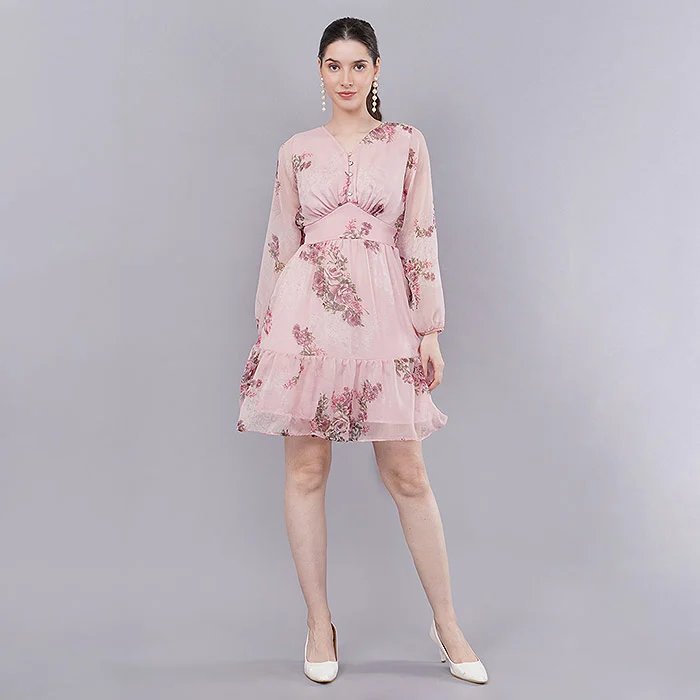
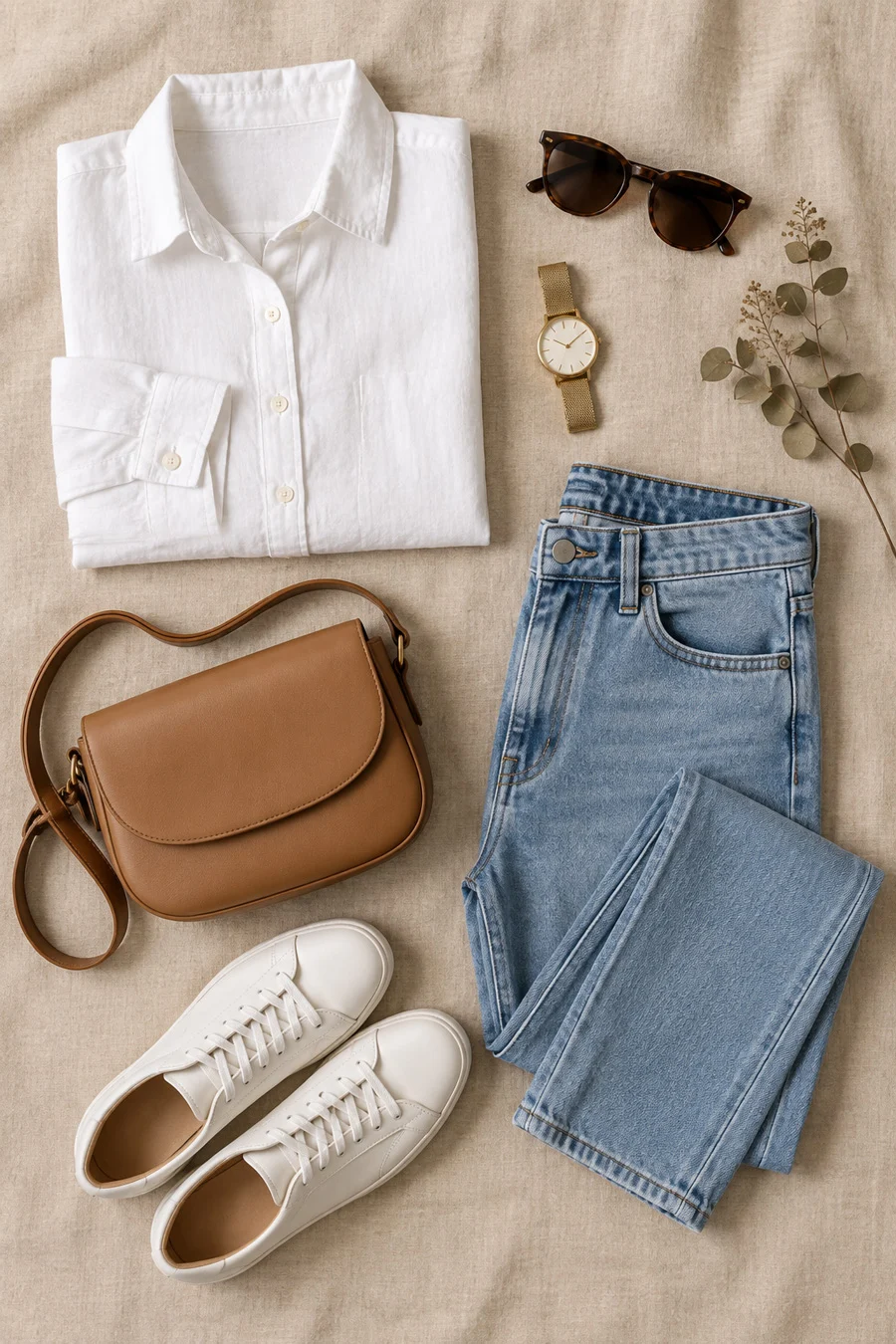
- Garment-only shots for structure — clean ghost mannequin shots show the real neckline, shoulder width and hem shape without a model’s pose changing the silhouette.
Why do garment videos help with Myntra fit returns?
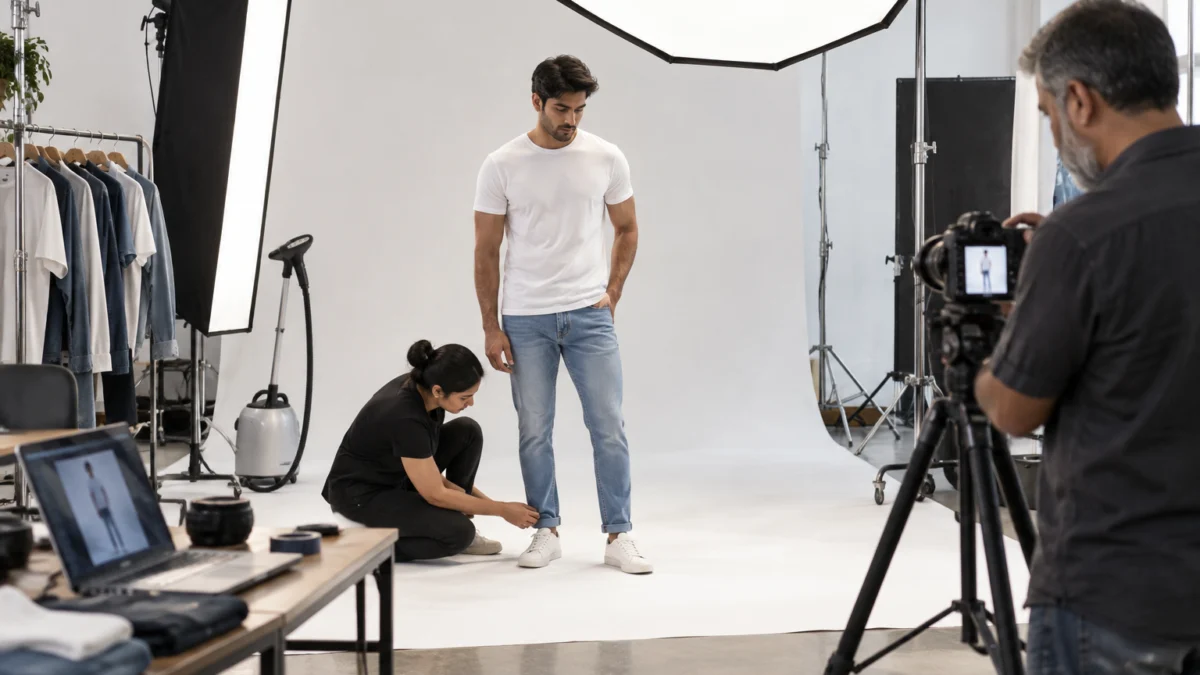
A short video shows how fabric moves, stretches and falls — information a still image cannot fully carry. For kurtis, dresses and denim, a 20–30 second walk-and-turn clip often answers the “how will it look on me?” question better than another photo. Our short garment videos are planned for marketplace formats, and the examples below show the kind of fit movement that helps shoppers choose the right size.
How do you audit size returns using Myntra return data?
Export your returns report, group returns by style and size, and look at the share tagged as size or fit issues. Any style whose size-related returns are clearly above your catalogue average needs its chart re-measured and its images checked for misleading fit.
A monthly audit keeps the Myntra size chart honest as styles and batches change. Here is the simple process we recommend to brands:
- Pull the returns data for the last 30–60 days from the seller panel.
- Filter by reason — keep “size too small”, “size too large” and “fit not as expected”.
- Group by style and size. A single size with heavy returns usually means a grading error; returns across every size usually mean the whole chart or the images are wrong.
- Read reviews for words like “runs small”, “short length” or “tight at the arms”.
- Re-measure and re-shoot where needed, then update the chart and description together.
What does a size-return pattern usually tell you?
| Pattern in returns | Likely cause | Action |
|---|---|---|
| One size returns much more than others | Grading error in that size | Re-measure that size from the current batch |
| “Too small” across all sizes | Chart lists body size as garment size, or the pattern runs small | Rebuild the chart; add “size up” advice if true |
| “Too long” or “too short” complaints | Length missing or measured from the wrong point | Add the correct length and state model height |
| “Looks different from photo” | Model wore a different size or clipped fabric | Re-shoot with the correct size and natural styling |
| Returns rise after a reorder | Batch-to-batch drift | Measure new stock before it goes live |
For a wider plan to grow sales once sizing is under control, read how to increase sales on Myntra, which covers listing quality, ads and returns together.
Pre-upload checklist: is your Myntra size chart ready?
Run this checklist on every style before you upload or update a Myntra size chart. If all ten points pass, the chart is accurate, consistent with your images and far less likely to be rejected or cause fit returns.
- Measured from production pieces, at least two per size.
- Fixed measurement points used and written down for the team.
- Body and garment values in separate, clearly labelled columns.
- One unit across the whole chart.
- Every listed size has every mandatory value.
- Size labels match the template, inventory file and title.
- Grading steps are consistent from size to size.
- Fit type attribute matches the cut shown in images.
- Model height and size worn mentioned in the description.
- New batches re-measured before going live.
Which tools help you build a Myntra size chart faster?
You do not need special software. A flexible tailor’s tape, a large flat table, a steamer and a shared spreadsheet with one tab per style are enough. Keep a master sheet with your measured values, a column for tolerance and a column for the batch date. For general Indian body-size context, the national sizing research led by NIFT is a useful background read, but your chart must always reflect your own garments rather than a generic standard.
Need fit-true catalogue images for your next Myntra upload? Call +91-8076745824 or WhatsApp +91-8076745824 and our team will plan the shot list around your sizes.
What will change for Myntra size charts in 2026-2027?
Expect sizing to become more data-driven: more personalised size recommendations, stronger links between return reasons and catalogue quality, and more weight on fit information in listings. Sellers with clean, measured charts will benefit first.
Marketplaces across India are investing in size-recommendation features that compare a shopper’s past purchases and returns with a brand’s chart. Those tools are only as accurate as the data you supply. A chart built from real measurements, plus images and videos that show true fit, gives any recommendation engine better input. We also expect shoppers to rely more on video, which is why garment videos are becoming a standard part of fashion catalogue production rather than an extra.
Myntra size chart FAQs
These are the questions Myntra sellers ask us most often about size charts, measurement rules and size-related returns.
Yes. Apparel listings on Myntra need size and measurement information, and a missing or incomplete Myntra size chart is a common reason for catalogue rejection. Always use the current template for your article type.
Use the unit your category template asks for and keep it consistent across the whole chart. Mixing inches and centimetres is one of the fastest ways to create impossible size jumps and confuse shoppers.
You can reuse your own measured data, but not another platform’s labels or format without checking. Build each marketplace chart from one master measurement sheet and map sizes to the labels Myntra allows.
The usual causes are blank mandatory fields, missing sizes, wrong size labels, mixed units, inconsistent grading or data that contradicts the fit shown in the images. Download the QC feedback, fix the specific field and re-upload.
Measure production pieces, separate body and garment values, state the model’s height and size worn, show true fit with on-model photos and a short video, and audit “size too small / too large” returns every month.
Yes. Uniqs Studio shoots on-model, ghost mannequin, flat lay and garment video content for Myntra sellers from its in-house studio in Kalkaji, New Delhi, with models dressed in the correct sample size. Call +91-8076745824 or email [email protected].
What should you do next after fixing your Myntra size chart?
Once the chart is accurate, make your images prove it. The next step is a catalogue shoot planned around fit — the right sample sizes, full-length angles and clear model details — so shoppers see exactly what the chart promises.
Next step: plan that shoot with our fashion photography for Myntra guide, which covers model selection, poses, angles and the image set that turns an accurate size chart into confident orders. When you are ready, Satyam and the Uniqs Studio team can handle the shoot end to end — call +91-8076745824 or email [email protected].
Fit-true catalogue images for Myntra
Uniqs Studio is an in-house ecommerce, fashion and product photography and video studio in Kalkaji, New Delhi, trusted by 500+ D2C brands and marketplace sellers. We shoot on-model, ghost mannequin, flat lay and garment video content across Delhi, Gurgaon, Noida, Faridabad and Ghaziabad. Call Satyam to plan your next Myntra shoot.
Email: [email protected] · Mon–Sat, 10 am–7 pm · 1800/9, Kalkaji Extension, Kalkaji, New Delhi 110019