








What is an AJIO seller?
An AJIO seller is a brand or supplier that sells fashion and lifestyle products on AJIO, Reliance Retail’s online fashion platform. Sellers register through the Reliance supplier portal, get their brand approved, and list styles through AJIO Seller Central using category templates. Every catalog upload passes an Auto QC and a Manual QC check — including image checks — before styles go live.
Why sell on AJIO in 2026-27?
AJIO is a fashion-first platform with a curated feel, which means shoppers compare styles on how they look, fit and drape. Reliance has also been building faster delivery on top of its store network, and fast-delivery orders are converting better than the platform average.
Sources: Inc42, Q4 FY26, Inc42, Q2 FY26 and Inc42, Q3 FY26.
The AJIO storefronts a seller can reach
- AJIO
- The main fashion and lifestyle store across menswear, womenswear, kids, footwear, accessories and home.
- AJIO Luxe
- Premium and luxury labels only, with stricter brand checks and presentation standards.
- AJIOGRAM
- A content-led showcase for homegrown Indian D2C fashion brands.
- AJIO Rush
- Four-hour delivery on eligible styles in covered cities, fulfilled through Reliance’s network.
How to start selling on AJIO: 7 steps
Onboarding is document-heavy and QC is manual, so most delays come from mismatched details, missing brand papers or images that fail the frame rules. Work through it in this order.
- 01
Keep your documents ready
GSTIN (mandatory), PAN, bank details, address proof, your brand logo, and a trademark certificate — or an authorisation letter from the brand owner if you resell. Verify your GSTIN on the GST portal so every detail matches.
- 02
Register on the Reliance supplier portal
Apply at supplierregistration.ril.com. The same supplier registration covers AJIO, JioMart and Reliance Digital.
- 03
Choose a business model
Marketplace, sale-or-return or outright — each changes who holds stock and how you are paid. Compare the three before you sign.
- 04
Log in to AJIO Seller Central
Once approved, manage catalog, orders, payments and reports at seller.ajio.com. Your account manager is the route for brand pages and campaign slots.
- 05
Download and fill the category template
Under Products, then Catalog, download the template for your categories. Fill every starred attribute by picking dropdown values — pasted values are a common rejection reason.
- 06
Shoot every style to the AJIO angle set
Front, side, back and detail at 1:1.25, plus the swatch. Our guide to ecommerce fashion photography for marketplaces shows how to plan a batch.
- 07
Upload, clear QC and go live
Upload the sheet and track it under Upload History. Allow around 5 days for Auto QC and 5 business days for Manual QC, then fix only the rejected rows and re-upload.
AJIO product image guidelines 2026-27
AJIO’s image rules are portrait and fashion-led. Files are checked in QC for ratio, size, frame fill and background, and a failed image holds back the whole style. Read it like a size chart: the spec on one tab, how to frame it on the other.
| Parameter | AJIO requirement | What we deliver |
|---|---|---|
| Aspect ratio | 1:1.25 (portrait), more than 1000 px in both width and height | 1600 × 2000 px |
| File size | Between 200 KB and 1 MB | Compressed inside the band without visible loss |
| Resolution and format | 72 dpi; JPEG or PNG | 72 dpi JPEG, sRGB |
| Background | Any light colour, including white | White, or one approved light tone for the whole batch |
| Frame fill | Product fills 80–85% on every angle; 100% for the detail shot | Crop checked on every file |
| Shadows | Natural shadows to show depth | Soft grounded shadow, never cut out flat |
| Text and tags | No brand URL, promotional text, price tags or watermarks | Clean frames only |
| Duplicates and rights | No duplicate images across angles; no unlicensed or recreated images | Original frames, owned by you |
Apparel rules that decide the first image
- Mandatory angles — front, side, back and detail. Some products need more.
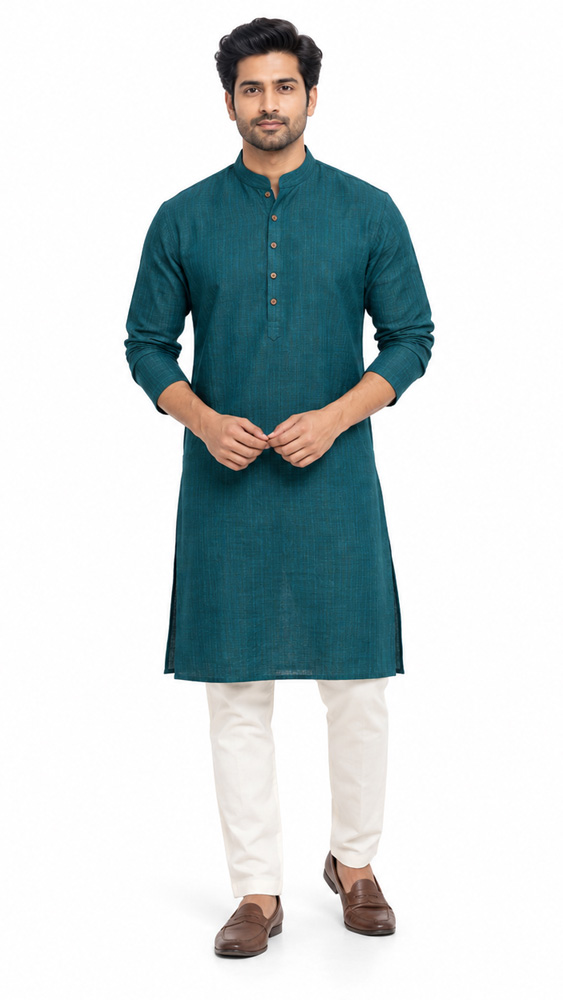
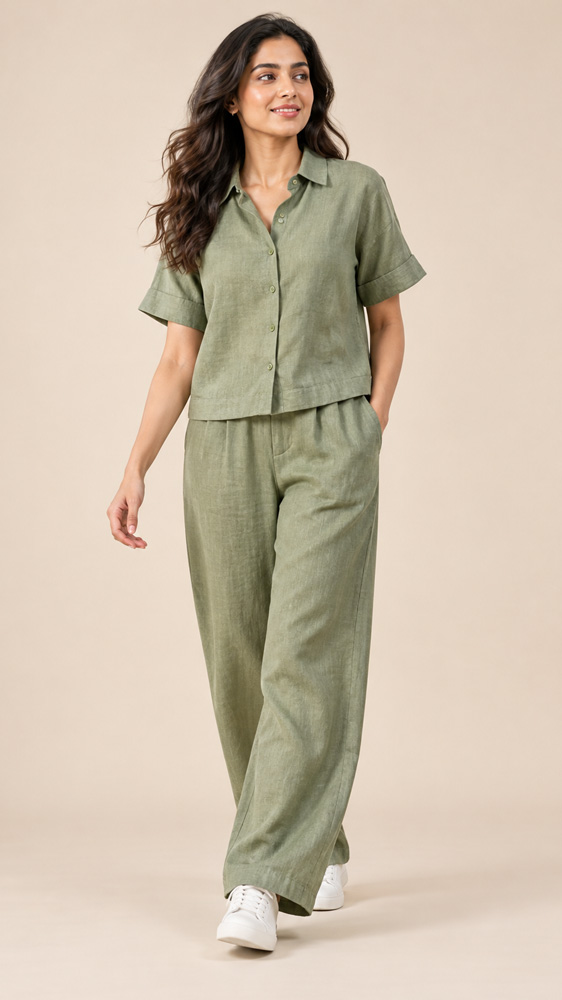
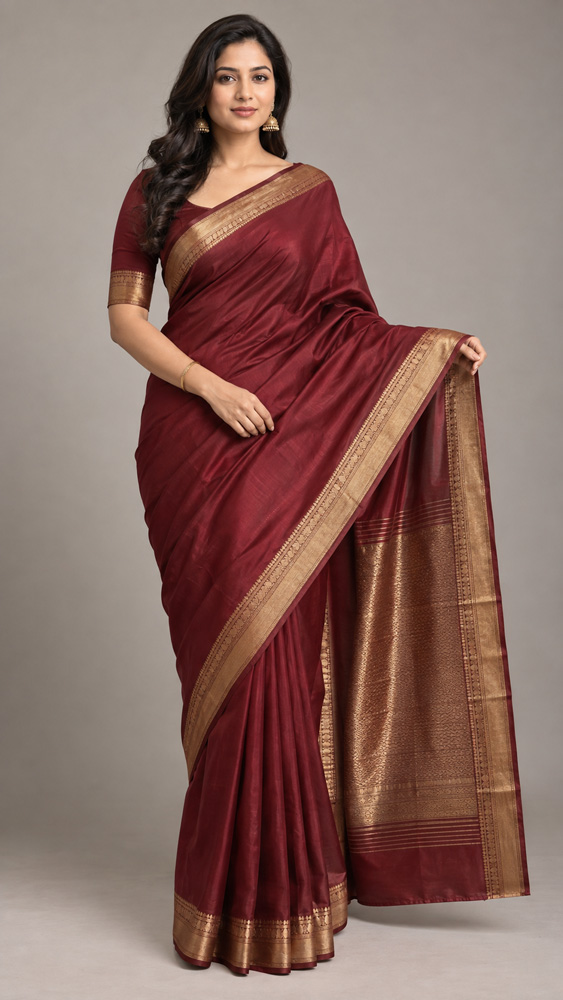
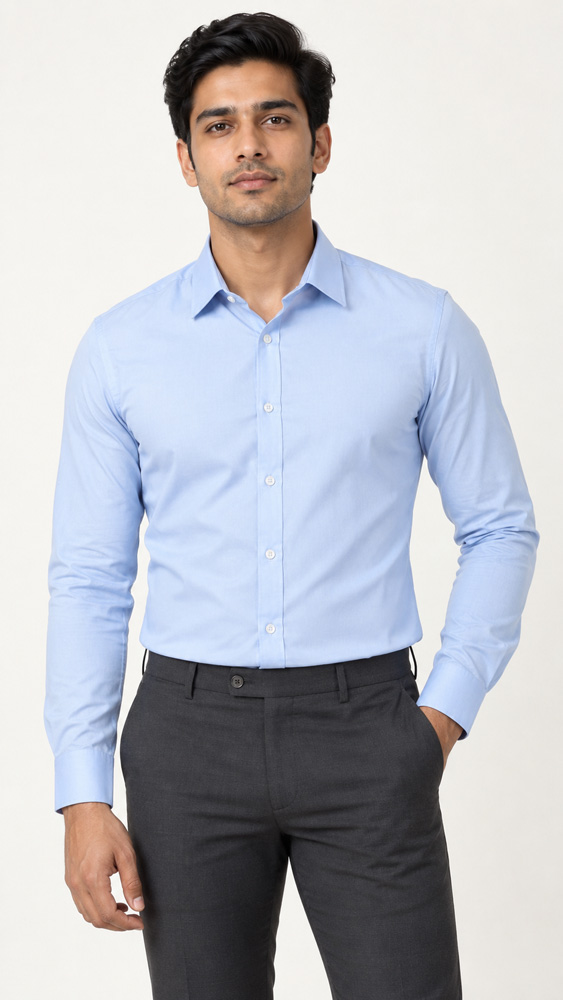
- Cropped first image — for topwear and bottomwear, crop so the item on sale fills the frame.
- No mannequin first — mannequin, ghost mannequin and pack images aren’t accepted as the first image. Use them further down the gallery.
- Ironed garments — no creases or folds on any angle.
- Celebrity images — only with authorisation.
The gallery order we plan for every style code
In the AJIO catalog template the first image goes in the MODEL field, extra images follow in MODEL2, MODEL3 and onwards, and the swatch has its own SWATCH field.
- MODELFront, croppedItem fills 80–85% of the frame.
- MODEL2SideFit and silhouette.
- MODEL3BackNeckline, closures, back print.
- MODEL4DetailFabric or print at 100% fill.
- MODEL5Styled lookFull length, as it’s worn.
- SWATCHColour swatchTrue colour, own field.
- VIDEOListing videoWhere enabled for you.
Upload habits that save a QC round
Share image links from Amazon S3, Google Drive or Dropbox only, and never password-protected — or upload the zip if the template asks for one. Keep style codes to 18 characters, fill the EAN column, and pick every attribute from the dropdown instead of pasting it.
Sources: AJIO cataloging guide and the AJIO error resolution sheet.
The format you shoot in decides how well you can fill these slots. Compare ghost mannequin vs model vs flat lay photography, or see our model photography in Delhi NCR, ghost mannequin photography and jewellery photography work.
On AJIO the first image is a crop, not a full-length pose. We frame at 1:1.25, keep the garment at 80–85% of the frame and check every file for creases and colour before it leaves the studio.
AJIO rich content: the A+ equivalent
AJIO doesn’t give sellers an A+ module builder the way Amazon does. The product page is assembled from what you submit in the catalog — attributes, images, swatch and sizes — so that data is your rich content. Brand pages and campaign placements are arranged through your AJIO account manager.
| Element | Where shoppers see it | What to prepare |
|---|---|---|
| Attributes | Filters, search and product details | Fabric, fit, pattern, sleeve and occasion, picked from template dropdowns |
| Image angles | Gallery and zoom | Front, side, back and detail at 1:1.25 |
| Swatch | Colour selector | A true-colour fabric crop in the SWATCH field |
| Size chart | Size selector and chart | Measured garment sizes, entered in the template |
| Listing video | Gallery video slot | A short fit, fabric or movement clip, where enabled |
| Brand page and campaigns | Brand discovery and sale events | Lifestyle and banner-ready frames from the same shoot |
What gets AJIO images rejected
- Promotional text, price tags, brand URLs or watermarks on the image.
- A mannequin, ghost mannequin or pack shot used as the first image.
- Creased or unironed garments, or the same image repeated across angles.
- Files off the 1:1.25 ratio, under 1000 px, or outside the 200 KB–1 MB band.
- Images you don’t own or have a licence for, including unauthorised celebrity images.
Listing video on AJIO
Video shows what a still can’t: how a fabric falls, how a fit moves, how a bag opens. On AJIO it sits in the gallery beside your images, as the product page demo above shows. Confirm the upload specs for your category with your account manager before the shoot.
We shoot listing videos in the same session as stills, so colour and styling match across the gallery. See our ecommerce video production work.
AJIO seller fees and payouts
AJIO’s commission is set by category and business model and confirmed in your seller agreement. Figures quoted on third-party blogs range so widely that none of them is safe to price from — work from your own terms sheet.
- Commission
- A percentage of the selling price, varying by category and model.
- Logistics
- Forward shipping on marketplace orders, by weight and zone.
- Returns
- Reverse pickup and restocking. In fashion this is usually the biggest leak.
- Payment charges
- Collection or payment charges, where your agreement applies them.
- GST and marketing
- GST applies on fees, and sale-event funding or ads belong in unit cost.
Accurate colour, a measured size chart and a real fabric close-up are the cheapest way to cut avoidable returns.
Marketplace vs sale-or-return vs outright
The model decides who holds stock, who carries unsold risk and when you are paid. Which models are open to you depends on AJIO’s evaluation of your brand.
Marketplace
You hold the stock
- Who packs and ships
- You pack; pickup as per your agreement
- How you are paid
- Sale price minus commission and fees, per payout cycle
- Unsold stock
- Stays with you
- Best fit for
- New and growing brands with their own operations
Sale or return
Stock placed with AJIO
- Who packs and ships
- AJIO
- How you are paid
- For units sold, per agreement
- Unsold stock
- Comes back to you as per terms
- Best fit for
- Brands with proven sell-through
Outright
AJIO buys the stock
- Who packs and ships
- AJIO
- How you are paid
- On purchase, at a negotiated margin
- Unsold stock
- AJIO’s risk, as per terms
- Best fit for
- Established brands AJIO buys for
Selling on more than one platform? Compare the rules in our Myntra, Amazon, Flipkart and Meesho seller hubs — one planned shoot can be exported for all of them.
Growth checklist for AJIO sellers
- Launch with a focused range you can dispatch without misses, then widen it.
- Keep enough depth in fast sizes to qualify for faster-delivery programmes where offered.
- Plan sale-event participation with your account manager ahead of festive peaks.
- Refresh first images before the season turns — the crop sells the click.
- Read return reasons monthly and fix the listing, not just the stock.
- Keep attributes complete so styles surface in filters and search.
- Premium label? Build the brand case for AJIO Luxe with editorial-grade imagery.
Frequently asked questions
How do I become a seller on AJIO?
Register on the Reliance supplier portal at supplierregistration.ril.com, submit GST, PAN, bank and brand documents, and get approved. Then list your styles in AJIO Seller Central using the category catalog template.
What documents do I need to sell on AJIO?
A GSTIN (mandatory), PAN, bank details, address proof, your brand logo, and a trademark certificate — or an authorisation letter from the brand owner if you sell another brand.
What are AJIO’s image requirements in 2026?
A 1:1.25 aspect ratio with more than 1000 px in both width and height, 200 KB to 1 MB per file, 72 dpi, JPEG or PNG, and a light or white background. The product should fill 80–85% of the frame (100% for the detail shot) with natural shadows, and no text, price tags, URLs, watermarks or duplicate images.
Which angles does AJIO need for apparel?
Front, side, back and detail are mandatory. For topwear and bottomwear the first image must be cropped to fill the frame, and mannequin, ghost mannequin or pack images can’t be the first image. The swatch goes in its own SWATCH field.
Does AJIO have A+ Content like Amazon?
AJIO doesn’t offer sellers an A+ module builder. The product page is built from your catalog data — attributes, images, swatch, size chart and video where enabled. Brand pages and campaigns are arranged through your AJIO account manager.
How long does AJIO catalog QC take?
Around 5 days for Auto QC and another 5 business days for Manual QC after upload. Rejected rows can be downloaded, corrected and re-uploaded.
What commission does AJIO charge sellers?
Commission depends on your category and business model and is confirmed in your seller agreement. Logistics, returns, applicable payment charges, GST on fees and marketing also belong in your unit cost.
Can Uniqs Studio shoot AJIO-ready images in Delhi NCR?
Yes. Uniqs Studio shoots AJIO catalogues in Delhi NCR — model, flat lay, ghost mannequin, jewellery and listing video — at 1:1.25, named and foldered by style code for the catalog template.
Planning an AJIO launch?
Share your style count and categories. We’ll suggest the angle set, a shoot timeline and how to name files for the template.
Latest AJIO posts