
The Amazon AI generated images policy changed in a big way in 2026. Amazon now asks sellers to tag every listing image, product video and A+ Content module that shows a photorealistic, fully AI-generated person, and it can show shoppers an indicator when such media appears. For fashion sellers who switched to AI model images to save on shoots, this is not a small checkbox — it touches your main image, your gallery, your returns and the trust a buyer places in your brand.
At Uniqs Studio, Satyam and the team have photographed catalogues for 500+ D2C brands and marketplace sellers over 9+ years, and the most common question this season is simple: “Can I still use AI models on Amazon?” This guide answers it in plain Indian English, step by step, and it sits inside our Amazon seller resource hub, where you will find the registration, image and growth guides that come before and after this one.
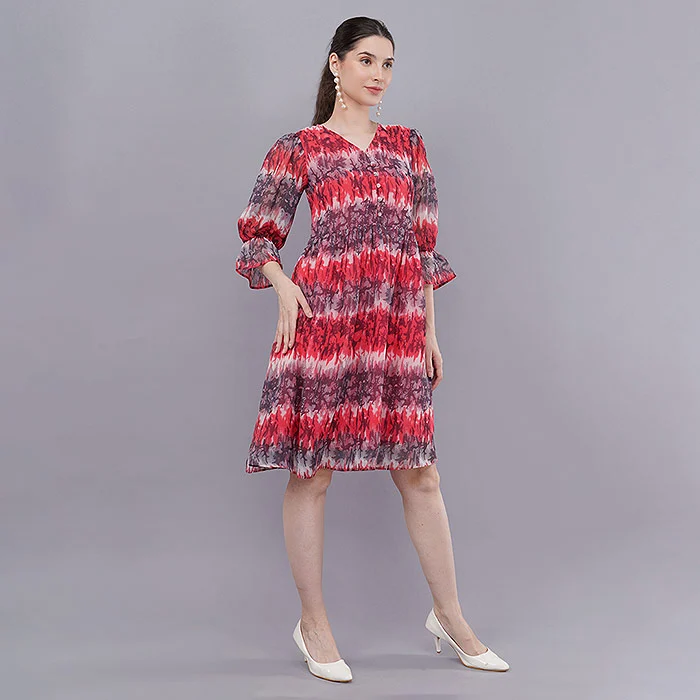
- Since late July 2026, Amazon asks sellers to add the keyword contains-synthetic-performer to the image’s XMP metadata when a photorealistic AI-generated person appears.
- The rule covers listing images, product videos and A+ Content across Amazon stores worldwide, which includes Amazon.in.
- Real models edited with AI tools, illustrations and images without people do not need the tag.
- The tag must survive your export — many editors strip XMP metadata when they resize or convert files.
- The main image must still show the real product accurately; a tagged AI model does not fix a wrong fit, colour or drape.
What is the Amazon AI generated images policy in 2026?
The Amazon AI generated images policy is a disclosure rule: if your listing media shows a photorealistic person created entirely by AI, you must add the keyword contains-synthetic-performer to the file’s XMP metadata before uploading. Amazon then uses that tag to show shoppers an indicator where applicable. It does not ban AI images, but it makes synthetic models visible.
Amazon announced the requirement to third-party sellers through a Seller Central news update in late July 2026, and the official Seller Forums announcement sums it up in one line: you must now tag AI-generated people in listings and A+ Content. Industry trackers report that the rule applies across Amazon’s stores worldwide, so an Amazon.in fashion seller is covered exactly like a US seller.
The timing is not random. New York’s synthetic performer disclosure law for advertising took effect on 9 June 2026, and rather than build separate pipelines for each US state, Amazon chose a single seller-side tag for every store. You can read the bill itself on the New York State Senate website. For Indian sellers the practical point is simple: the tag is now part of normal Amazon listing image compliance, just like a white background or a minimum pixel size.
What does the Amazon AI generated images policy mean for fashion sellers?
Fashion is the category hit hardest because AI model images became popular there first. Kurta sets, dresses, co-ords and menswear shirts were the easiest products to “put on” a generated model. Every one of those images now needs the Amazon synthetic performer tag, and every buyer who sees an AI indicator next to your kurta may wonder whether the fit and fabric are real too.
Which listing images need the contains-synthetic-performer tag?
Only media showing a photorealistic person who was generated entirely by AI needs the tag. Real models — even if you retouched them with AI tools — do not, and neither do images without people or stylised illustrations. When an image sits in a grey zone, tagging is the lower-risk choice.
| Image type in a fashion listing | Tag needed? | Why |
|---|---|---|
| AI-generated model wearing your kurta (fully synthetic person) | Yes | Photorealistic person created by AI |
| Product video with an AI avatar presenting the garment | Yes | Videos are covered as well as stills |
| A+ Content banner with a generated lifestyle family | Yes | A+ Content is explicitly included |
| Real model photo with AI skin retouching or background clean-up | No | Real person, AI used only for editing |
| Ghost mannequin or flat lay image | No | No person in the image |
| Hand-drawn or cartoon-style size guide figure | No | Not photorealistic |
Grey zones under the Amazon AI generated images policy
Some workflows are not clearly covered by either list. A real face placed on an AI-generated body, a “virtual try-on” that puts your garment on a generated model, or a real model whose body was reshaped heavily by AI all sit closer to the synthetic side. Guides that track the rule suggest tagging when you are unsure, because the downside of an unnecessary tag is small while the downside of a missing one can be a listing problem later.
- Face swap on a stock body: treat as synthetic and tag it.
- Real model, AI-extended background: no tag — the person is real.
- Same AI model reused across 40 SKUs: tag every file, not just the first.
How do you add the Amazon synthetic performer tag to an image?
Open the final export in an IPTC-compatible metadata editor, add contains-synthetic-performer as a keyword in the dc:subject (XMP) field, save, and re-open the file to confirm the keyword is still there. Do this last, after every resize, crop and format change. Then upload that exact file.
- Finish all pixel edits first. Crop, resize, background clean-up, compression and JPEG export must be complete before you touch metadata.
- Check the image specs. Confirm the white background, the 1,000 px minimum on the longest side (1,600 px or more helps zoom) and the product fill.
- Open the file in a metadata editor. Any tool that writes IPTC/XMP keywords works, from desktop asset managers to command-line utilities.
- Add the keyword exactly. Type
contains-synthetic-performeras a keyword in dc:subject — not in the caption, title or description. - Save and re-open the exported file. Verify the keyword is present in the file you will actually upload.
- Upload without re-processing. Do not run the file through an online compressor or a browser editor after tagging.
Why the AI image tag disappears during export
XMP metadata is fragile. Many export presets, online compressors and browser-based editors re-encode the image and quietly drop the original metadata block. That is why the tag must be the very last step. If you later fix a colour cast or crop the frame again, add the keyword again and re-check — a tagged file that went through one more “quick fix” is often an untagged file.
Can an AI model image be your Amazon main image?
Amazon has not published a blanket ban on AI imagery, but the main image must accurately represent the real product as a realistic, professional-quality image. A generated model that changes the fit, length, colour or fabric texture fails that test even if it is tagged. For the main image, real photography is the safe choice.
Main image rules have not relaxed for AI. Amazon’s guidance still asks for a pure white background, the product filling most of the frame, and the real scale, quantity and colour of the item — see this Seller Forums summary of main image requirements and our own breakdown of Amazon product image requirements and gallery slots. A shopper-visible AI indicator on the very first image is also the slot where it will cost you the most clicks.
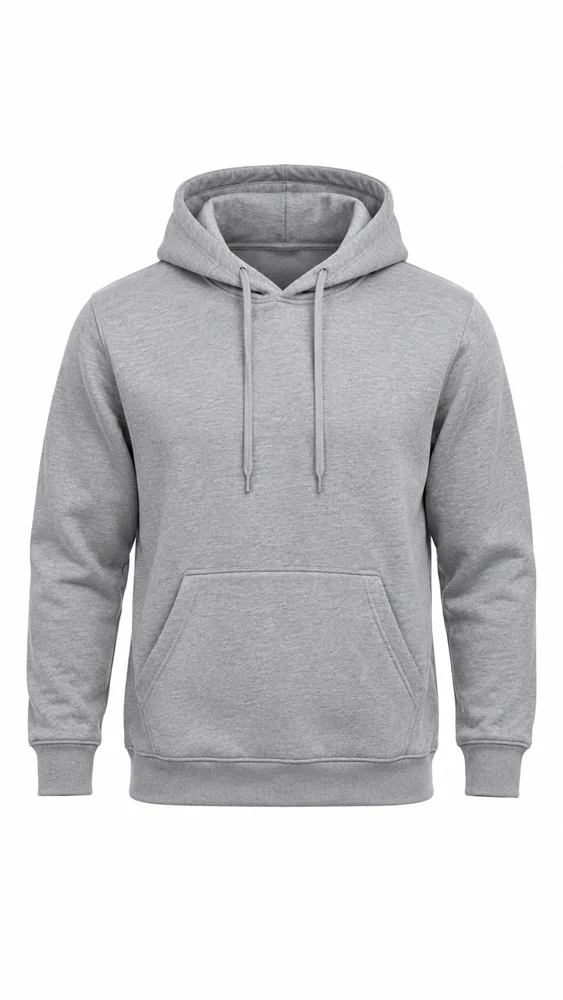
If you want a clean main image without hiring a model for every SKU, ghost mannequin shoots for apparel give you the real neckline, sleeve and hem on the pure white background Amazon asks for — with no person in frame and nothing to tag. Brands then use on-model photos for the gallery slots where styling and fit matter most.
Amazon main image AI: what to keep real
- Colour: the exact dye shade of the fabric, matched under controlled light.
- Length and fit: where the kurta actually ends on a real body.
- Texture: slub, sheen, embroidery and print scale — the things AI smooths away.
- Quantity: only what is in the pack; no generated extra pieces.
Why can AI model images hurt Amazon fashion sellers even when tagged?
Because the tag solves compliance, not trust or accuracy. Generated models often “fix” wrinkles, invent drape and blur fabric detail, so buyers receive something that looks different — and fashion returns grow from exactly that gap. A visible AI indicator can also lower confidence before the click.
Research published in 2025 on AI-labelled advertising found that disclosure tended to reduce trust and purchase intent, with the strongest effect on high-involvement purchases. Clothing, where size and fabric decide the order, is a high-involvement purchase for most Indian shoppers. A real model wearing the real garment answers “how will this look on me?” far better than a perfect but invented body.
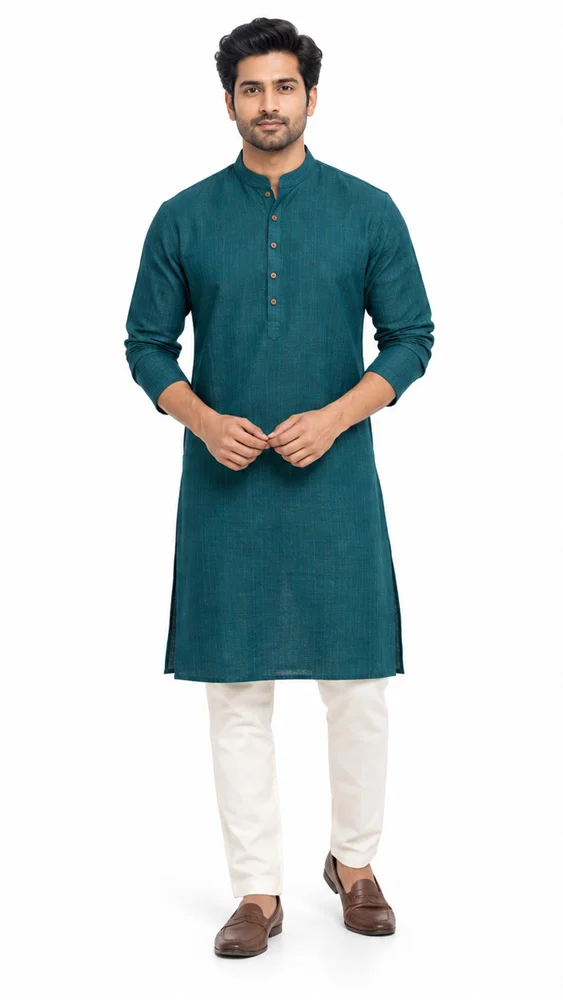
Menswear shows the problem clearly. Shirt collars, kurta shoulder seams and trouser breaks are where AI models go wrong, and men’s shoppers return items mainly over fit. That is why many brands now book a real male model shoot for hero SKUs and keep AI only for internal mood boards. Our Amazon model photography guide covers poses, angles and slot order for those shoots.
What are the 9 compliance checks before you upload?
Run these nine checks on every image set before it goes to Seller Central. They cover the synthetic performer tag, main image accuracy and the metadata traps that cause most problems. A five-minute audit per SKU is cheaper than a suppressed listing or a wave of returns.
- People audit: mark every image and video that shows a person, and note whether that person is real or AI-generated.
- Tag every synthetic file: add contains-synthetic-performer to dc:subject in each file, including A+ modules and videos.
- Tag last: confirm no resize, crop, compression or format change happened after tagging.
- Re-open and verify: check the keyword in the exact file you will upload.
- Main image accuracy: real colour, length, fit and quantity on pure white.
- Size and zoom: at least 1,000 px on the longest side; 1,600 px or more for zoom.
- No invented details: no generated embroidery, buttons, extra pieces or props that are not in the box.
- Consistency check: the same garment colour across main, gallery, video and A+ Content.
- Record keeping: keep a sheet of which ASIN images are synthetic, real or edited, so your team can answer any query quickly.
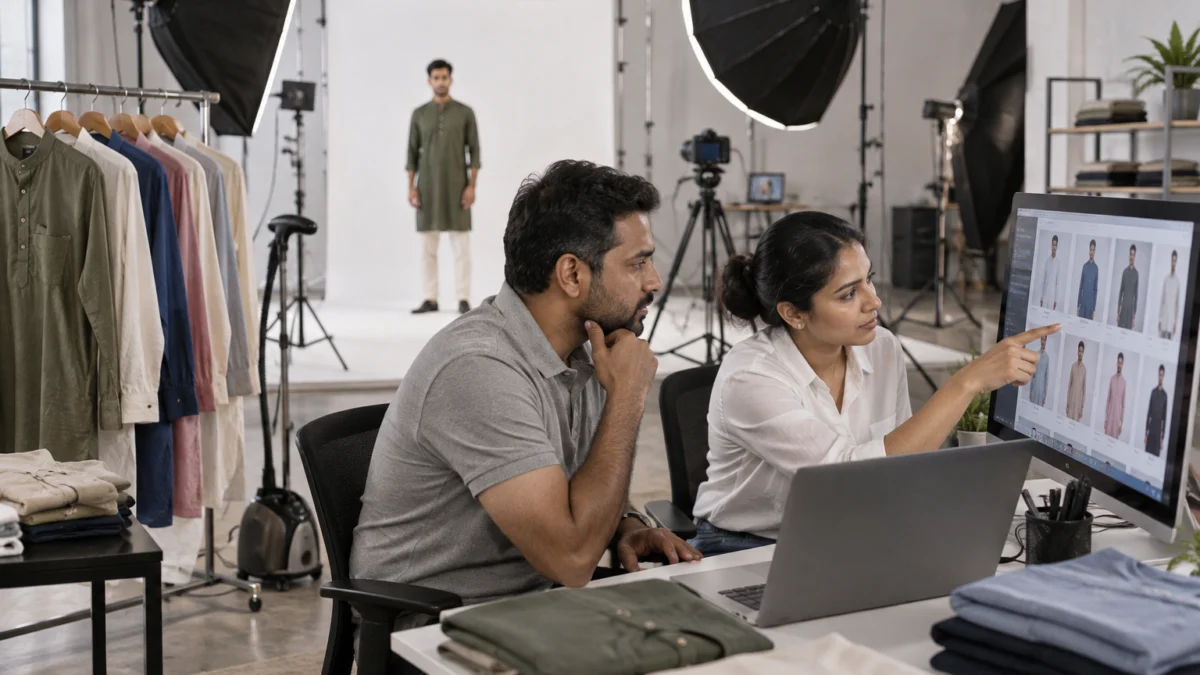
AI model images vs a real studio shoot: what does each cost you?
AI model images look cheaper per image, but they add tagging work, disclosure risk and accuracy risk to every SKU. A real shoot costs more upfront, needs no synthetic tag and shows the garment as it is. For most fashion sellers, the right mix is real images for the main image and key gallery slots.
| Factor | AI-generated model images | Real studio shoot |
|---|---|---|
| Synthetic performer tag | Required on every file | Not required |
| Shopper-facing AI indicator | Possible where applicable | None |
| Fit, drape and colour accuracy | Often approximated | Captured from the real garment |
| Main image suitability | Risky — must still be accurate | Safe when shot to spec |
| Reuse on other marketplaces | Depends on each platform’s AI rules | Usable across platforms |
| Video | AI avatars also need the tag | Real garment video, no tag |
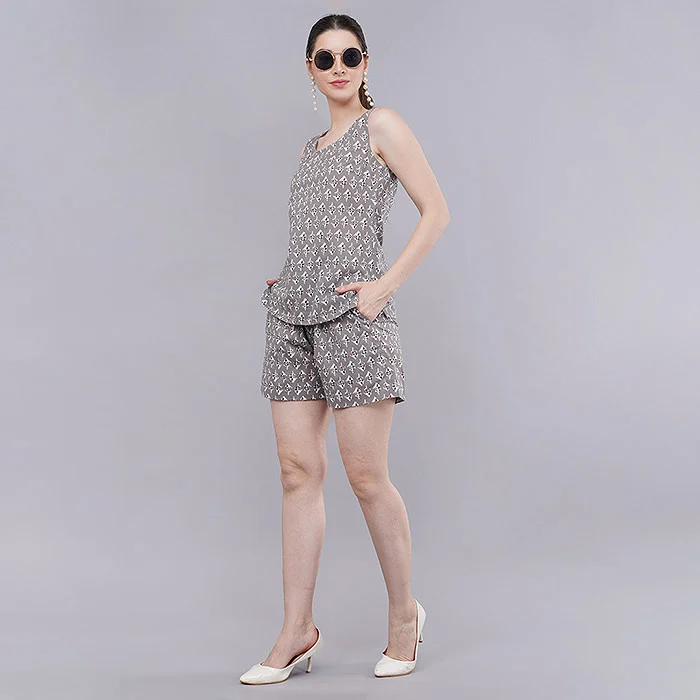
Uniqs Studio price list for compliant Amazon images
If you are replacing AI model images with real ones, these are Uniqs Studio’s standard per-product rates for apparel listings:
| Shoot type | Images | Turnaround | Price |
|---|---|---|---|
| Ghost mannequin | 1 angle | 3–4 days | ₹250 / image |
| Flat lay | 2–3 angles | 6 days | ₹290 / product |
| Model Photography | 5–6 angles | 4–5 days | ₹400 / product |
| Ecommerce Reels Video | 20–25 seconds | 4–5 days | ₹900 / product |
| Garment Video with Model | 25–30 seconds | 4–5 days | ₹1,200 / garment |
Prices are per product/image as listed; call or WhatsApp +91-8076745824 for bulk catalogue quotes.
Planning to replace AI images across a full catalogue? Send your SKU list on WhatsApp at +91-8076745824 or email [email protected] for a shoot plan.
What mistakes do fashion sellers make with AI images on Amazon?
The biggest mistakes are tagging the wrong field, tagging before export, and assuming a tag makes an inaccurate image acceptable. Sellers also forget videos and A+ Content, and reuse one AI model across a whole catalogue without tracking it.
- Keyword in the caption: writing “AI model” in the description instead of adding the keyword to dc:subject.
- Tag, then compress: running the tagged file through an online compressor that strips XMP.
- Forgetting A+ and video: tagging gallery images but missing the A+ banner or the avatar video.
- “Prettier than real”: AI-smoothed fabric and invented fit that trigger “not as shown” returns.
- Copy-paste across marketplaces: assuming the same AI set is fine everywhere — each platform has its own rules, as we saw while comparing AI garment videos with real fashion shoots for Myntra.
How does Uniqs Studio shoot compliant on-model catalogues?
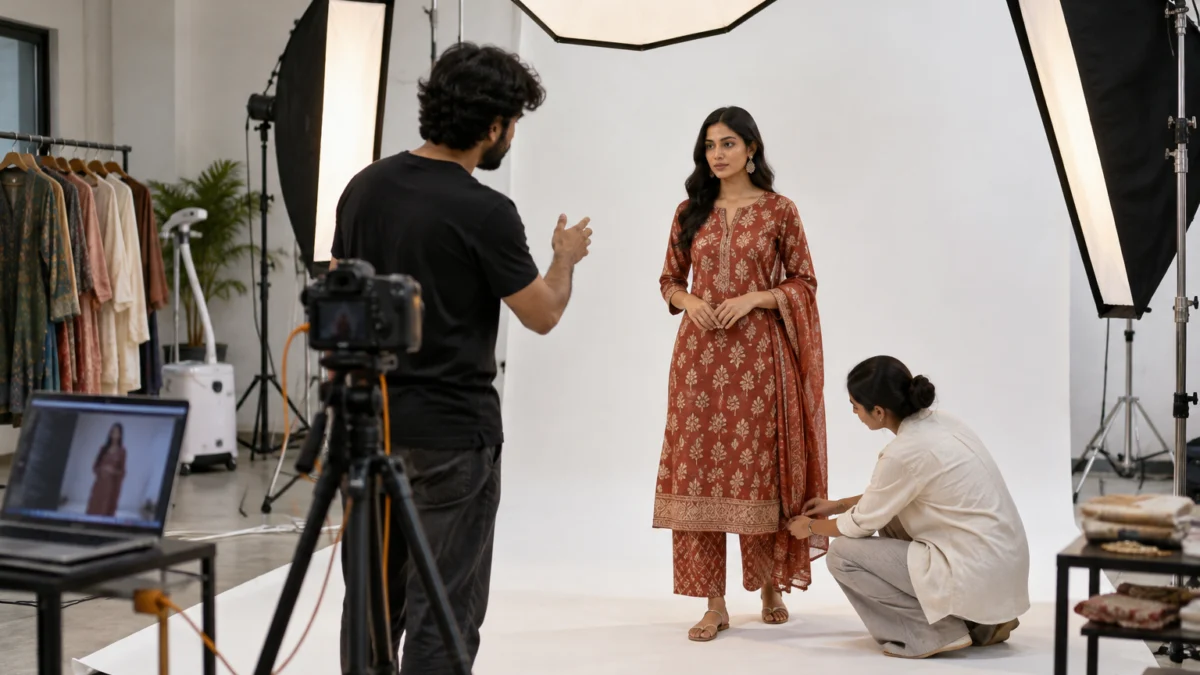
Uniqs Studio shoots real models wearing your real garments in its Delhi studio, so no image needs a synthetic performer tag. Retouching is limited to cleaning, colour matching and Amazon sizing, never changing the product. Files are delivered at marketplace specs, ready to upload.
Satyam’s rule after 9+ years behind the camera is that the photo is a promise to the buyer. Every garment is steamed and pinned for a natural fit, lit with large softboxes for true colour, and checked on a tethered screen before the next look. The same session can produce white-background main images, on-model gallery angles and a short garment video, so the catalogue stays consistent across every slot.
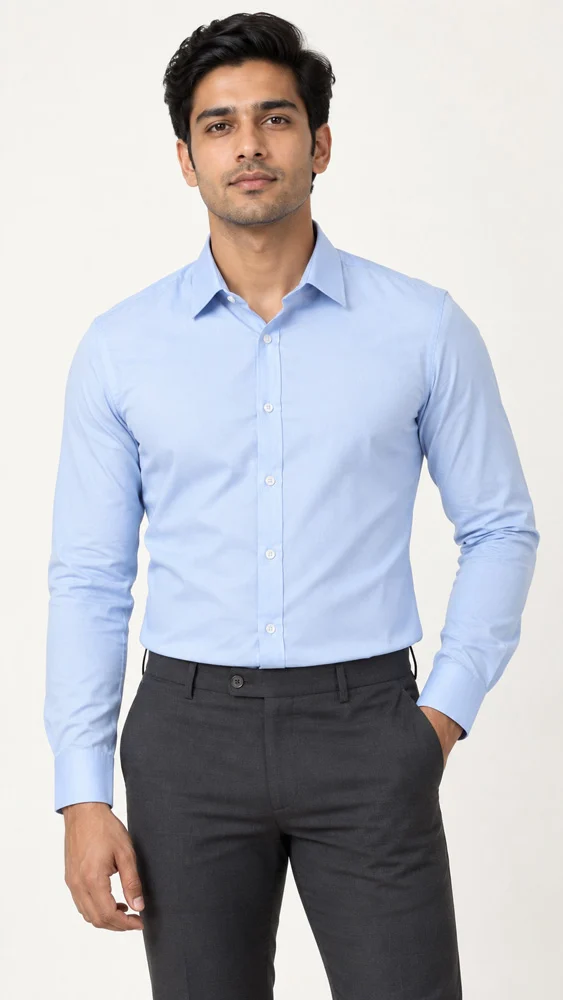
“AI is a great tool for planning a shoot. But the image a buyer pays from should show the garment that will arrive at their door.” — Satyam, Founder, Uniqs Studio
What changes next for AI images on Amazon and other marketplaces?
Expect more disclosure, not less. Amazon’s tag is a response to new advertising laws, and other platforms such as TikTok Shop and YouTube already label AI content. Sellers who build their catalogue on real photography now will not need to redo it when the next rule arrives.
- More visible labels: Amazon has said it will show an indicator to customers when applicable; the exact wording may evolve.
- More laws: more US states are expanding AI disclosure rules, and global marketplaces tend to apply one rule everywhere.
- Metadata checks: tools that read IPTC and XMP fields at upload are becoming normal across platforms.
- Trust as a ranking factor: lower returns and better reviews from accurate images keep feeding marketplace algorithms.
Frequently asked questions about the Amazon AI generated images policy
These are the questions Amazon.in fashion sellers ask us most often about AI images, tagging and main image rules. Each answer is short enough to act on today.
Yes. The requirement to tag AI-generated people was announced for Amazon’s stores worldwide, so Amazon.in listings, videos and A+ Content are covered too.
It is a keyword you add to the dc:subject (XMP) metadata field of an image or video file before uploading, to show that it contains a photorealistic AI-generated person.
No. Images of real people do not need the tag even when AI tools were used for editing. Heavy changes such as a face swap or a generated body are safer to tag.
There is no published blanket ban, but the main image must accurately show the real product. A tagged AI model that changes fit, colour or texture can still fail, so real photography is the safer choice.
Most likely the file was resized, compressed or converted after tagging, which strips XMP metadata. Add the keyword as the final step and re-check the exact file you upload.
Model photography is ₹400 per product for 5–6 angles with a 4–5 day turnaround, and ghost mannequin images are ₹250 per image with 3–4 days turnaround.
Conclusion: what is the safest way to follow the Amazon AI generated images policy?
Tag every file that shows a fully AI-generated person, tag it last, and verify the keyword before upload. Keep your main image and key gallery slots real and accurate. That way you stay compliant and keep the buyer’s trust.
The Amazon AI generated images policy rewards sellers who show the truth about their product. AI can still help you plan looks, test backgrounds and brief a shoot, but the images that sell — and stay sold — are the ones that match what arrives in the parcel. Uniqs Studio works with sellers across Delhi, Gurgaon, Noida, Faridabad and Ghaziabad to build exactly that kind of catalogue.
Uniqs Studio is an in-house ecommerce, fashion and product photography and video studio in Kalkaji, New Delhi, open Monday to Saturday, 10 am–7 pm. Call +91-8076745824, WhatsApp +91-8076745824 or email [email protected].